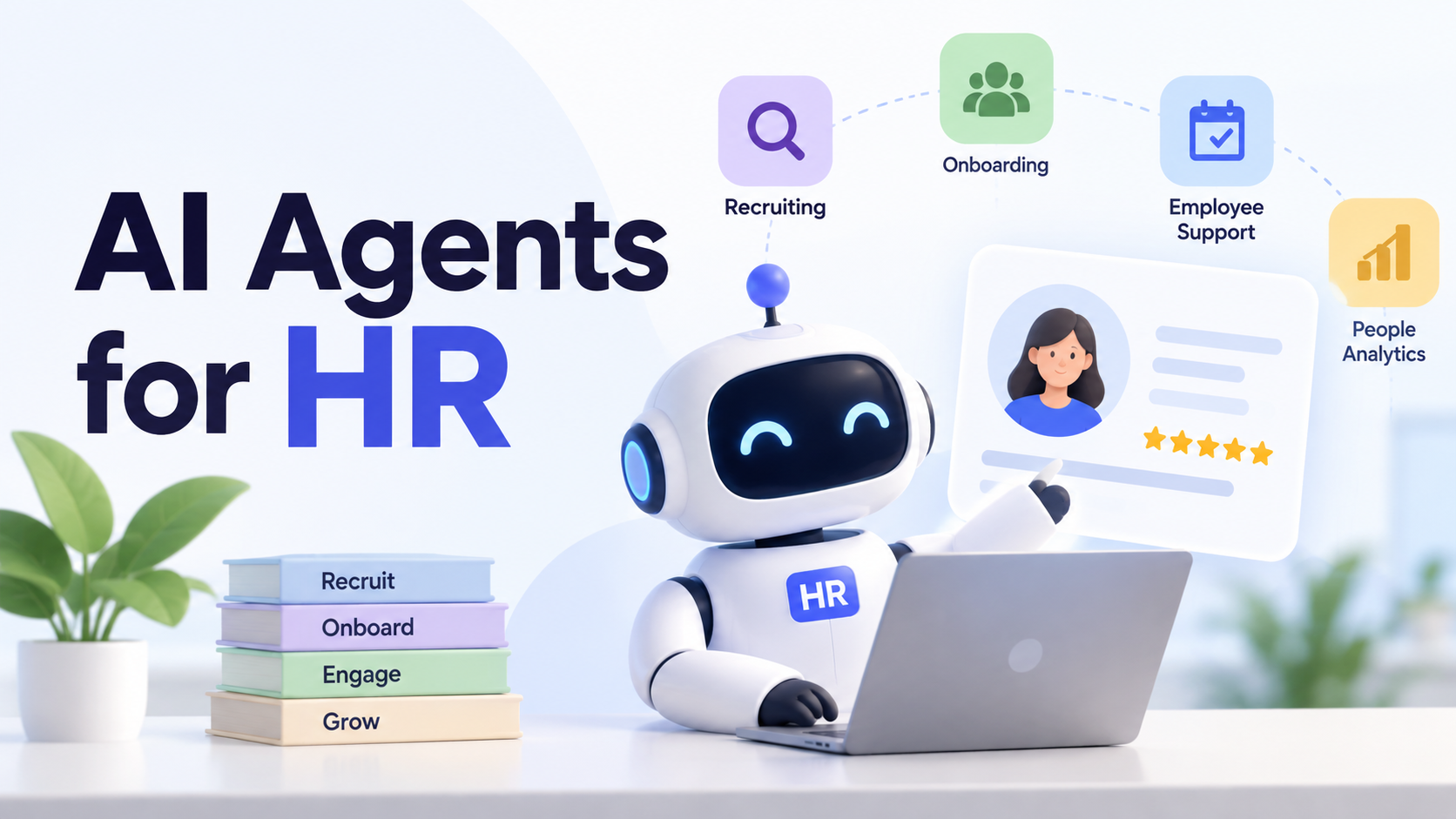
AI Agents for HR: Use Cases, Tools & How to Get Started

By Julian Brooks
MyClaw Editorial
MyClaw
Run Best-in-Class AI Agents Now
Run OpenClaw or Hermes Agent on managed MyClaw hosting, so your AI agent stays online, updated, and ready for real work.
AI Takeaway
- What are AI agents for HR? They use company information and connected tools to complete tasks across several steps, such as checking onboarding progress, identifying missing items, and preparing follow-ups.
- Where should you start? Choose a recurring task with results that HR can easily check: policy answers, onboarding preparation, or interview coordination.
- How do you choose the right setup? Match the agent to your existing systems, required actions, and available setup support. Test a complete workflow, including what happens when something goes wrong.
- How can MyClaw help? MyClaw hosts a private, always-on OpenClaw agent for custom workflows. You configure the HR sources and task instructions; MyClaw handles the hosting and maintenance.
What Is an HR AI Agent?
An HR AI agent uses instructions, company information, and tools to work toward a defined outcome. Depending on its permissions, it can retrieve records, identify the next step, take an action, and check whether that action succeeded.
Consider a new employee's first day. A chatbot might explain the onboarding policy. A fixed automation might send the same checklist whenever someone joins. An agent could compare that checklist with current task records, notice that orientation has no confirmed time, and prepare a scheduling request for review.
That is the practical value of agentic AI for HR: carrying context through a process as new information becomes available. The distinction between agentic AI and generative AI is especially useful when deciding whether you need a document drafted or an ongoing task coordinated.
If every step follows a predictable rule, ordinary workflow automation may be enough. An agent becomes useful when inputs vary and the next step depends on interpreting them.
Four Practical Use Cases for AI Agents for HR

Employee Questions and Request Routing
Questions about leave, expenses, and benefits often send employees searching through several documents. An agent can find the relevant policy, prepare an answer with a source reference, and pass unresolved questions to HR with the context attached.
For example, an expense-policy answer should identify which version and location it applies to. If two documents give different limits, the useful result is a clear escalation. General handbook access and access to an employee's personal records should remain separate.
Onboarding Documents and Follow-Ups
Onboarding requires HR to coordinate managers, IT, and new hires. An agent can compare an approved checklist with task-status records, draft welcome materials, and identify items still awaiting an owner or completion.
A useful brief might show that orientation is booked, a training assignment is missing, and the equipment handoff still needs confirmation. HR can focus on those open items. Start with coordination data; identity documents and payroll records are unnecessary for this pilot. Mark missing information as “not recorded” so an incomplete entry cannot quietly become a completed task.
Recruiting Coordination
Interview scheduling creates repeated work: checking calendars, proposing times, and adjusting arrangements when availability changes. With authorized access, an agent can gather possible slots and prepare candidate-message drafts for review.
For teams using Google Workspace, the Gog skill offers calendar queries and document access after authorization. Connecting an applicant tracking system is a separate requirement to verify.
The expected result is a usable scheduling proposal with time zones and participants checked. Keep candidate selection and rejection decisions with the hiring team.

Training and HR Operations Summaries
An agent can turn an approved learning plan into a checklist and summarize outstanding assignments from a status report. Include the source, the recorded due date, and whoever owns the next action.
For a weekly training review, that gives HR a short list to investigate instead of several files to reconcile. Keep missing records distinct from overdue work: an absent completion entry may reflect an outdated file. The summary should help someone follow up without turning incomplete records into performance judgments.
How to Choose an AI Agent for HR
Start with the systems that hold your information and the actions you need completed. Three approaches cover different needs:
| Approach | Best fit | What to verify |
|---|---|---|
| Agent inside your existing HR platform | Work centered on that platform's records and processes | Supported actions, existing permissions, licensing, and exception handling |
| Specialist employee-service agent | Employee questions and requests across several systems | Connector coverage, identity checks, routing, and handoff to HR |
| Configurable agent environment | Custom document, coordination, and recurring reporting workflows | Setup effort, tool access, hosting, and ongoing maintenance |
If the whole task lives in your HR platform, evaluate its available automation first. For a workflow built around files, calendars, and a custom report, a configurable agent may offer more flexibility. This guide to choosing an AI agent platform explains the broader options.
Ask for a demonstration using one representative request. Follow it through to the final record or deliverable. Then introduce a missing field, an approval requirement, and a failed connection. Check whether the agent explains what remains unfinished and can recover without duplicating an action.
Establish who will update policies, repair connections, and review disputed answers. Include that work when comparing costs. Managed hosting reduces infrastructure maintenance; configuring the HR workflow and maintaining its source material still need an owner.
Set Data and Approval Boundaries Before Launch
Define what the agent may read, create, and change, and who may receive its outputs. Enforce those limits through account permissions. A written instruction alone cannot restrict access to confidential records.
Keep hiring decisions, pay changes, employee relations, and policy exceptions with the appropriate human owner. Before enabling messages or record updates, verify that required approval actually prevents execution. Otherwise, keep those actions manual and withhold the corresponding write permissions.
Check where employee information goes, including the model provider, connected tools, stored context, and logs. Private hosting does not establish that all processing happens locally or that a workflow automatically meets your organization's requirements. Agree on what to retain and who can inspect it.
Test conflicting policies, unauthorized questions, and missing records before handling real requests. These AI agent security practices provide a starting point for reviewing access, investigating incorrect results, and stopping a workflow when needed.
Build an Onboarding Workflow With MyClaw in Three Steps
A daily onboarding brief needs to run even when your laptop is closed. MyClaw's managed OpenClaw hosting gives you a dedicated, always-on instance with hosting and maintenance handled for you. Use it to configure the following workflow around your team's materials and review process.
1. Launch Your Agent With One Clear Job
Start a hosted OpenClaw instance with a specific assignment. A useful first instruction is:
Review the onboarding checklist and task-status file. Prepare a brief of outstanding items for the HR owner. Include each item's source, recorded due date, owner, and proposed next action. Flag missing or conflicting information. Do not send messages or change source records.
Define what counts as completion: a brief HR can check against the supplied files. Treat this instruction as the task description, then enforce its limits through permissions.
2. Add Approved Materials and Configure Access
Provide a sample checklist with unnecessary personal details removed, a current handbook, and a task-status file. Add a live connection only if the workflow needs it, checking its permissions with the account owner.
Keep source access read-only initially and save drafts separately. Identify who should review conflicts, such as two different completion dates. This is a custom onboarding assistant; any connection to an HR system needs its own setup and validation.
3. Test the Brief, Then Schedule It
Try a completed checklist, a missing task owner, and contradictory records. Have HR compare each brief with the sources and correct recurring mistakes before scheduling it.
Choose a frequency that matches source updates, such as each working morning. Confirm where results appear and how you will notice a failed run. If a source cannot be read, the brief should identify that gap. Recheck the workflow after changing its sources, tools, or permissions.
Start With One Workflow You Can Measure
Run the onboarding pilot for two weeks. Compare total preparation and review time with the manual process, and record missed items, corrections, and briefs accepted without changes. Count a run as successful only when its output meets the HR owner's requirements.
When evaluating MyClaw hosting plans, budget for model usage separately. Divide hosting, usage, and staff time costs by the number of accepted briefs to estimate cost per useful result.
Expand when the workflow consistently saves time without increasing missed work. If correction time wipes out the gain, improve the inputs or narrow the assignment first.
Skip the Setup, Run Best-in-Class AI Agents Now
Launch a managed OpenClaw or Hermes Agent workspace in minutes, with always-on hosting, updates, and support handled by MyClaw.