AI-Powered Executive Assistant Tools and Use Cases

By Alex Morgan
MyClaw Editorial
MyClaw
Run Best-in-Class AI Agents Now
Run OpenClaw or Hermes Agent on managed MyClaw hosting, so your AI agent stays online, updated, and ready for real work.
AI Takeaway
- What does an AI executive assistant do? With access to the relevant tools, it can surface urgent emails, draft replies, spot scheduling conflicts, prepare meeting briefs, and pull out commitments from notes.
- Which tool should you try? Start with Fyxer for inbox triage, Reclaim for protecting focus time, or Granola for meeting notes. Try Lindy when a routine spans email, calendar, and meetings.
- What should you delegate first? Choose one task you can check quickly. A weekday brief can surface schedule changes and decisions before your first meeting. Keep control of external replies and invite changes during the trial.
- When is MyClaw a fit? Use the Chief of Staff template to configure an AI teammate that can run the brief on a schedule using your connected inbox and calendar.
What Can an AI Executive Assistant Do?
An AI-powered executive assistant helps with recurring coordination work. It can turn a long thread into a draft reply, a calendar event into a briefing, or meeting notes into a list of commitments. The work it can take on depends on the sources it can access and the actions you give it permission to take.
Triage Email and Draft Replies
Suppose a partner asks to move Thursday's call from 11 a.m. to 2 p.m. Eastern and wants to discuss expanding a pilot. Their message sits in a thread with two earlier scheduling proposals. Ask the assistant to find the latest request, identify which questions still need an answer, and draft a reply.
For email automation, assign each request to the person who can act on it. You can check the proposed time, while the project lead needs to weigh in on scope. The assistant can draft a quick acknowledgment and keep the scope question visible in your follow-up list. Before sending, check that the draft reflects the latest email and makes only the commitments you've approved.

Manage the Calendar and Prepare for Meetings
Ask the assistant to check 2 p.m. Eastern against fixed appointments and protected focus time. If the invite still shows 11 a.m., show both times in the brief and label the new time as proposed. The organizer can then decide whether to update the event. If you ask for alternative times, give the assistant your working hours, the attendees’ time zones, and any blocks it should treat as fixed. Ask for two options with time zones shown so you can send a clear reply.
Give the assistant the latest invite, the email thread, and the agenda for meeting prep. Ask for the objective, what changed since the last conversation, and the decision the executive needs to make. For this call, that means whether to explore a larger pilot, who can approve the extra scope, and what still needs a cost estimate. Link each material detail to its source so the executive can scan the brief and open the relevant context if needed.
Track Commitments After the Meeting
After the call, feed the assistant a transcript or your notes. Ask it to separate what was decided from what someone agreed to do. If the team agreed to send a revised scope by Friday, capture the due date and the line in the notes that supports it. If the owner is unclear, flag it for confirmation.
Use meeting minutes to keep decisions, owners, and due dates in one place. Once the project lead confirms the owner, ask for a recap the team can review. Before sharing it, check the recipients, the deadline, and the scope document it refers to.

AI Tools for Executive Assistants by Workflow
The best AI executive assistant for your team is the one that handles the part of the job that keeps slowing you down. Pick a tool for that bottleneck and test it on a real work sample.
| Bottleneck | Tool to Try | What It Handles | What to Verify |
|---|---|---|---|
| Important requests get buried in email | Fyxer | Organizes email and creates reply drafts in Gmail or Outlook. | Does it catch the latest request and put the draft where you expect to find it? |
| Meetings crowd out prep and focus time | Reclaim | Schedules and protects focus blocks around meetings in Google Calendar or Outlook. | Does it preserve fixed appointments when it moves flexible blocks? |
| Decisions are hard to find after calls | Granola | Uses device audio to transcribe conversations and generate meeting notes. | Can you find the part of the conversation that supports an action item? |
| Briefs and follow-ups draw on several apps | Lindy | Works across connected email, calendar, and meetings and supports recurring routines. | Can it pull the right event, thread, and notes into one brief? |
If you work from delegated accounts, use them in the trial. Check which mailbox the tool reads, whose calendar it can see, and who can edit an invite. If you draft replies for an executive to send, verify that they can open the draft from their own account.
A single-purpose tool can be an easy first trial when the work starts and ends in the same app. When the workflow pulls from several apps, use a task that needs all of them. For a pre-call brief, check that the tool finds the right event and matches it to the latest email.
Test the handoff for meeting notes and briefs too. Check which meeting apps the tool supports, who can view the output, and whether the person taking the next action can open it. For tools with permission to send email or change events, check who can approve those actions and where completed changes are visible.
How to Test an AI Executive Assistant in One Week
Choose one routine. On day one, do it manually, time it, and save your output for reference. During the trial, use read-only access where available or keep the assistant's work in drafts for review.
Pick a few cases from a normal week. For a daily coordination brief, include a moved meeting with attendees in two time zones, an urgent request buried in a thread, and a follow-up with no confirmed owner. Check those details against the calendar, the latest email, and the meeting notes. Include an FYI message from the same sender as the urgent request, so you can see whether the tool can distinguish a decision from an update. Also verify what the tool shows when one source is unavailable. It should be clear whether there was nothing to report or the tool couldn't read the source.
Track time spent running, reviewing, and fixing the output. At the end of the week, compare that total with the manual baseline. A weekday brief passes if it catches the important changes, flags unanswered questions, and takes less time overall. Keep a person responsible for sending external replies, changing invites, and sharing sensitive follow-ups.
Set Up a Daily Executive Brief with MyClaw
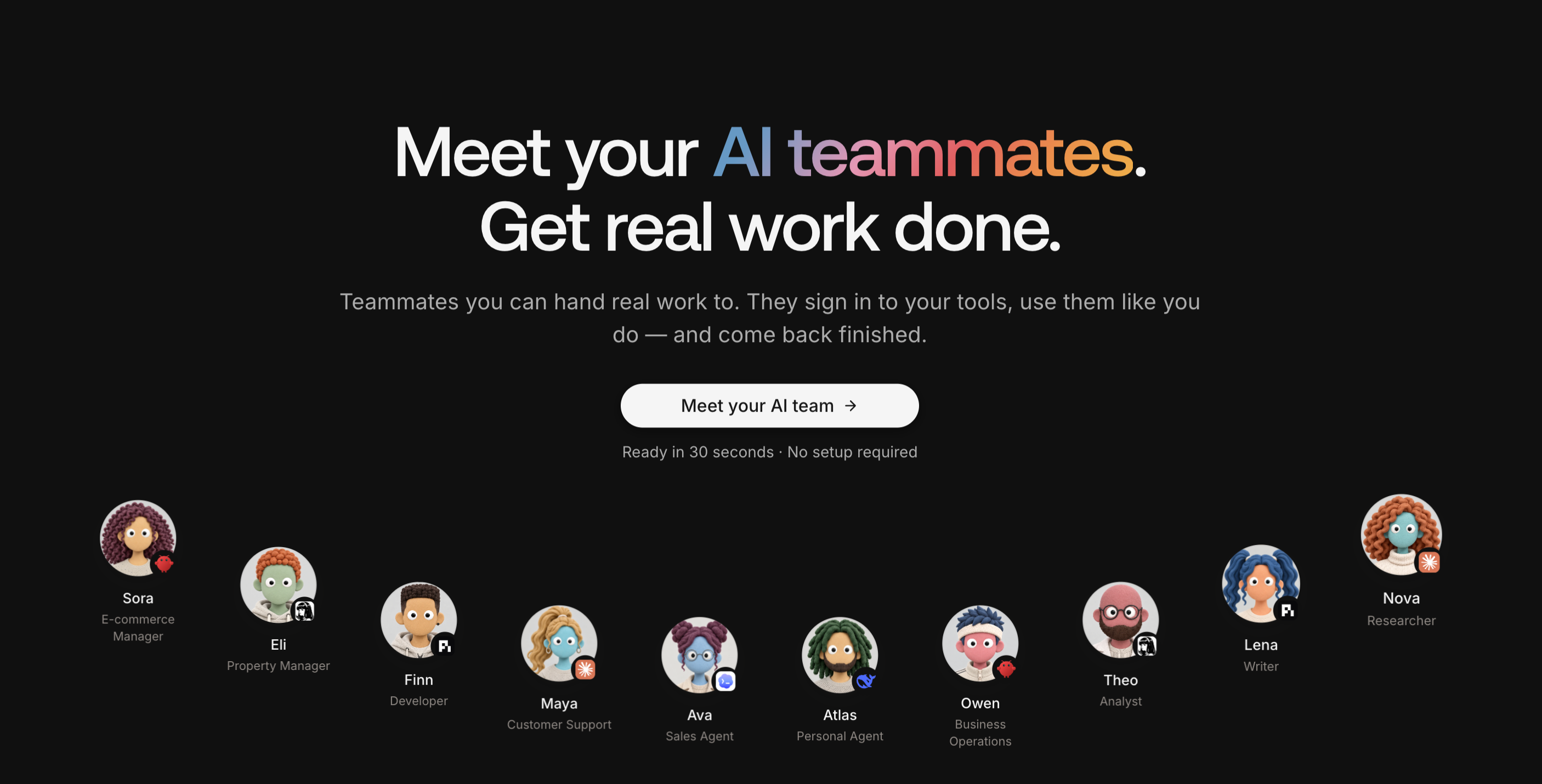
MyClaw is a cloud platform for building a team of AI agents. You can give each teammate a role and configure the runtime, tools, and skills it needs. With the Chief of Staff template, start by assigning one job that uses both your inbox and calendar. A weekday executive brief can run on the agent's cloud computer and be ready before your first meeting.
- Set Up a Chief of Staff Agent. Start with the Chief of Staff template and select OpenClaw for this workflow. Install Gog, then use Google OAuth to authorize Gmail and Google Calendar. Confirm the agent can read a known message and event from the accounts you want it to use.
- Test a Brief Against the Sources. Ask for today's calendar changes, up to three emails that need a decision, and one prep note for the first external meeting. Ask the agent to identify the event or email behind each item. Check the times and details against the originals.
- Schedule Weekday Delivery. Install Daily Brief and ask for the brief at a time such as 8 a.m. Eastern on weekdays. Choose a connected channel where you're authorized to receive it. Check delivery and content in the test message. Daily Brief can skip an unavailable source, so check the connection directly if a section is missing. Verify the first scheduled run too.
Conclusion
Choose the job whose output you can check quickly. If email is the bottleneck, see whether a triage tool finds the messages you would have flagged yourself. If the hard part is piecing together changes across the inbox and calendar, test a weekday brief before your first meeting. At the end of the week, look at both the minutes saved and the errors that still needed your attention. If the brief keeps missing important changes, narrow the task to one source. Once the results are reliable, add a related job, such as drafting follow-ups from the same threads.
Skip the Setup, Run Best-in-Class AI Agents Now
Launch a managed OpenClaw or Hermes Agent workspace in minutes, with always-on hosting, updates, and support handled by MyClaw.