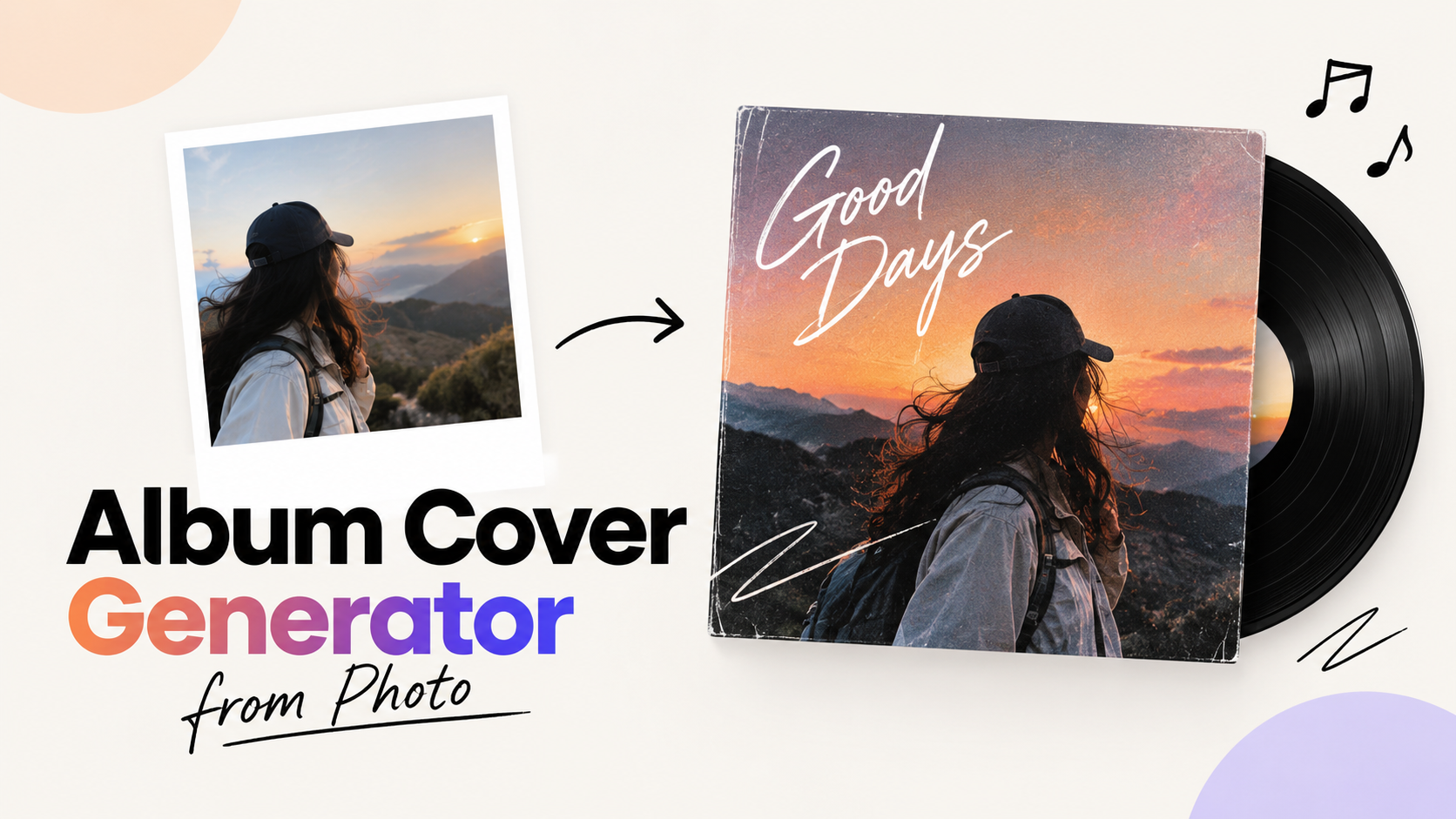
Album Cover Generator From Photo: Free Tools, Rights and Specs

By Julian Brooks
MyClaw Editorial
MyClaw
Run Best-in-Class AI Agents Now
Run OpenClaw or Hermes Agent on managed MyClaw hosting, so your AI agent stays online, updated, and ready for real work.
AI Takeaway
- Can I turn a photo into an album cover for free? Yes, Solmi, iLikeIMG, AlbumCover.Art, Fotor and MyClaw each have a free route, but the limits differ (daily credits, three free covers, low-quality guest mode), so choose according to the file you need to download.
- Which tool keeps my face recognisable? iLikeIMG and Fotor both state that likeness is preserved from an uploaded photo, whereas MyClaw describes its reference editing as keeping important people recognizable without promising a result, so test one portrait before committing to a release.
- Will I own a cover made from my photo? Not automatically, because the US Copyright Office says prompts alone do not create copyright, although your own photograph can stay protected where it remains visible in the result.
- What size should the file be? Export a perfect square of at least 4000 × 4000 pixels if Apple Music is on your list, since Spotify accepts anything between 640 and 10,000 pixels and DistroKid recommends 3000 × 3000.
- Where does MyClaw fit? It is the quickest start with no install: describe the release, pick an art direction, generate a square draft, then finish the lettering yourself.
Try MyClaw's Album Cover Tool First
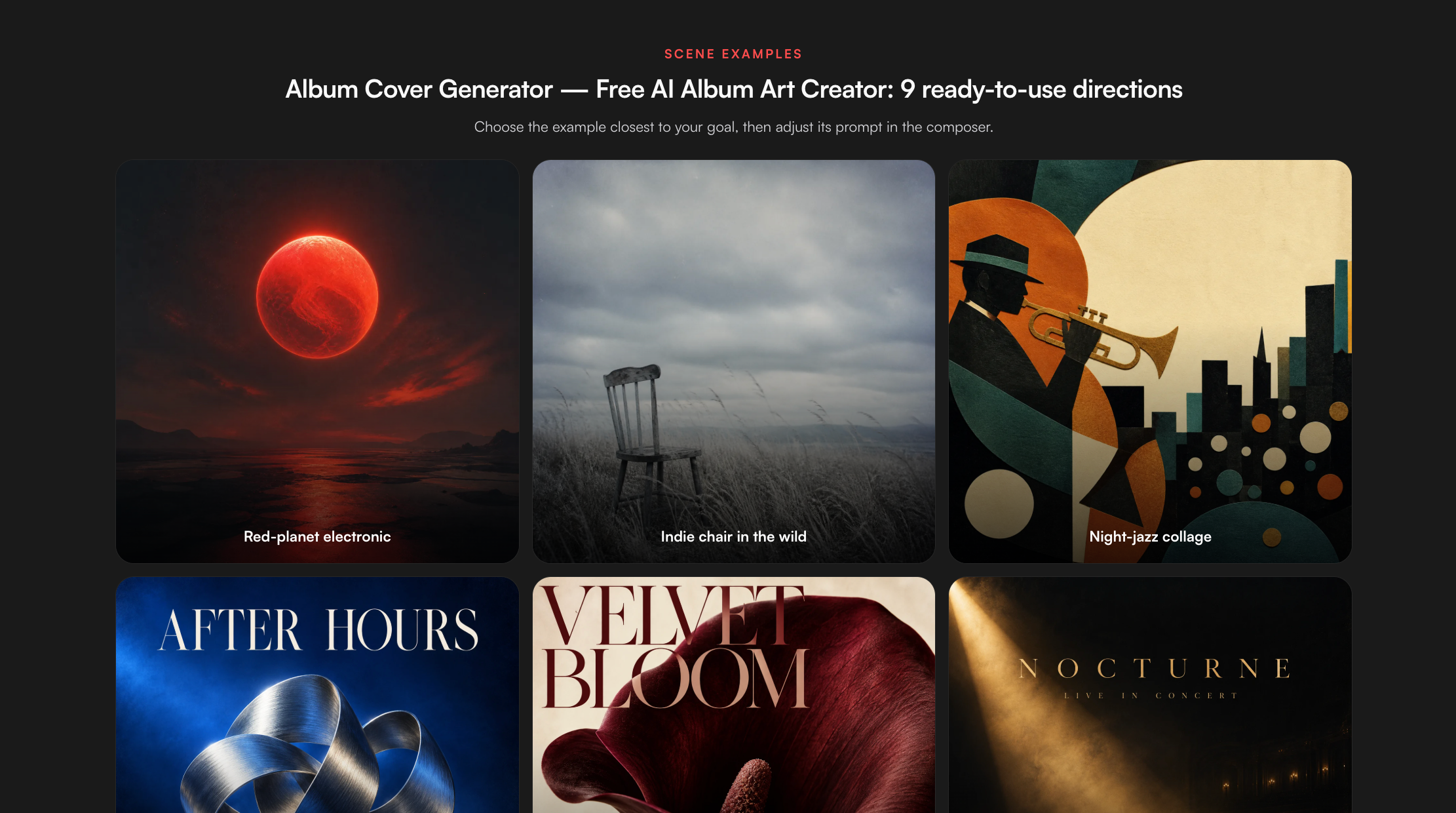
MyClaw's album cover page runs on GPT Image 2.5 Flare. Its composer offers text-to-image and reference image editing. According to MyClaw's image generator FAQ, signed-in users can upload a supported reference image (PNG, JPEG, WebP, GIF, AVIF or BMP) and describe how it should change, and the feature description says it aims to keep important people, products or details recognizable. You can pick a style (Photorealistic, Cartoon, 3D render, Anime, Digital art or Abstract), an aspect ratio from 1:1 to 9:16, and Standard, 2K or 4K resolution. The page lists three art directions: electronic, indie and jazz.
Two limits matter for photo work. The album page says only that limited guest generation is available, and its guest mode is labelled 1:1 low quality; we could not confirm that guests can upload a photo, so sign in first. It also says the tool leaves room for the title instead of rendering text, so you add lettering afterwards. We have not tested how closely it preserves a face, so treat that as an aim rather than a promise.
- Sign in, describe the release (genre, mood, colours) and attach your photo as the reference.
- Choose one art direction and a square 1:1 frame.
- Generate, download your favourite, then add the title and artist name.
Our guide to the AI album cover generator compares more options, and the music album cover workflow walks through finishing and exporting.
Free Photo-to-Cover Tools Compared
The rows summarise what each vendor's page says, as read on October 15, 2026. Free tiers change often, so recheck before you rely on one.
| Tool | Free route (vendor-stated) | Photo input | Output |
|---|---|---|---|
| Solmi | Own-image editing and download free, no signup; AI variants use credits, with free daily credits on a free account | Yes, opens in a browser editor | PNG or JPG at 3000 or 4000 px |
| AlbumCover.Art | First three covers free, no card | Selfie or portrait plus titles | Upscale to 3000 × 3000 |
| iLikeIMG | Free daily credits, no signup, no watermark | Reference photos up to 10 MB | Full HD, 3000 × 3000 by default |
| Fotor | Says it offers unlimited free credits | Selfies, band photos or scenery | JPG and PNG |
| MyClaw | Limited guest generation | Reference upload for signed-in users | 1:1 low quality as a guest |
Solmi
- Pros: you can design with no account, titles are drawn as real text in the editor, and sizes run up to 4000 × 4000.
- Cons: its AI variants are generated at 2048 px and enlarged, and Solmi says free-plan creations are for personal use only.
iLikeIMG
- Pros: it says faces stay recognisable, and it needs no signup.
- Cons: its page claims both "free unlimited generations" and a daily credit allowance, so the real cap is unclear.
Fotor
- Pros: it says it applies likeness-preserving styles, and it has a built-in editor for names and the parental advisory logo.
- Cons: "unlimited" is a marketing claim we could not test, and the page gives no export resolution.
For hip-hop styles and another selfie-led tool, see our rap album cover generator roundup.
Prepare the Photo Before You Upload
The best covers start with a photo that reads at the size of a playlist thumbnail. These tips are our own working advice, not vendor rules.
- Use sharp, even light. Face the window, avoid harsh overhead shadows, and keep the face fully visible.
- Shoot or crop square. A 1:1 frame stops the tool from cropping the head for you.
- Leave room for lettering. Place the subject off-centre so a title fits without covering the eyes.
- Strip clutter. Remove logos, readable signs, other people and watermarks before uploading.
- Test it small. Shrink the result to about 60 pixels wide; if the subject vanishes, simplify.
- Keep the original. Save the untouched photo so you can prove you own it later.
- Match the mood. A calm, direct gaze suits a singer-songwriter record, while a moving, blurred shot suits electronic or club music.
- Choose one hero. One face beats a group shot, because small faces blur at thumbnail size.
Model choice also changes how well a picture survives editing. Our GPT Image 2.5 guide covers the model behind MyClaw's tool, and the Nano Banana versus GPT Image comparison shows how two image models differ on edits.
Likeness and Rights Before You Release
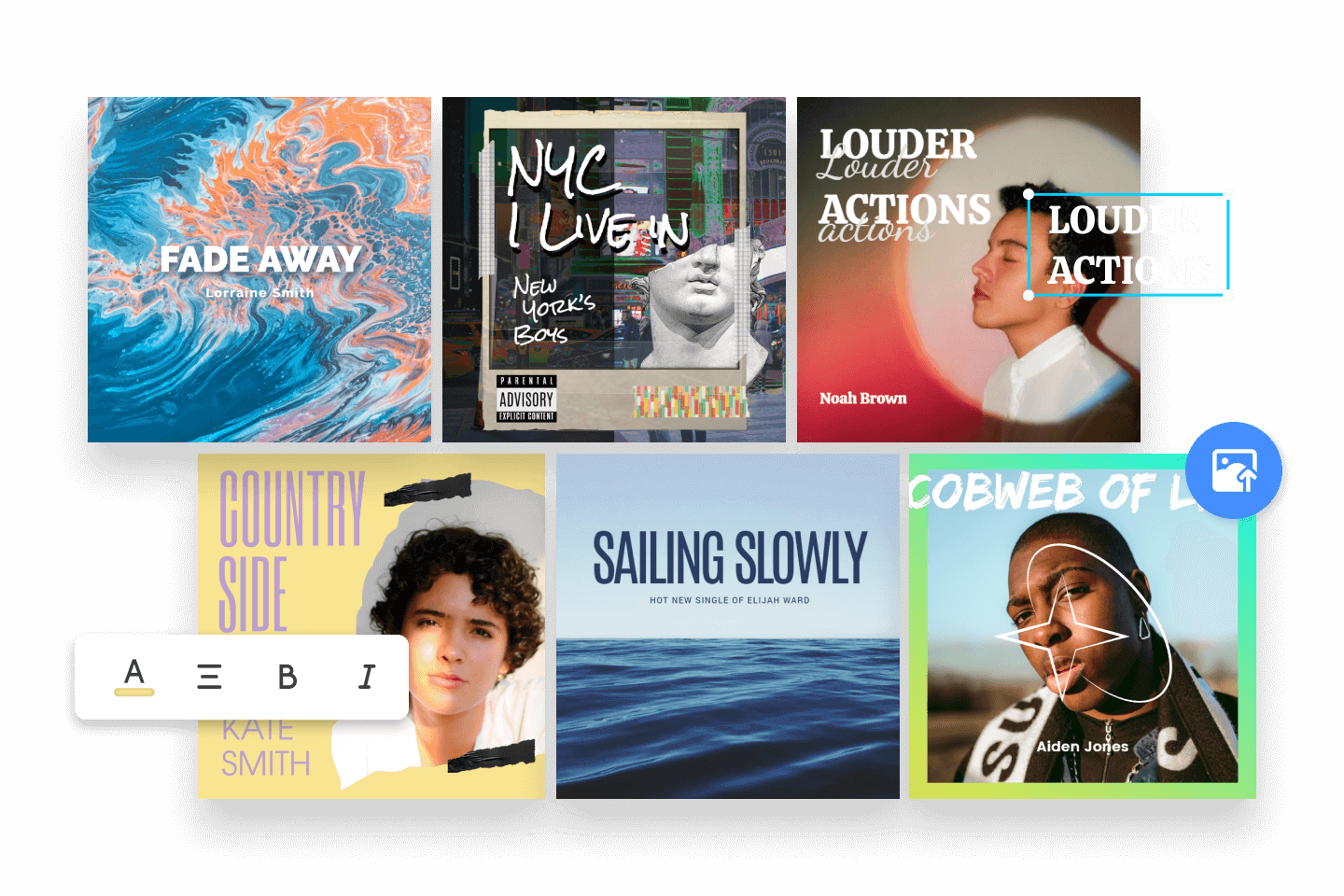
A photo cover carries more legal risk than abstract art, because a real person is on it. This is general information, not legal advice.
Faces and consent. Spotify's artist image guidelines, written for profile images, say you cannot use an image of an individual without consent, and they warn against infringing copyright, trademark or personality rights. Apple Music for Artists says to use no images from other copyright holders without written permission, and calls misleading cover art a problem, for example one that prominently depicts an artist who does not perform on the release. DistroKid lists unlicensed stock photography among the things streaming services reject. Photograph yourself, or get written permission from everyone visible.
Who owns the output. In its January 29, 2025 report, the US Copyright Office concluded that prompts alone do not give users enough control over the result to count as authorship. It also said copyright can protect a human-authored work that remains perceptible in the output, or a human's creative arrangement or modification of it. So your own photograph and your own typography can carry protection even when the AI-generated background does not.
Tool terms. Vendors differ. Solmi says free-plan creations are for personal use and that commercial use comes with paid plans and credit packs. iLikeIMG says its covers carry full commercial rights, and Fotor says you keep commercial rights; both are vendor statements we have not checked against their full terms. Read the terms for uploaded photos before you publish, and check your distributor's policy on AI-generated artwork too.
Export Specs for Apple Music, Spotify and DistroKid
Platform pages were read on October 15, 2026.
| Platform | Size | Format and colour |
|---|---|---|
| Apple Music for Artists | Perfect square, at least 4000 × 4000 px | JPG, PNG or GIF |
| Spotify | Square, between 640 and 10,000 px each side | Lossless JPG, PNG or TIFF in sRGB |
| DistroKid | At least 1000 × 1000 px, 3000 × 3000 recommended | JPG, RGB, one image file |
Spotify's guidance is to avoid upscaling. Apple's guidelines say no websites, pricing, dates, barcodes or social handles on the artwork, and DistroKid names website addresses, QR codes and streaming logos as grounds for rejection. A 4000 × 4000 master covers Apple, sits inside Spotify's range, and can be reduced for DistroKid, but only export that size if the source genuinely has the detail. An enlarged 2048 px image may look soft at 4000 px, which is why Solmi points users to its upscaler for a sharper file.
Type your lettering as real text in an editor, then proofread it, since the album cover page says the tool does not render text by default.
Verdict: Match the Tool to Your Photo Workflow
Need a fast square draft without installing anything? start with MyClaw's album cover tool and treat the first output as a direction, not a final file. If an exact, recognisable face matters most, test iLikeIMG, Fotor or AlbumCover.Art with the same portrait and compare the likeness yourself. If you want full control over typography and size, Solmi's editor is the strongest fit on paper, though its free plan is for personal use only.
Rights belong in the plan from the start, whichever route you choose: use a photo you own or have written permission to use, keep your original file, and export a clean square at the largest size your photo can support. Run one test upload first to see how a tool treats your face and title space. For designer-style editing beyond one-click generators, our Lovart review covers a canvas-based alternative.
Skip the Setup, Run Best-in-Class AI Agents Now
Launch a managed OpenClaw or Hermes Agent workspace in minutes, with always-on hosting, updates, and support handled by MyClaw.