AnythingLLM Alternatives: 7 Picks for Chat, RAG and Agents (2026)

By Emma Reed
MyClaw Editorial
MyClaw
Run Best-in-Class AI Agents Now
Run OpenClaw or Hermes Agent on managed MyClaw hosting, so your AI agent stays online, updated, and ready for real work.
AI Takeaway
- What is AnythingLLM in 2026? An MIT-licensed desktop app and Docker server for workspace document chat, agents, and MCP. Desktop and self-hosting are free; Cloud Basic is $50/mo and Pro $99/mo, both bring-your-own LLM key (anythingllm.com, Nov 2026).
- Closest swap for a multi-user browser UI? Open WebUI for the least reconfiguration, or LibreChat (MIT) for many providers, agents, and enterprise sign-in.
- Only want a local desktop chat window? LM Studio (free for home and work, closed source) or Jan (Apache 2.0); Msty Studio if you will pay for polish (Aurum $149/user/year, Nov 2026).
- Is retrieval quality the real complaint? RAGFlow, an Apache 2.0 stack built around parsing scans and tables, recommends about 16GB RAM before models (RAGFlow docs, 2026).
- Want an always-on agent without running a server? A hosted OpenClaw or Hermes agent on MyClaw uses popular LLMs free and reaches you on Telegram or WhatsApp.
AnythingLLM Alternatives at a Glance
AnythingLLM still earns its place: workspaces scope documents cleanly, citations come built in, and the desktop app ships an embedder and LanceDB so a laptop runs RAG with no extra services (AnythingLLM docs, 2026). People move on when they need a different shape—a shared browser UI, a lighter desktop app, stronger parsing, or an agent that keeps working while the laptop is closed. Prices and licenses below were checked in November 2026; confirm live terms before rollout. For the wider open-source landscape these tools sit in, see Open Source AI Agents.
| Alternative | Best for | Form | License | Price (Nov 2026) |
|---|---|---|---|---|
| Open WebUI | Multi-user browser chat | Self-hosted web app | BSD-3 + branding clause | Free; enterprise by quote |
| LibreChat | Many providers, agents, SSO | Self-hosted web app | MIT | Free |
| LM Studio | Offline local models | Desktop app | Closed source | Free for home and work |
| MyClaw | Always-on hosted agent | Hosted OpenClaw/Hermes | Hosted service | Popular LLMs free |
| Jan | Open-source desktop chat | Desktop app | Apache 2.0 | Free |
| Msty Studio | Polished desktop RAG | Desktop app | Proprietary | Free tier; Aurum $149/user/yr |
| RAGFlow | Deep document parsing | Docker stack or cloud | Apache 2.0 | Free self-host; cloud $0/$29/$129 per mo |
Open WebUI
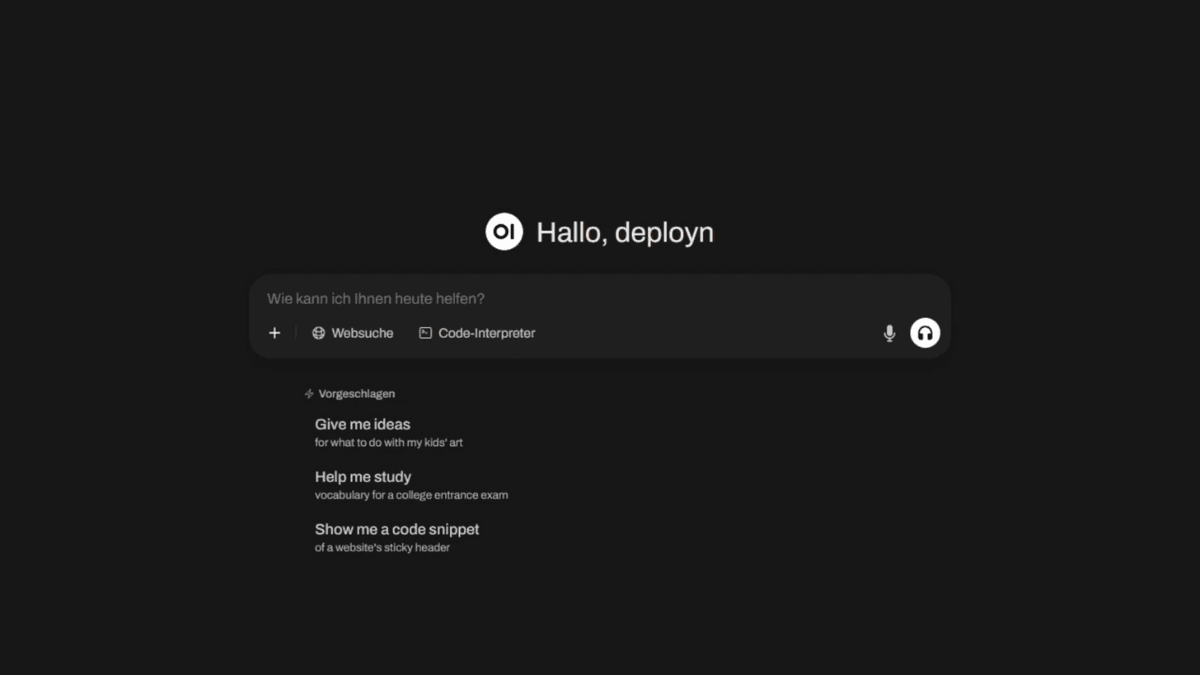
Best for: teams that want the AnythingLLM Docker experience—browser UI, many users—with the least reconfiguration.
Open WebUI fronts Ollama and any OpenAI-compatible API, with Knowledge bases for document chat, voice, web search, Python tools, plus RBAC and SSO. Hybrid search and reranking are both off by default, so turn them on before you judge retrieval against AnythingLLM. Since v0.6.6 the license is BSD-3 with a branding clause: deployments past 50 users in 30 days may not remove Open WebUI branding without an enterprise license (Open WebUI license page, 2026).
Pros:
- Fastest path from Ollama to a shared chat UI
- Broad model and vector-store support
- Mature roles, groups, and admin controls
Cons:
- Not OSI open source since v0.6.6; branding clause bites larger rollouts
- Retrieval needs tuning out of the box
LibreChat

Best for: power users and small teams juggling several model providers with enterprise sign-in.
LibreChat stays MIT-licensed after its ClickHouse acquisition and supports agents, MCP, code interpreter, web search, memory, and OAuth, SAML, or LDAP login. Document retrieval runs in a separate RAG API backed only by pgvector, and the default Docker image is a lite build that cannot embed locally, so plan the extra service (LibreChat docs, 2026). If you are choosing which frontier and open models to wire in, Best AI Models Right Now gives a current shortlist.
Pros:
- Widest provider list in this group
- Agents and MCP built in
- Enterprise authentication without a paid tier
Cons:
- RAG is a separate service with no reranking
- More configuration than Open WebUI
LM Studio

Best for: one person who wants offline document chat with local models in a desktop window.
LM Studio downloads and runs GGUF and MLX models with a clean model browser and an OpenAI-compatible local server. Since July 8, 2025 it has been free for both personal and work use, though the app itself is closed source (LM Studio blog, 2025). Attach files to a chat and it retrieves over them entirely on your machine. It fits best if you only used AnythingLLM Desktop and never the server. For which open models hold up on long reading jobs, see Best Free LLM for Research.
Pros:
- Very easy local model discovery and download
- Fully offline chat over attached documents
- Local API server for other apps
Cons:
- Closed source
- No multi-user workspaces or persistent knowledge bases like AnythingLLM
MyClaw
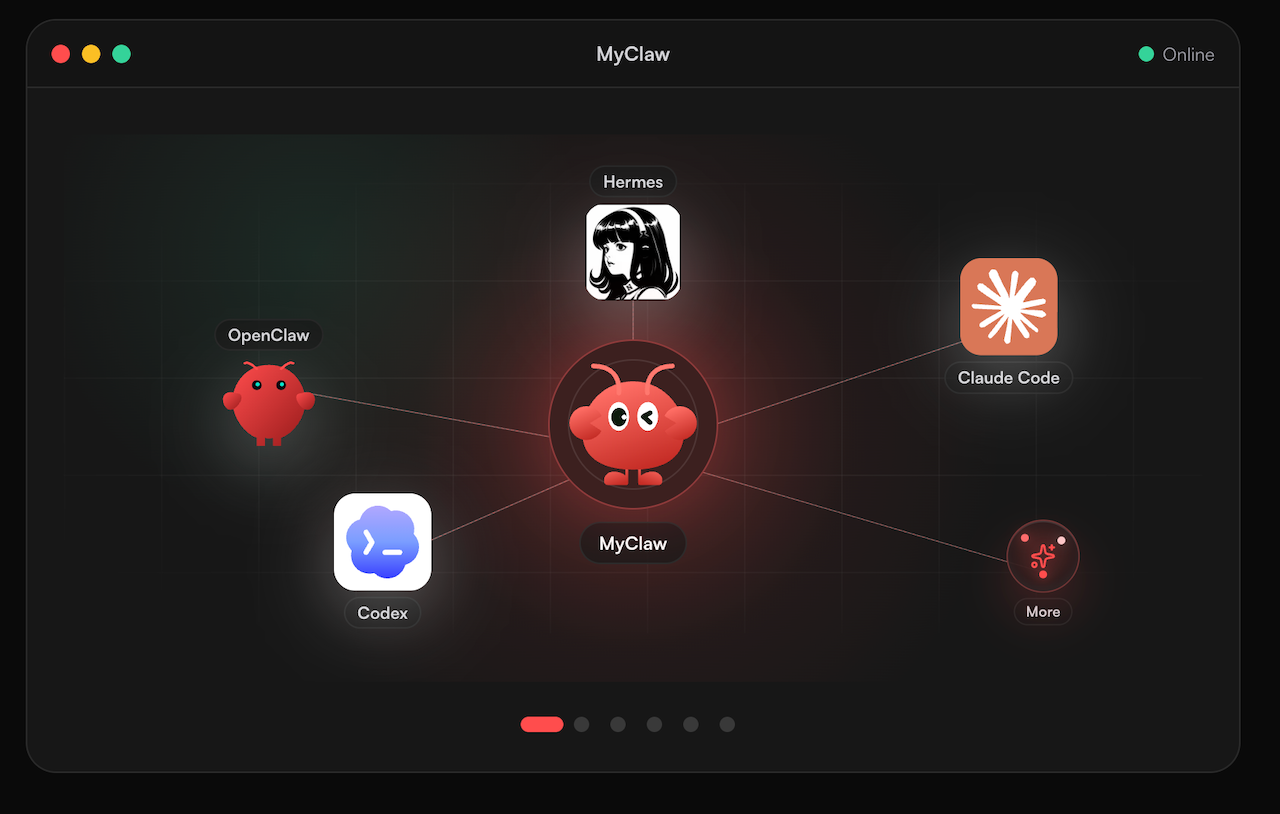
Best for: an always-on agent that works for you around the clock, without running a server.
MyClaw hosts an OpenClaw or Hermes agent in the cloud and lets you use popular LLMs free, so recurring jobs such as morning briefs, research digests, and reminders keep running while your laptop is closed. Results arrive on Telegram, WhatsApp, email, or browser instead of a desktop window, and there is no Docker, GPU, or update work on your side. A typical first week: a 7 a.m. digest of new papers on a topic you track, then a Friday summary of what changed. New to the runtime? Start with What Is OpenClaw.
Pros:
- Always-on hosting, so scheduled jobs fire without your machine
- Popular LLMs free to use
- Lives in the chat apps you already check
Cons:
- Not a self-hosted or offline document-RAG workspace—keep a local tool if files must never leave your machine
- Start a MyClaw agent on OpenClaw or Hermes and pick a popular model.
- Connect Telegram or WhatsApp.
- Give it one recurring job—such as a daily research digest—and widen once the output holds up.
Jan
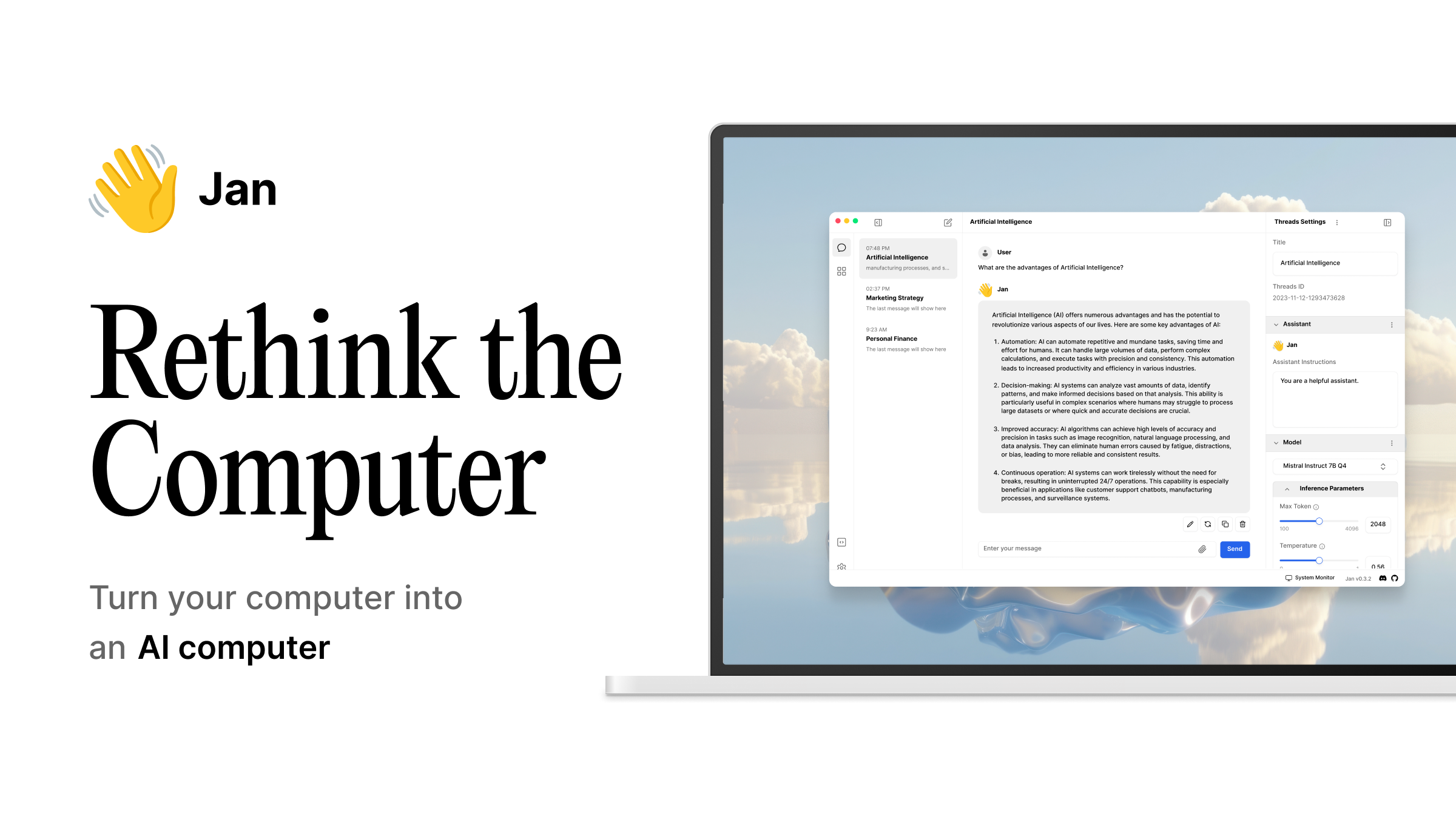
Best for: a local desktop chat app you can inspect and modify.
Jan, from Menlo Research, runs local models or connects to cloud APIs in one desktop window and is Apache 2.0 per its LICENSE file (GitHub, 2026). It exposes a local OpenAI-compatible server and supports extensions and MCP tools. Document chat is lighter than AnythingLLM’s workspaces, so treat it as a private chat client first; it suits people who want LM Studio’s convenience with source they can audit.
Pros:
- Open source under Apache 2.0
- Local and cloud models side by side
- Simple, privacy-first defaults
Cons:
- Thinner document and RAG features
- Smaller extension ecosystem than the web apps
Msty Studio
Best for: people who will pay for a polished desktop app with inspectable retrieval.
Msty Studio offers Knowledge Stacks with semantic, keyword, or hybrid search and a chunk inspector, plus split chats across many local and online models. Pricing is a free tier, Aurum at $149 per user per year, or a $349 lifetime license (msty.ai, Nov 2026). Its reranking step calls the Jina API with your key, so that stage is not local. Msty does not publish a license on its site (Nov 2026).
Pros:
- Most polished desktop UX here
- Chunk inspector makes RAG debugging easy
- Compare many models in one view
Cons:
- Proprietary and paid for advanced features
- Reranking leaves your machine
RAGFlow

Best for: teams whose real complaint is retrieval quality on scans, tables, and complex PDFs.
RAGFlow is an Apache 2.0 Docker stack built around deep document parsing, template-based chunking, and grounded citations. It recommends 4 cores, 16GB RAM, and 50GB disk before models, and the image ships no embedding model, so bring one via Ollama or another service (RAGFlow docs, 2026). A hosted cloud lists $0, $29, and $129 monthly tiers (Nov 2026). If you also want visual pipelines around it, compare Flowise AI Alternatives.
Pros:
- Best parsing for messy documents
- Inspectable chunks and citations
- Fully open source
Cons:
- Heavy hardware footprint
- More of a RAG engine than a daily chat app
How to Choose
Decide by the AnythingLLM edition you are leaving. Desktop users who only wanted a local window should try LM Studio or Jan, or Msty Studio if polish is worth paying for. Docker users serving a team should test Open WebUI first and LibreChat if providers and sign-in matter more. If answers miss the right passage, RAGFlow is the upgrade. If the complaint is setup weight, compare install steps on one test machine before committing a team. Before you switch, export chats from AnythingLLM (CSV, JSON, or JSONL); documents and vectors do not export, so plan to re-upload and re-embed.
Conclusion
AnythingLLM alternatives split into four jobs: shared browser chat, local desktop chat, heavy-duty RAG, and always-on hosted agents. Run the same five questions over the same documents in two finalists, keep the one that cites correctly, and re-check licenses and prices before rollout. If an agent runtime is where you are heading, Hermes Agent explains how that path works.
Skip the Setup, Run Best-in-Class AI Agents Now
Launch a managed OpenClaw or Hermes Agent workspace in minutes, with always-on hosting, updates, and support handled by MyClaw.