7 Best Botpress Alternatives: Open-Source & Hosted Options

By Julian Brooks
MyClaw Editorial
MyClaw
Run Best-in-Class AI Agents Now
Run OpenClaw or Hermes Agent on managed MyClaw hosting, so your AI agent stays online, updated, and ready for real work.
AI Takeaway
- Which alternative suits ongoing internal work? MyClaw hosts private, always-on OpenClaw agents for research, reports, and tasks across connected tools.
- Which should I choose for customer conversations? Consider Voiceflow for collaborative visual design, Chatbase for support and sales, or Typebot for guided flows and lead capture.
- Which options are open source? Langflow uses MIT. Rasa Open Source uses Apache 2.0 but is in maintenance mode. Dify and recent Typebot releases are self-hostable with additional license conditions.
- Does self-hosting mean free operation? Budget for infrastructure, model usage, integrations, and maintenance alongside any software license costs.
Why Consider a Botpress Alternative?
Botpress combines agent logic, knowledge, and integrations in a builder. An alternative becomes useful when your priorities change: you need to run the software yourself, design conversations differently, or hand recurring work to an agent.
For self-hosting, the distinction is concrete. Botpress has sunset v12 and other self-hosted versions for new purchases, downloads, and deployments. Existing customers with active v12 subscriptions remain supported; Botpress directs new development to its cloud platform.
Start with the job: answering customers, collecting leads, exposing an agent through your application, or completing internal tasks. Then decide who owns updates, backups, and troubleshooting. This managed hosting versus self-hosting comparison explains that operational choice.
Botpress Alternatives at a Glance
The best Botpress alternatives solve different problems. Use the table to narrow your shortlist before comparing individual features.
| Product | Best fit | Deployment / license | Main consideration |
|---|---|---|---|
| MyClaw | Ongoing internal agent work | Managed commercial hosting | Different workflow from a visual chatbot builder |
| Voiceflow | Collaborative conversation design | Commercial hosted platform | Your team owns flows and integrations |
| Chatbase | Customer support and sales | Commercial hosted platform | Action availability varies by channel |
| Langflow | Custom agent workflows and APIs | Self-hostable; MIT | Build the surrounding application and operations |
| Dify | Document-grounded AI applications | Cloud or self-hosted; modified Apache-based license | Multi-tenant and branding conditions |
| Typebot | Guided flows and lead capture | Cloud or self-hosted; FSL with future Apache license | Restrictions on competing uses |
| Rasa | Conversational applications with business rules | Commercial platform; separate Apache-2.0 OSS edition | Legacy OSS is in maintenance mode |
7 Best Botpress Alternatives by Use Case
1. MyClaw — Run a Private OpenClaw Agent Around the Clock
MyClaw is our first recommendation for a private agent that keeps working between conversations. It suits jobs such as researching competitors, preparing a weekly brief, or gathering information from connected tools into a report.
It provides managed OpenClaw hosting, automatic updates, daily backups, and a workspace for tasks, conversations, files, and approvals. The hosted agent stays available when your own computer is offline.
The main change is how you define work: give the agent a goal, connect the tools it needs, and review the result. Recreate a Botpress workflow around that task rather than assume a direct flow import. If your priority is a public support widget or a helpdesk, compare the customer-facing builders below. MyClaw is a commercial hosting service built around an open-source runtime; hosting, model usage, and third-party API costs need separate budgeting.
To try an internal workflow:
- Launch your OpenClaw agent. Choose managed OpenClaw hosting and define one deliverable, such as a research brief with source references.
- Connect the work. Enable the required tools. For MyClaw for Slack, connect the workspace through Extensions and select the instance and channels it can use.
- Make the task repeatable. Run it once, review the output and permissions, then set a recurring schedule after the result meets your requirements.
2. Voiceflow — Design Customer Conversations Visually
Voiceflow is worth shortlisting when designers, support specialists, and developers need to shape the same customer experience. Its Studio combines collaborative editing with workflows, knowledge, tool connections, and conversation testing for chat and voice agents.
You can define processes visually, connect services through prebuilt integrations or an API tool, and add function tools for custom logic. This suits a support flow that needs both flexible answers and specific business steps.
Voiceflow is a commercial hosted platform. Your team still maintains the flow and the systems behind it. Compare plan and usage terms against the channels and actions you need; a hosted builder reduces infrastructure work, while implementation still needs an owner.
3. Chatbase — Build Support and Sales Agents
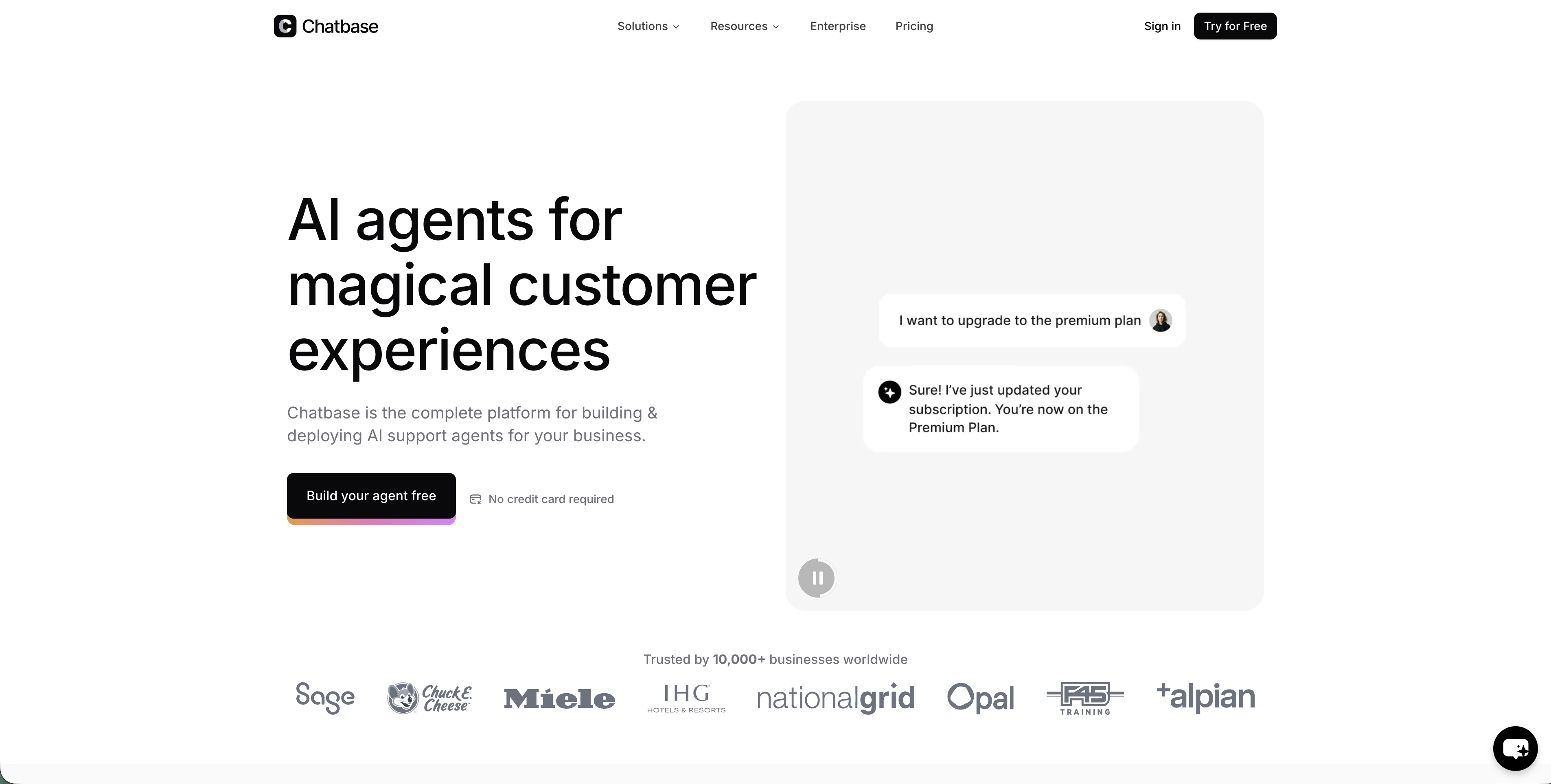
Chatbase suits customer requests that combine company knowledge with an action: explain a policy, retrieve account information, or arrange human follow-up. Its hosted agents can be embedded in a website or product, while Actions connect conversations to tools and workflows.
Available actions include lead collection, scheduling, custom API calls, and human handoff. That makes it a candidate for support work beyond document Q&A.
Check action compatibility in your target channel. Chatbase distinguishes configured, unconfigured, and incompatible channels for each action, so a website workflow may need adjustments elsewhere. Compare current plan allowances and model usage using a complete customer request, including any actions and escalation.
4. Langflow — Build Open-Source Agent Workflows

Langflow suits developers who want a visual workflow they can customize in Python and integrate into their own application. The MIT-licensed project runs locally, supports retrieval and agent components, and exposes workflows through APIs or the Model Context Protocol, or MCP.
Choose it when access to the underlying components matters: you can change the retrieval logic, add a custom tool, and build the interface around your application's needs.
The trade-off is implementation ownership. A working flow still needs authentication, channel connections, monitoring, and a production host. Include those engineering and infrastructure costs alongside model usage.
5. Dify — Build Knowledge-Grounded AI Applications
Dify combines visual workflows, document retrieval, model management, application APIs, and observability. It suits teams building an application in which an agent retrieves company information, processes it, and calls tools within a defined workflow.
Deployment choices include its cloud service and a self-hosted Community Edition. The license is modified Apache-based, with additional conditions: operating a multi-tenant environment requires written authorization, and use of its frontend carries logo and copyright requirements.
Those details matter when you plan to serve separate customer workspaces or change the branding. Choose Dify for its application-building workflow after checking that deployment fit. Budget for either the cloud plan or your own infrastructure, model calls, and maintenance.
6. Typebot — Create Guided Chat Flows and Lead Forms

Typebot is a good fit when you know the information a conversation must collect. Think lead qualification, onboarding questions, or a guided request form. Its visual blocks, input types, integrations, website embeds, and WhatsApp options help you design that path explicitly.
You can use the hosted service or self-host. Recent releases use Functional Source License 1.1 with an Apache 2.0 future license. The FSL restricts competing uses; the Apache license takes effect for each version two years after it becomes available.
Choose it for a structured interaction whose branches you want to control. Check any required AI behavior separately, and compare hosted charges with self-hosting, connected providers, and ongoing maintenance.
7. Rasa — Build Conversational Applications with Engineering Control

Rasa suits technical teams building conversations around explicit business rules. Its current CALM approach combines language-model understanding with defined flows, making it relevant when a request must follow a particular process before an action occurs.
Edition choice is essential. Rasa Open Source uses Apache 2.0 and is in maintenance mode. The current commercial platform's free Developer Edition has limited license terms; it is a separate product choice from the legacy OSS framework.
For a new implementation, evaluate the current platform and its deployment terms. Consider legacy OSS when you specifically need that framework and can account for its maintenance status. Include commercial licensing where applicable, hosting, models, and engineering in the operating budget.
Which Open-Source Botpress Alternatives Can You Self-Host?
Self-hosting describes where software runs. Open-source licensing describes the rights you have to use, modify, and distribute it. Check both before choosing a replacement.
For permissively licensed development, start with Langflow. Rasa OSS also has a permissive license, but its maintenance status makes it a different decision for a new project. Dify and Typebot offer self-hosting with additional conditions; check the exact version and intended use, especially for customer workspaces or a competing service.
MyClaw provides managed hosting for OpenClaw's open-source foundation. Choose it when having an operational agent matters more than maintaining its host yourself.
The OpenClaw hosting guide explains the responsibilities involved. With either approach, establish who manages credentials, updates, backups, and recovery. Self-hosting is useful control when you can support the system over time.
Test One Workflow Before You Switch
Move one complete workflow first: a knowledge question, an authorized action, and a missing-data or escalation case. Run it in the intended channel and check the result, permissions, and failure behavior. Assume rebuilding unless a suitable importer is verified.
For MyClaw, match the task to reusable OpenClaw skills and review current MyClaw plans, budgeting separately for hosting and token usage. Expand the migration only after the workflow works and someone owns its ongoing maintenance.
Skip the Setup, Run Best-in-Class AI Agents Now
Launch a managed OpenClaw or Hermes Agent workspace in minutes, with always-on hosting, updates, and support handled by MyClaw.