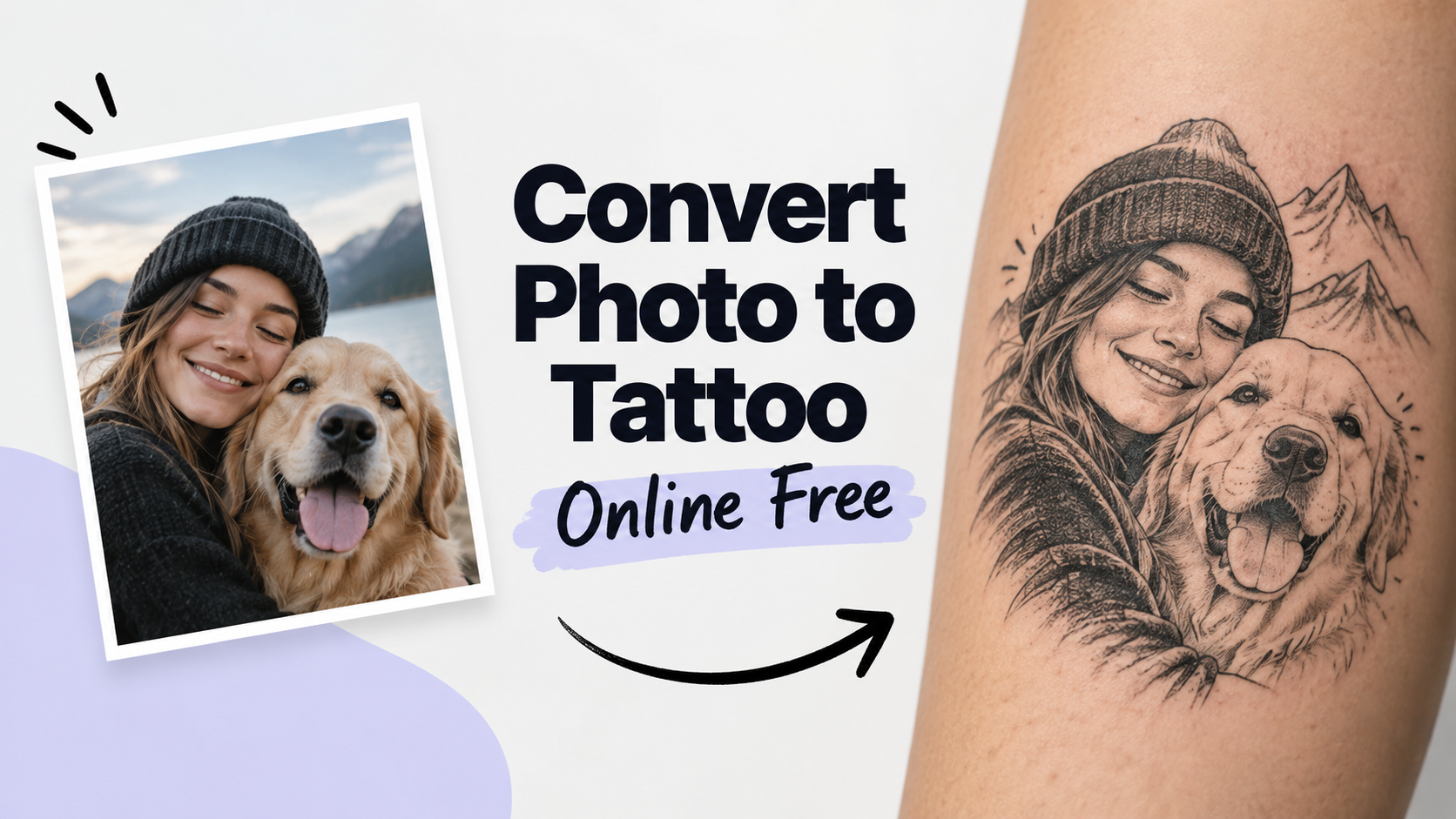
Convert Photo to Tattoo Online Free: Workflow, Stencil Limits & Honest Free Tries

By Alex Morgan
MyClaw Editorial
MyClaw
Run Best-in-Class AI Agents Now
Run OpenClaw or Hermes Agent on managed MyClaw hosting, so your AI agent stays online, updated, and ready for real work.
AI Takeaway
- Can you convert a photo to a tattoo online for free? Yes as a concept path: browser converters and MyClaw’s Tattoo Generator offer limited free or guest tries—not unlimited forever shop-ready files.
- Is the download a printable tattoo stencil? Usually no. High-contrast line art is a draft for conversation; an artist still adapts line weight, spacing, and the real stencil for skin.
- Do you need to sign up? On MyClaw, limited guest image generation is available without a credit card (often one shared AI request). First-party docs say signed-in users upload reference images—so plan a short sign-in if the job needs your photo.
- How should you prep the photo? Use a sharp subject, clean background, strong lighting, and a tight crop before asking for flat tattoo-style art on a plain background—not a dramatic skin mockup first.
- When do you stop DIY? When likeness, lettering, cultural symbols, or aging need professional judgment—bring two clear concepts to an artist, not a folder of near-clones.
From a Photo Upload to Tattoo-Style Output
Concept Art Versus a Shop-Ready File
You want a simple path: upload a picture, get tattoo-looking art, download something you can show a shop. That workflow is real as a concept path—not automatic ink permission, and not a thermal stencil fitted to your body.
Treat the file as readable tattoo-style flat art or a high-contrast draft: inspiration and a visual brief. “Stencil-ready contrast” means clean lines on screen, not a transfer ready to ink. Need a motif spark without a photo first? See random tattoo ideas once, then come back for the conversion path.

Photo-to-Tattoo Versus Pure Outline Tools
AI photo-to-tattoo tools lean toward style translation—traditional, fine-line, blackwork, and similar families applied to a likeness, pet, flower, or object. Outline and stencil makers lean toward threshold and edge extraction: printable black-and-white drafts that simplify the photo into lines, often with strong free or no-signup claims in the browser.
Both can help a consult. Neither replaces a professional rebuild. Prep the photo, respect free caps, and stop DIY when the download would be risky to ink as-is. The job here is upload or reference in, tattoo-style flat art out—not idea sparking or a full custom brief catalog.
Prep the Photo Before You Convert
Lighting, Crop, and Subject Clarity
Converters amplify what you feed them. Prefer sharp focus, even lighting, and a subject that fills most of the frame. Busy backgrounds, heavy blur, and sunglasses or other occlusion on faces become fake “linework” after conversion.
Crop to the motif you actually want inked—face only, pet head, single flower—before you hit generate. Portraits and pets keep likeness in silhouette and a few landmarks; micro-texture and photo grain will not survive a healed small size. Only adapt photos you have permission to use, and flag cultural or memorial subjects for artist review early so respect is not an afterthought.
Flat Art First, Placement Preview Second
Ask for flat high-contrast art on a plain light background before any arm or chest mockup. Flat files make silhouette, scale, and clutter easier to judge. A placement preview on a body photo can come later as a separate pass; forcing both goals in one generation often muddies the concept.
Put approximate size (centimeters or inches) and body area in the filename or caption so the brief travels with the image. For model temperament while iterating photo-based concepts, the Gemini AI tattoo generator post is optional side reading—keep this pass on the photo conversion, not a model tour.
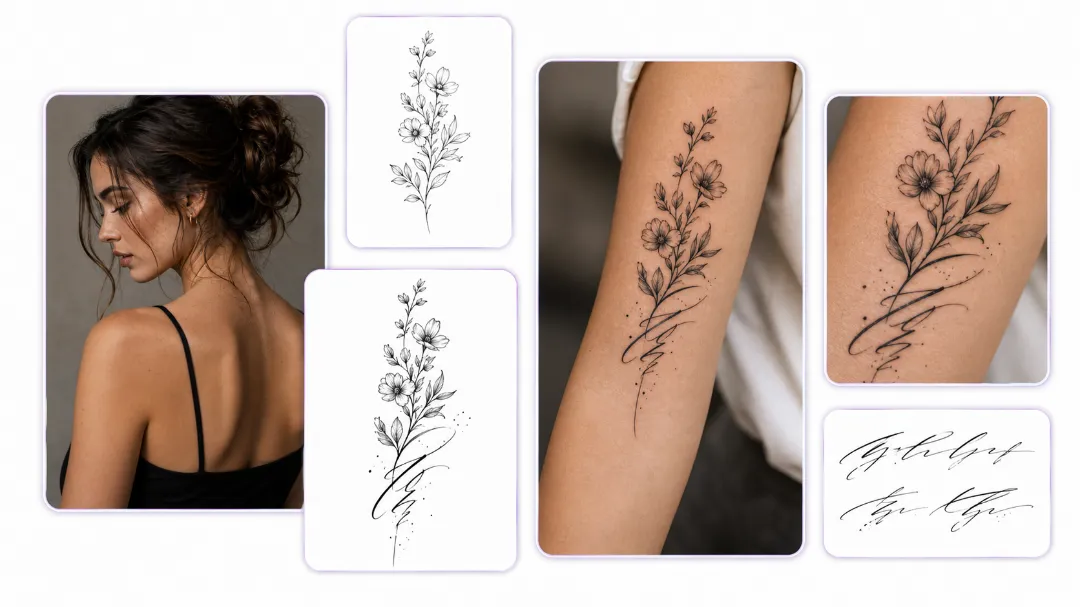
Free and No Sign Up: Caps, Watermarks, and Upload Walls
Where “Free” Usually Cuts Off
“Free” and “no sign up” on this SERP usually means one of three patterns: true client-side tracers that stay local and unlimited, “free to try” AI with account walls after the first pass, or one free generation per account with an app upsell. Watermarks, locked downloads, and upload walls are common cutoffs—not failures of your photo.
On MyClaw, the free path is first-party clear: guests can often try one shared AI request without a credit card across supported text and image tools, and limited guest image generation is available. Signed-in users upload reference images, so plan a short sign-in when the job depends on your photo. That is not forever-free unlimited shop files—and no invented dollar amounts belong here. Soft next step: try one focused conversion; if you need more iterations, check AI Chat pricing—not agent hosting pricing.
Pros:
- Fast visual brief before you book
- Useful for testing style families on the same photo
Cons:
- Guest and free caps are real; photo upload may require sign-in
- Output is not a verified shop stencil
A Practical Photo-to-Tattoo Conversion Workflow
Upload or Reference, Then Lock Style Constraints
Open a tattoo-focused generator and attach or clearly describe the photo subject. Lock style family, black versus color, approximate size, must-keep landmarks, must-avoid clutter, and a plain background in the same brief. Change one variable per iteration—style, detail level, or cropping—not everything at once, or you cannot tell what improved.
Filter for Silhouette, Scale, and Aging
Squint or view each option thumbnail-small. Drop hairlines and photo grain that only look sharp when zoomed in. Prefer a durable outer contour over dense shading that collapses at tattoo scale. Keep two contrasting winners—for example bolder blackwork versus finer line—then stop cloning near-duplicates.
When converting the photo is no longer the bottleneck and you need a clearer collaboration brief, custom tattoo design covers that handoff once—without turning this page into a brief-field catalog.
Convert Photo to Tattoo Stencil Online Free — Honest Expectations
High-Contrast Draft Versus Artist Stencil
Secondary searches for convert photo to tattoo stencil online free usually want printable black-and-white line art for transfer talk. Browser tracers help simplify edges. AI “stencil” outputs can look transfer-ready on a phone and still need scale, possible mirroring for transfer paper, and a professional rebuild for joints and healed readability.
MyClaw treats high-contrast, stencil-ready contrast as a concept quality bar—not a ready-to-use stencil. The artist still owns line hierarchy, spacing at joints, likeness simplification, lettering, cultural checks, and the final stencil on skin.
When DIY Conversion Is Enough—and When It Is Not
DIY is enough when you need mood, style direction, or a quick answer to “does this silhouette work at about eight centimeters?” It is not enough for memorial portrait fidelity, exact text, cover-ups, awkward anatomy, or anything you would regret if inked as downloaded.
Stop rule: if you cannot explain your must-keeps in one sentence, pause generation and clarify before spending another free credit on clones. Clarity saves more than another near-identical download.
Try a Photo-to-Tattoo Concept in MyClaw’s Tattoo Generator
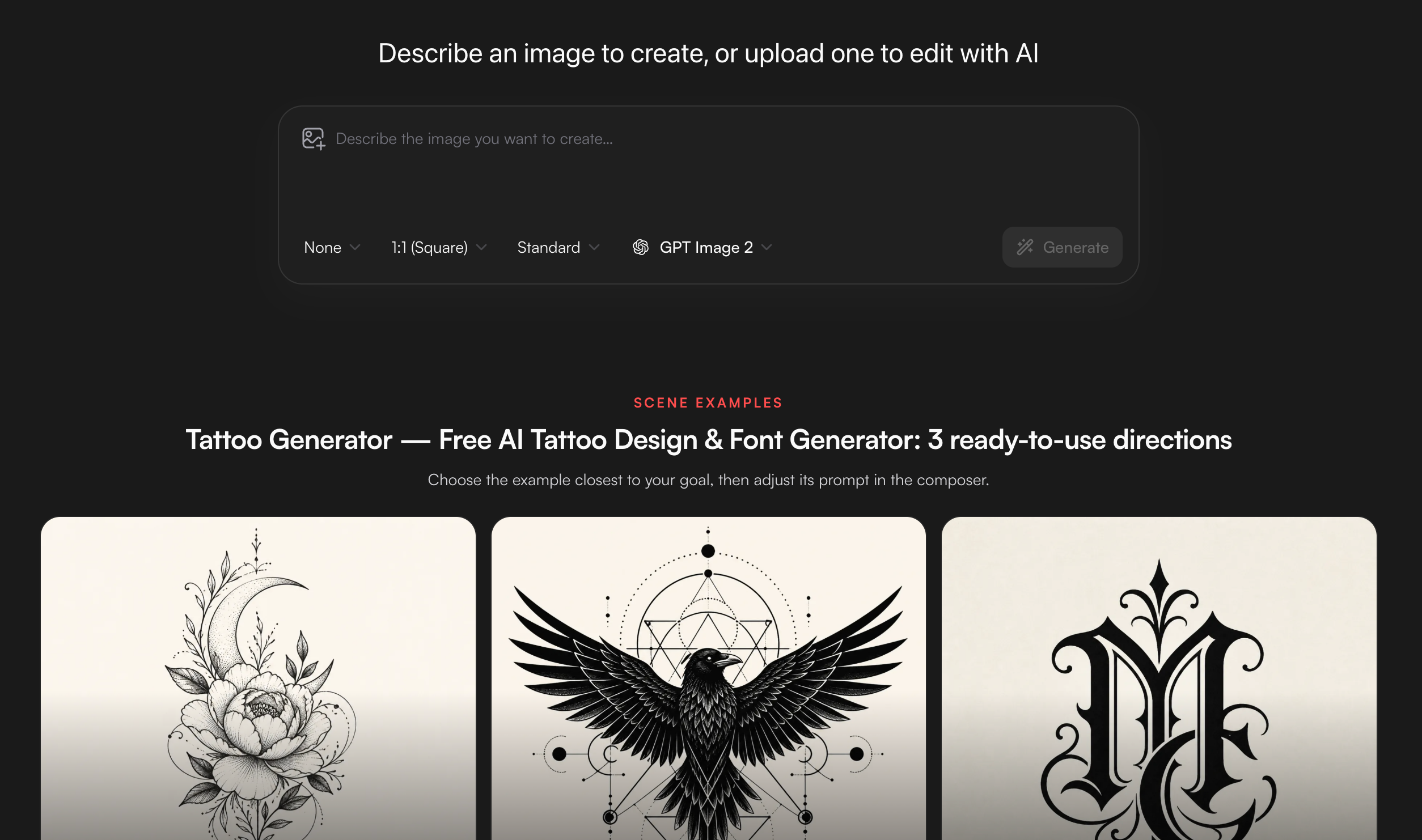
Optionally run one focused photo-to-tattoo pass in MyClaw’s Tattoo Generator—keep it light; your photo prep and artist still lead.
- Open the Tattoo Generator with your photo brief: subject, style, size, and flat art on a light background (sign in if you need reference upload).
- Generate once with a clear purpose; tweak one constraint; keep only options that still read when small.
- Save two distinct favorites with size and placement notes for your artist—the professional redraws the stencil.
For a broader creative map beyond this conversion path, see the image generator hub.
Choose a Conversion You Can Bring to an Artist
Lock prep, convert, and filter—then leave with two labeled files for a consult, not a camera roll of near-clones. Honesty on free limits and stencil expectations beats another “instant ink” promise. Try one focused pass in the Tattoo Generator when you want a quick concept, then book the redraw. Label each favorite with size, placement, and what must stay blank so the consult starts from decisions. The conversion worth bringing still reads small, keeps your must-keeps, and leaves craft to the person putting ink on skin.
Skip the Setup, Run Best-in-Class AI Agents Now
Launch a managed OpenClaw or Hermes Agent workspace in minutes, with always-on hosting, updates, and support handled by MyClaw.