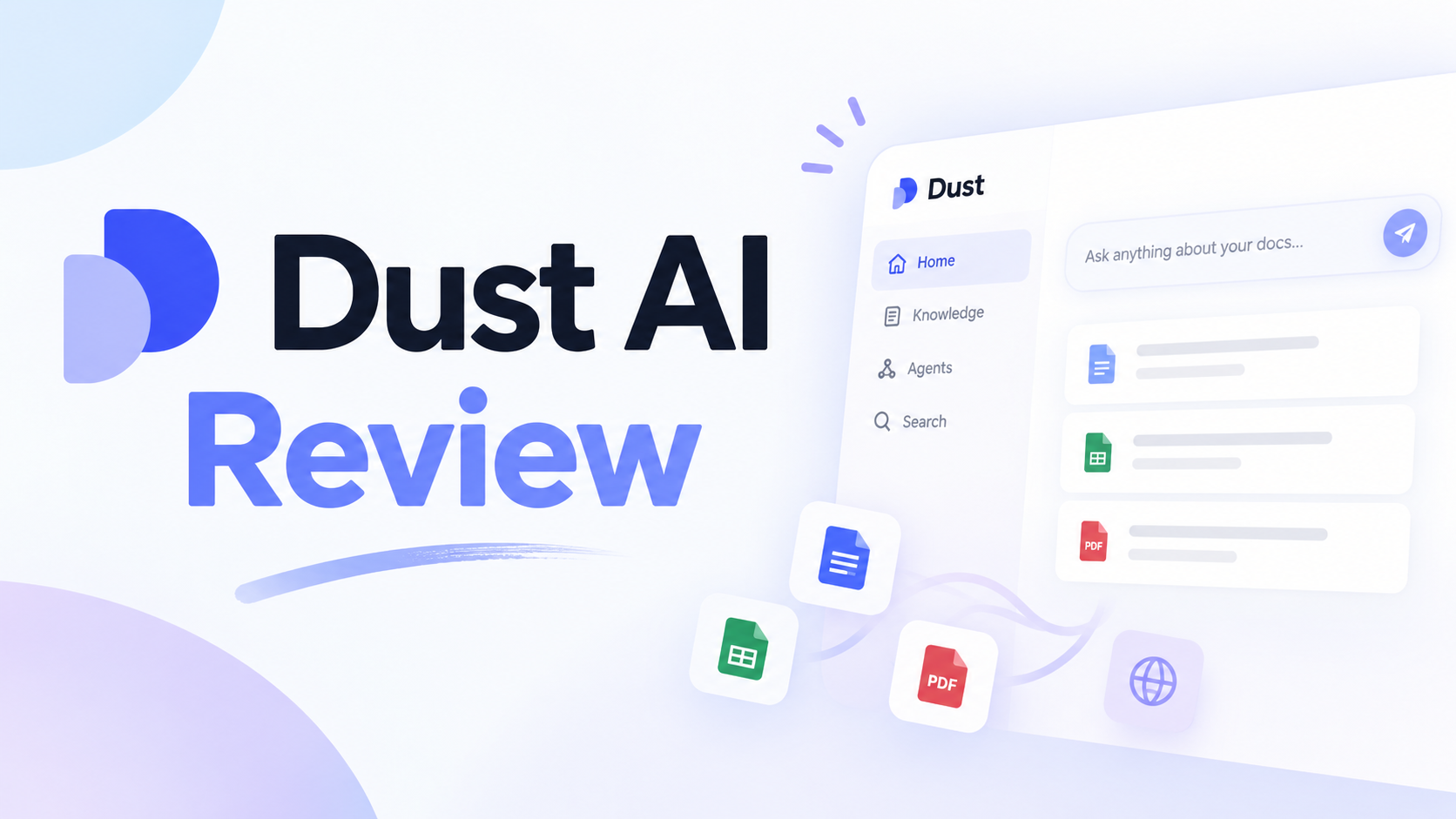
Dust AI Review 2026: Company Agents, Pricing & Fit

By Alex Morgan
MyClaw Editorial
MyClaw
Run Best-in-Class AI Agents Now
Run OpenClaw or Hermes Agent on managed MyClaw hosting, so your AI agent stays online, updated, and ready for real work.
AI Takeaway
- What is Dust AI? Dust (dust.tt) is a team platform for building AI agents on connected company knowledge — Slack, Notion, Drive, GitHub, CRM, and more — with multi-model choice and admin controls.
- What are Dust AI agents good at? Recurring internal work: answering with company context, drafting from live sources, chaining tools, and sharing agents across teammates in a governed workspace — not a personal always-on laptop agent.
- How does Dust AI pricing work? Business mixes Free, Pro, and Max seats with monthly credits; Enterprise adds unlimited connectors, SCIM, audit logs, and sales-led terms. Credits reset monthly and scale with model and tool use — treat the live Dust pricing page as source of truth.
- Who should skip Dust? Solo builders who mainly want a private OpenClaw or Hermes instance online without a company knowledge graph, or teams that will not connect enough clean data for agents to stay useful.
- Is MyClaw the same thing? No. MyClaw hosts private, always-on OpenClaw agents; Dust is multiplayer company-knowledge SaaS. Choose MyClaw when persistence and personal automation matter more than org-wide Dust workspaces.
What Dust AI Is
Dust AI, in search language, usually means Dust — the product at dust.tt from Permutation Labs — not the unrelated unix dust disk-usage CLI. The job is multiplayer AI: people and agents collaborate inside a shared company workspace grounded in connected systems.
Rather than treating every chat as a blank slate, Dust connects company tools, lets teams build and share agents, and keeps humans in the loop where judgment matters. Typical targets: support playbooks, sales context, engineering docs, and ops checklists scattered across apps.
Dust surfaces twenty-plus frontier models from OpenAI, Anthropic, Google, Mistral, DeepSeek, and peers. You pick a model per agent or workflow; heavier runs still cost more credits. This is company-knowledge agent software for teams — not a personal phone chatbot and not managed OpenClaw hosting.
How Dust AI Agents Work
Knowledge, Connectors, and Tools
Dust AI agents become useful when they can see systems your team already trusts. Official copy describes connectors to twenty-plus sources — Slack, Notion, Google Drive, GitHub, Salesforce, Zendesk, and similar tools. On Business, connectors are capped — live pricing currently lists up to three — while Enterprise unlocks unlimited connectors and MCP servers. Spaces segment data and permissions.
Agents can search, query, and extract across selected sources, then combine that context with tools such as web search, files, memory, calling another agent, or third-party actions an admin enables. Custom tooling arrives through MCP servers, APIs, and automation hooks; Business limits remote MCP servers, while Enterprise removes that ceiling. Clean sources produce grounded answers; sparse connections produce confident-sounding noise.
Building, Sharing, and Running Agents
Building usually starts in a no-code agent builder: instructions, selected knowledge, and capabilities. Agents can stay unpublished while you test, then publish for teammates. Invocation commonly includes the Dust app and Slack once integration is live — follow your workspace docs for mention syntax.
Beyond single replies, Dust emphasizes multi-agent workflows, schedules, and triggers. Pods and Frames appear in plan comparisons — evaluate them on a trial workspace. Governance includes dual-layer permissions, SSO, SOC 2 Type II, and US or EU data residency on Business, with SCIM, audit logs, custom retention, and single-tenant options on Enterprise.
For comparison, a personal research agent that stays online for recurring briefings solves persistence and private routines — a different bottleneck than org-wide retrieval over Slack and Drive.
Dust AI Review: Strengths and Limits
A fair Dust AI review starts with shared, company-grounded agents. Strengths and limits both flow from that design.
Pros:
- Company-grounded answers and actions across real work tools instead of generic chat
- Shared agents for teams (multiplayer), not only one-to-one assistants
- Model flexibility across twenty-plus providers without locking models behind higher seats (credits still scale)
- A serious governance path for IT-minded orgs, including SSO on Business and deeper controls on Enterprise
Cons:
- Value depends heavily on connected, clean source data and careful setup quality
- Seat-plus-credit pricing can make cost forecasting harder for heavy tool and multi-agent use
- Business connector and Space caps (currently up to three connectors and five Spaces) may push growing teams toward Enterprise sooner than expected
- Overkill for individuals who only need a private always-on personal agent
Dust shines for knowledge-heavy teams that will connect systems and govern usage. It weakens for solos, messy data estates, or hard-to-predict credit burn. If the job is personal persistence rather than org retrieval, browse the skills hub for a narrow always-on loop — and re-check Dust’s live pricing before you commit.

Dust Pricing and Credits Explained
Dust sells Business seats and a sales-led Enterprise tier. Currency on the official pricing page is euro (€). Do not mix those figures with unrelated USD hosting prices elsewhere.
Within Business (teams up to about one hundred people on the public page), seat types mix in one workspace:
- Free: 0€ with 500 credits lifetime — useful for light trials, not unlimited production for a whole company
- Pro: about 30€ per month, or about 24€ per month billed yearly, with 8,000 credits per seat per month
- Max: about 150€ per month, or about 120€ per month billed yearly, with 40,000 credits per seat per month
A credit meters AI usage by model, task complexity, and tools such as search, retrieval, or actions in connected apps. Unused monthly credits do not roll over. When credits run out, in-flight responses can finish; further use depends on seat type and whether an admin enabled capped overage.
Enterprise covers unlimited connectors and MCP servers, workspace-pooled credits, SCIM, audit logs, single-tenant options, dedicated CSM support, and custom legal terms — talk to sales. Decision tip: run one representative workflow, note credit cost including revisions, then multiply by monthly frequency before buying Max seats for everyone. Treat the live Dust pricing page as source of truth if numbers shift. If you are sizing private always-on hosting instead of Dust seats, compare MyClaw pricing separately — hosting and Dust € credits are different invoices.
Who Dust Fits Best
Best fit: mid-size to enterprise teams whose knowledge is fragmented across Slack, docs, CRM, and code hosts; operators in support, sales, engineering, or ops who need shared, governed agents; orgs that will invest in connectors, Spaces, and admin policy.
Consider carefully: small teams already bumping Business connector or Space caps; groups planning credit-heavy automation without usage discipline or seat mix (Free versus Pro versus Max).
Probably skip: solo personal-assistant seekers; teams that will not connect real systems; anyone expecting a forever-free company AI operating system.
If your bottleneck is less “our company wiki is unusable in chat” and more “I need a private agent online for my channels and schedules,” a personal AI assistant hosting path is adjacent — not a Dust workspace clone.
Keep a Private Always-On Agent Running with MyClaw
Dust and MyClaw answer different jobs. Dust is multiplayer company-knowledge SaaS; MyClaw is managed hosting for private, always-on OpenClaw and Hermes agents — channels, skills, and schedules without babysitting DevOps. MyClaw does not run Dust. If you need an agent online for personal or small-team routines outside Dust’s org model, the MyClaw platform is built for that hosting problem.
1. Pick a Managed OpenClaw Workspace
Choose a Lite, Pro, Max, or Ultra hosting plan that matches CPU, memory, and storage to the workload. Hosting keeps the agent reachable; model token usage is billed separately from the subscription.
2. Connect Channels and Install Only the Skills You Need
Point the agent at the chat or browser surfaces you actually use, then install a narrow skill set instead of every integration at once. Ship a first useful loop with least-privilege permissions.
3. Schedule the Routine and Review Outputs
Put recurring research, inbox triage, or coding-style jobs on a schedule, and keep approval gates for irreversible actions. Review outputs on a cadence so autonomy does not silently drift. Keep the first loop small.
Should You Choose Dust AI?
Choose Dust AI when shared company context and governed team agents are the bottleneck. Choose a private always-on host when persistence and personal automation are the bottleneck — your channels, schedules, and machine online whether or not the company buys Dust.
A practical next step: try Dust’s free seat against one real internal workflow with connected sources, or follow an OpenClaw getting started path and deploy a managed agent if the job is personal always-on work. Let usage data decide seats, credits, or hosting.
Skip the Setup, Run Best-in-Class AI Agents Now
Launch a managed OpenClaw or Hermes Agent workspace in minutes, with always-on hosting, updates, and support handled by MyClaw.