Gemini Omni 1.2 Flash Review: 15s Video, Features, and Pricing

By Julian Brooks
MyClaw Editorial
MyClaw
Run Best-in-Class AI Agents Now
Run OpenClaw or Hermes Agent on managed MyClaw hosting, so your AI agent stays online, updated, and ready for real work.
AI Takeaway
- What is Gemini Omni 1.2 Flash? Google DeepMind's generally available video generation and editing model, announced November 5, 2026. The Gemini API model code is
gemini-omni-1.2-flash. - What are the headline Gemini Omni 1.2 Flash features? Native clips from 3 to 15 seconds, multi-turn conversational editing, stronger reference adherence, and a draft-at-360p-or-720p then upscale-to-1080p-or-4K workflow.
- How is it priced? At list price, Nov 2026, Google states $0.07 per second for 720p video, about 30% below Gemini Omni 1.1 Flash. Fifteen seconds at that list rate is about $1.05 before retries (15 × $0.07).
- What are the hard limits? AI Studio docs list 131,072 input tokens, video output at 3–15 seconds and 24 FPS at 360p through 4K, with shorter caps for first-and-last-frame interpolation and per-turn extension.
- How can you keep video briefs moving without a server? A hosted OpenClaw or Hermes agent on MyClaw can take a shot list or script from your phone and return structured notes, or send a weekly digest of open creative tasks.
Gemini Omni 1.2 Flash Specs at a Glance
| Spec | Gemini Omni 1.2 Flash |
|---|---|
| Vendor | Google DeepMind / Google Cloud |
| Generally available | November 5, 2026 |
| API model ID | gemini-omni-1.2-flash |
| Input | Text, image, video |
| Output | Video with native audio, plus text |
| Clip length | 3–15 seconds (1-second steps) |
| Resolutions | 360p, 720p, 1080p, 4K at 24 FPS |
| Editing | Multi-turn conversational edits; extension and first/last-frame interpolation with shorter caps |
| List price, Nov 2026 | $0.07 per second at 720p (Google launch claim) |
| Watermark | SynthID watermark on outputs (Google Cloud) |
Gemini Omni 1.1 Flash remains listed as stable on AI Studio but, per AI Studio version notes, is scheduled to route to gemini-omni-1.2-flash on December 3, 2026. For the prior generation's baseline, see Gemini Omni 1.1 Flash.

Gemini Omni 1.2 Flash Features
Google's launch materials center on a few Gemini Omni 1.2 Flash features that matter for production volume:
- Longer native clips. Generate and edit up to 15 seconds, up from 10 seconds on Omni 1.1, with duration set in one-second steps from 3 to 15.
- Stronger reference following. Guide generation with character, product, or style images, short motion clips (up to three seconds per Google's launch post), and—where allowed—audio cues, so faces, garments, packaging type, and brand colors hold across angles.
- Conversational editing. Refine the same clip turn by turn (swap a product, change lighting, change aspect ratio) instead of regenerating from a blank prompt.
- Draft then upscale. Create at 360p or 720p, lock the cut, then upscale keepers to 1080p or 4K.
- Speech and camera. Google claims more natural dialogue, clearer lip-sync, multi-speaker conditioning, and steadier continuous camera moves with fewer unwanted jump cuts.
Those are vendor claims from the DeepMind and Cloud blogs, not independent lab scores. They matter most when your brief already lives inside Google's tools and you need many short variants of one product or character. If you want a parallel single-model video review on another stack, read the Wan 2.7 review.
Generation, Editing, and Extension
Gemini Omni 1.2 Flash turns text and images into video, accepts video input for editing, and returns video with native audio. AI Studio documents video input up to 15 seconds for editing and a 10-second lookback for extension.
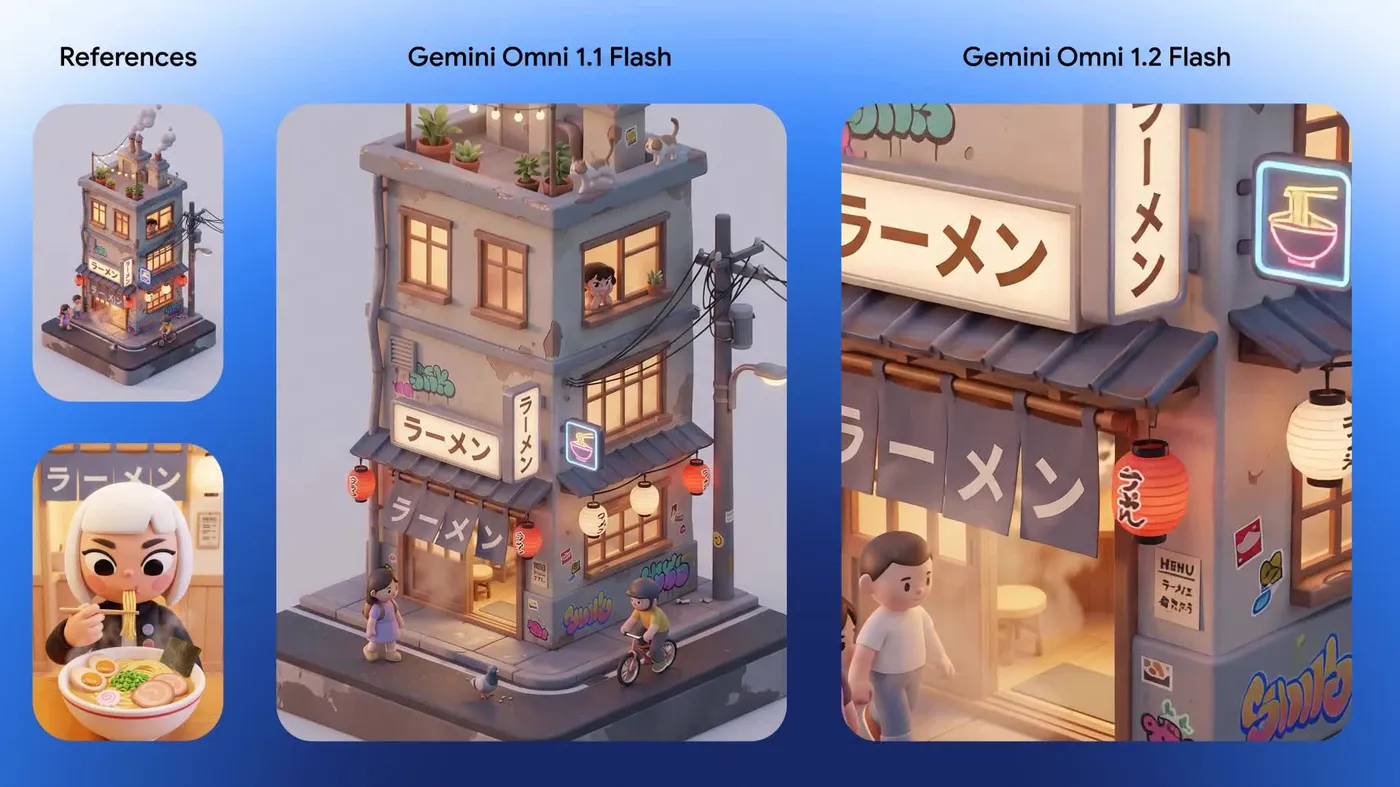
Generation. Prompt with text alone or attach references. AI Studio lists output from 3 to 15 seconds at 360p, 720p, 1080p, or 4K and 24 FPS. Start short when you are still exploring composition, then lengthen once the first frames look right.
Editing. Send the clip back with a natural-language change. Google Cloud notes that multi-turn conversational editing is meant for everyday business volume—product spots, try-ons, ads—without starting over. Keep the same interaction when you can, so the model is refining one take rather than inventing a new one.
Extension and interpolation. Per AI Studio's Gemini Omni Flash page, first-and-last-frame interpolation and per-turn video extension run 3 to 10 seconds, with about 10 seconds of lookback for extension and per-turn extension totaling up to 30 seconds. Design sequences to those published caps rather than assuming a full 15-second extend every turn.
When you are weighing generation stacks side by side, Wan 2.7 vs Seedance 2.0 compares two other video lines.
Pricing and Availability
Google announced Gemini Omni 1.2 Flash as generally available on the Gemini API and Google Cloud on November 5, 2026. The DeepMind blog lists $0.07 per second for 720p and a 30% drop versus Omni 1.1. Similar savings at other resolutions are claimed on the Cloud blog; confirm the live pricing page for 360p, 1080p, and 4K before you budget.
At that 720p list rate, Nov 2026:
| Length | Approximate list cost |
|---|---|
| 5 seconds | $0.35 |
| 10 seconds | $0.70 |
| 15 seconds | $1.05 |
Retries, higher resolutions, and failed takes raise the real cost per finished spot. A failed 15-second 720p attempt still costs list rate if billed, so measure success rate on your own references before you scale a campaign. Google also points to Google Vids, the Gemini app (rolling out to Google AI Ultra), Flow, and Google Ads for product surfaces. Access on those products can lag or differ from the API, so treat each surface's access rules as separate from the API ID.
Competing video lines publish different tier and price shapes; Wan 3.0 Prime vs Seedance 2.5 is one example.
Pros and Cons
Pros
- Native 15-second clips with 1-second duration control.
- Lower list price at 720p than Omni 1.1, plus a draft-then-upscale path that can cut spend.
- Multi-turn conversational editing without a full regenerate.
- Generally available on Gemini API and Google Cloud, with SynthID watermarking.
Cons
- Google itself says development continues on fast sports action, rapid script changes, and complex physics.
- Audio references are gated behind allowlisting on Google Cloud.
- It is a video generation and editing model, not a general-purpose text agent, so plan prompts and references for motion rather than long document reasoning.
Who Should Use Gemini Omni 1.2 Flash
Choose Gemini Omni 1.2 Flash if you need short product, try-on, or ad clips at volume inside Google's stack, and you want to edit the same take in conversation. Draft at 720p, lock references early, and upscale only the keepers. Teams that ship many placement variants of one hero clip get the most from conversational edits.
Stay briefly on Omni 1.1 only if a locked pipeline still requires that ID—and plan for the December 3, 2026 route to 1.2. Compare Wan or Seedance lines when you need a different vendor or a workflow already built around those models. Within one family, Wan 3.0 vs Wan 3.0 Prime shows how a base and prime tier can split.
Run Video Briefs on an Always-On Agent with MyClaw
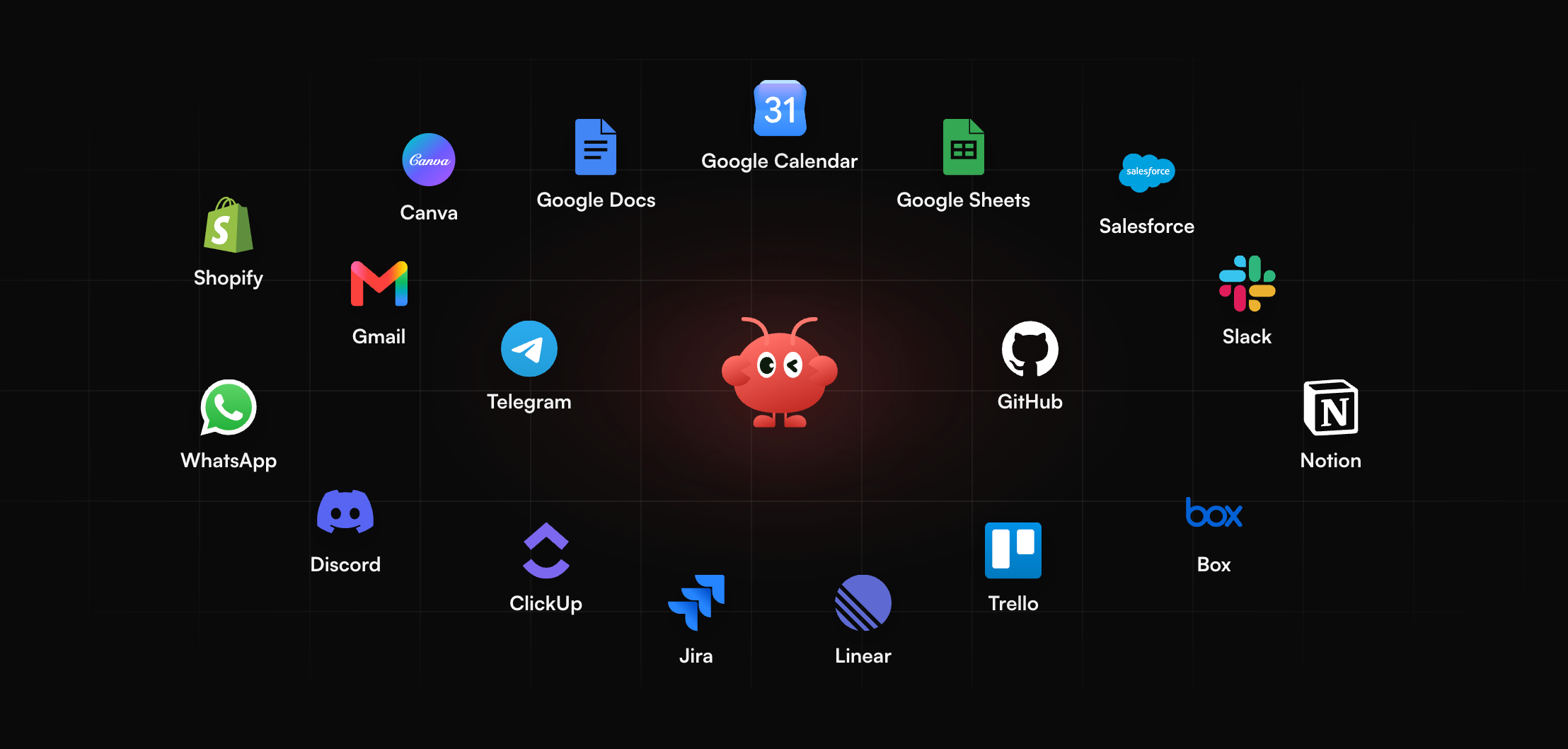
Video feedback often arrives when you are away from an editing bay. MyClaw runs a hosted OpenClaw or Hermes agent that stays on around the clock and reaches you on Telegram, WhatsApp, email, or in the browser. You can send a shot list or script from your phone and get structured notes on pacing, missing beats, and reference gaps, or schedule a weekly digest of the creative tasks you asked it to track. That keeps creative feedback moving when you are away from an editing desk.
- Create your agent. Sign up and choose OpenClaw or Hermes.
- Connect a channel. Link Telegram, WhatsApp, email, or use the browser.
- Send a brief or set a schedule. Paste a script, attach a still reference list, or set a recurring creative digest with the questions you want answered each week.
If you are new to the agent layer, start with the guide to what is OpenClaw.
Conclusion
Gemini Omni 1.2 Flash is Google's GA step for volume short video: longer clips, conversational edits, stronger references, and a lower 720p list price than Omni 1.1. Use the draft-then-upscale path to control spend, measure cost per finished 15-second spot including retries, and treat Google's own sports, script-change, and physics caveats as real limits until your own tests say otherwise. That discipline matters more than the sticker rate alone when you scale dozens of ad or product variants.
Skip the Setup, Run Best-in-Class AI Agents Now
Launch a managed OpenClaw or Hermes Agent workspace in minutes, with always-on hosting, updates, and support handled by MyClaw.