Gemini Omni 1.2 Flash vs 1.1 Flash: Upgrade, Specs, and Migration (2026)

By Alex Morgan
MyClaw Editorial
MyClaw
Run Best-in-Class AI Agents Now
Run OpenClaw or Hermes Agent on managed MyClaw hosting, so your AI agent stays online, updated, and ready for real work.
AI Takeaway
- What is the hard upgrade? Gemini Omni 1.2 Flash generates and edits clips up to 15 seconds; Gemini Omni 1.1 Flash tops out at 10 seconds on AI Studio's model page. Video input for editing rises to 15 seconds on 1.2 from 10 seconds on 1.1.
- What else changes in the docs? AI Studio lists 1.2 output as video with native audio plus text. The 1.1 row lists video output only. Resolutions stay 360p through 4K at 24 FPS on both.
- How does Google price 1.2? At list price, Nov 2026, the launch posts put 1.2 at $0.07 per second for 720p and about 30% below 1.1. They do not publish a separate 1.1 per-second figure on the pages used here.
- When does 1.1 go away as its own route? AI Studio says
gemini-omni-1.1-flashroutes togemini-omni-1.2-flashon December 3, 2026. - How can you keep video briefs moving without a server? A hosted OpenClaw or Hermes agent on MyClaw can take a shot list or script from your phone and return structured notes, or send a weekly digest of open creative tasks.
Gemini Omni 1.2 Flash vs 1.1 Flash at a Glance
| Spec | Gemini Omni 1.1 Flash | Gemini Omni 1.2 Flash |
|---|---|---|
| API model ID | gemini-omni-1.1-flash | gemini-omni-1.2-flash |
| AI Studio update | August 2026 | November 2026 |
| Output clip length | 3–10 seconds | 3–15 seconds |
| Video input for edit | Up to 10 seconds | Up to 15 seconds |
| Extension lookback | Covered under 10s edit/extend row | About 10 seconds lookback |
| Interpolation / per-turn extend | Not broken out on the 1.1 row | 3–10 seconds; extend up to 30s total |
| Output modalities | Video | Video with native audio, plus text |
| Resolutions | 360p, 720p, 1080p, 4K at 24 FPS | Same |
| 720p list price (Google, Nov 2026) | Exact $/s not published on pages used here | $0.07 per second; ~30% below 1.1 |
| Alias / route | Routes to 1.2 on Dec 3, 2026 | Stable target of that route |
For a deeper single-model pass on the newer release, see the Gemini Omni 1.2 Flash review.

Duration and Resolution
Both models share the same resolution ladder on AI Studio: 360p, 720p, 1080p, and 4K at 24 FPS. The duration ceiling is the cleanest documented gap. 1.1 stops at 10 seconds. 1.2 runs 3 to 15 seconds for standard generation and editing.
Google's 1.2 launch post adds that you can set duration in one-second steps from 3 to 15 seconds, and it recommends drafting at 360p or 720p, then upscaling keepers to 1080p or 4K. That draft-then-upscale path is a 1.2 workflow claim from the launch post, not a separate AI Studio field for 1.1, so treat it as guidance rather than a hard API enum.
If you still need the older version's baseline write-up, read Gemini Omni 1.1 Flash.
Editing, Extension, and Audio
Documented hard differences. On AI Studio, 1.1 accepts video input up to 10 seconds for editing and extension. 1.2 accepts up to 15 seconds for editing and about 10 seconds of lookback for extension. 1.2 also publishes 3–10 second caps for first-and-last-frame interpolation and per-turn extension, with per-turn extension totaling up to 30 seconds. The 1.1 table does not break those extension sub-caps out the same way; it only states the 10-second editing and extension window.
Output audio. AI Studio lists 1.2 as returning video with native audio and text. The 1.1 row lists video only. That is what the model page shows today; confirm audio in your own API responses before you redesign a pipeline around speech.
Conversational editing. Google's 1.2 launch materials highlight multi-turn conversational editing—swap a product, change lighting, change aspect ratio—across full 15-second clips. Frame that as a Google-highlighted improvement for 1.2. The 1.1 AI Studio row does not describe that workflow, so this comparison sticks to what that row states and what Google highlights for 1.2.
Google Cloud also notes that audio references for Omni can be allowlisted. That gate is separate from native audio on the output file.
Outside Google's Omni line, the Wan 2.7 review covers a different video stack.
Reference Adherence, Speech, and Camera
Google's launch post and demos position 1.2 as stronger than 1.1 on reference adherence, first-to-last-frame consistency, natural speech and lip-sync, and continuous camera moves with fewer jump cuts. Those are vendor claims and Google's own side-by-side examples, not independent lab scores. Prioritize what to A/B on your own product and character assets instead of treating the demos as scored benchmarks.
Carry the same caveat Google publishes for 1.2: work continues on fast sports action, rapid script changes, and complex physics. Longer clips and better references do not remove those limits.
For a non-Omni side-by-side, Wan 2.7 vs Seedance 2.0 compares two other video lines.
Pricing and Cost Per Clip
At list price, Nov 2026, Google states Gemini Omni 1.2 Flash costs $0.07 per second at 720p and about 30% less than Omni 1.1. The launch pages used for this comparison do not print a separate 1.1 per-second number, so this draft does not invent one.
At the published 1.2 720p list rate, five seconds is about $0.35, ten seconds about $0.70, and fifteen seconds about $1.05 (15 × $0.07). Keep those figures labeled as list math, not a second official price card.
A 15-second 1.2 clip is only possible on 1.2 in a single native generation. On 1.1 you would need a second generation or an extension path to reach the same wall-clock length, which changes both quality and billed seconds. Confirm live rates for 360p, 1080p, and 4K on Google's pricing page before you budget a campaign. Other vendors publish different price tiers; Wan 3.0 Prime vs Seedance 2.5 shows one pattern.
Migration: When to Switch and What Breaks
AI Studio schedules gemini-omni-1.1-flash to route to gemini-omni-1.2-flash on December 3, 2026. New work should call gemini-omni-1.2-flash now rather than waiting for the alias date. Locked pipelines on the 1.1 ID should retest before that date so the alias flip is not your first production surprise.
Retest these areas first:
- Prompts that ask for 11–15 seconds. They fail or truncate on 1.1's published max.
- Audio-dependent outputs. Confirm native audio on 1.2 matches what your players expect.
- Multi-turn edit chains. Re-run your variant workflow on a full 15-second take.
- Extension and interpolation jobs. Align code with 1.2's 3–10 second sub-caps and 30-second extend total.
Stay on the 1.1 ID only for a short bridge while you finish those tests. After December 3, 2026, that ID is documented to route to 1.2 anyway, so delaying the retest does not preserve 1.1 behavior.
Run Video Briefs on an Always-On Agent with MyClaw
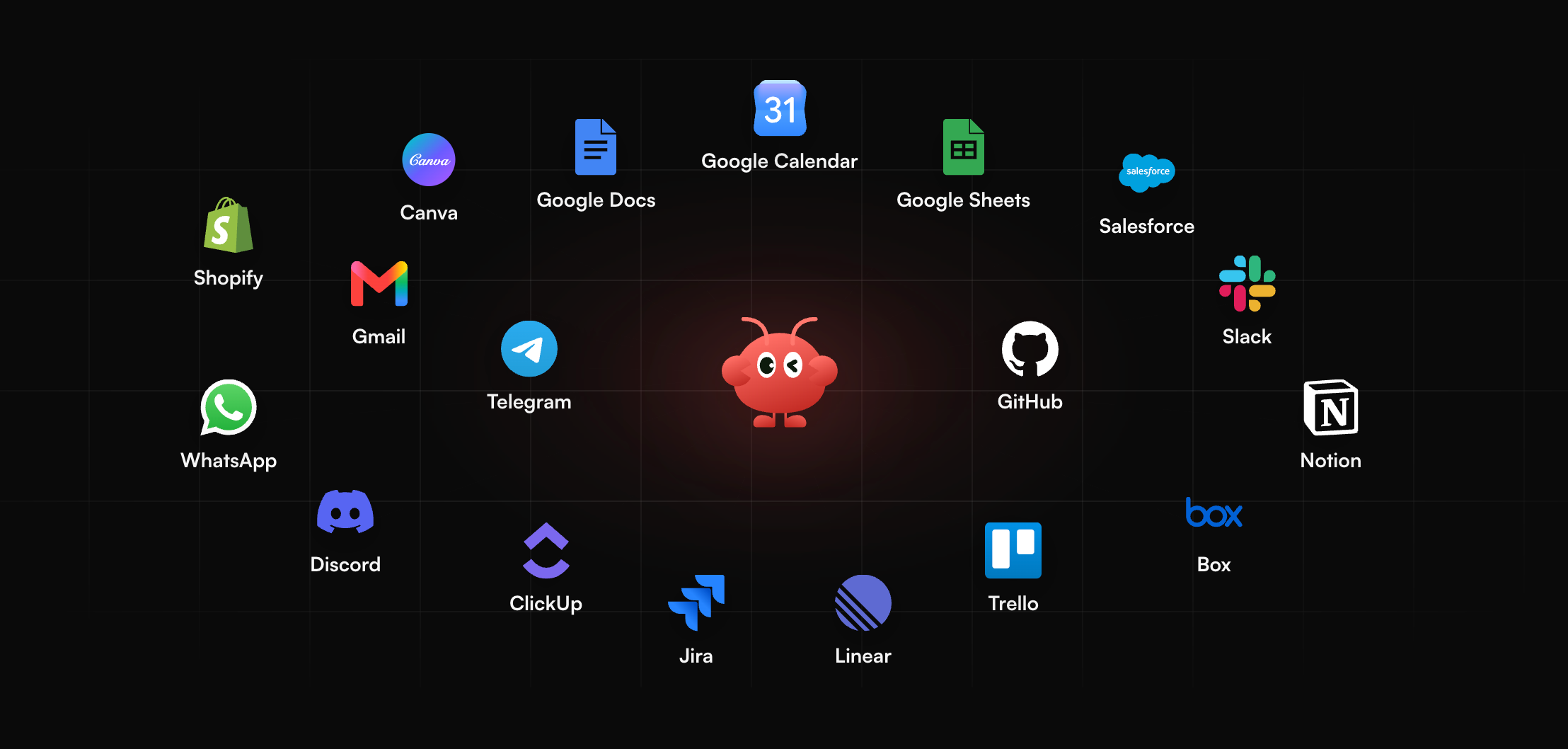
Version upgrades create extra review work: shot lists, script beats, and reference checklists. MyClaw runs a hosted OpenClaw or Hermes agent that stays on around the clock and reaches you on Telegram, WhatsApp, email, or in the browser. You can send a shot list or script from your phone and get structured notes on pacing and missing beats, or schedule a weekly digest of the creative tasks you asked it to track. That keeps migration checklists moving when you are away from an editing desk and still need a written pass on the brief.
- Create your agent. Sign up and choose OpenClaw or Hermes.
- Connect a channel. Link Telegram, WhatsApp, email, or use the browser.
- Send a brief or set a schedule. Paste a migration checklist or set a recurring creative digest.
If you are new to the agent layer, start with the guide to what is OpenClaw.
Conclusion
Gemini Omni 1.2 Flash vs 1.1 Flash comes down to documented limits and a dated route. 1.2 gives longer clips, longer edit inputs, native audio as listed on AI Studio, and a lower 720p list price per Google's launch posts. 1.1 remains useful only as a short bridge before December 3, 2026. Pin gemini-omni-1.2-flash for new work, retest audio and 11–15 second flows, and measure cost per finished spot including retries—not just the sticker rate on a single successful take.
Skip the Setup, Run Best-in-Class AI Agents Now
Launch a managed OpenClaw or Hermes Agent workspace in minutes, with always-on hosting, updates, and support handled by MyClaw.