Google Stitch vs Claude Design vs Figma in 2026

By Nathan Cole
MyClaw Editorial
MyClaw
Run Best-in-Class AI Agents Now
Run OpenClaw or Hermes Agent on managed MyClaw hosting, so your AI agent stays online, updated, and ready for real work.
AI Takeaway
- Which tool should I use to explore UI ideas? Use Google Stitch to compare screen layouts and link the strongest direction into a click-through flow.
- When is Claude Design a good fit? Use it to turn a brief and your brand or codebase into an interactive prototype you can hand to Claude Code.
- Should I start in Figma Design or Figma Make? Start in Design when people need to edit the same frames and components. Start in Make when you want to try a working interaction from a prompt or an existing design.
- What happens to a Figma Make prototype when I copy it into Design? The copy gives you editable layers for the screen state you captured. To run an interaction on the Design canvas, use a separate code layer.
Google Stitch vs Claude Design vs Figma at a Glance
| Tool | Best For | What You Get | Next Handoff | Access and AI Usage |
|---|---|---|---|---|
| Google Stitch | Exploring UI directions | Screen variations and a linked flow | Frontend code or Figma layers where copying is available | Free with daily credits |
| Claude Design | Prototyping with brand or codebase context | A branded interactive prototype | Claude Code for implementation | Included on Claude plans, with shared usage limits |
| Figma Design | Maintaining shared designs | Editable frames, components, and prototype links | Developer inspection in Dev Mode | Free Starter plan, with team libraries and Dev Mode on eligible paid plans and seats |
| Figma Make | Testing how a flow behaves | A working prototype or web app | Share the preview or copy an editable snapshot on eligible plans | Free to try on Starter, with AI credits based on plan and seat |
As of November 17, 2026, Claude Design is available on the Free plan and Claude Pro costs $20 per month when billed monthly. Prototyping draws on the same usage allowance as Claude chat and Claude Code. The standalone Claude Design site is scheduled to close on December 14, 2026. You can already start a design from Artifacts inside Claude.
Figma’s free Starter plan includes up to 150 AI credits per day and 500 per month. A Professional Full seat costs $16 per month with annual billing and includes 3,000 monthly AI credits. If you want to prototype in Make with styles from a shared team library, factor in a paid plan.
For a closer look at the two prompt-led tools, the Google Stitch vs Claude Design comparison covers their canvases, usage limits, and export options in more detail.

What Each Tool Produces From the Same UI Brief
Imagine you’re designing onboarding for a team workspace. Someone creates the workspace, invites a teammate by email, and sees a confirmation screen. If the email is invalid, the form should keep the address visible and give the user a chance to correct it. Here’s how you could use each tool on that brief.
Explore Screen Directions in Google Stitch
Ask Stitch for two versions of the invite screen. In one, put the form first. In the other, explain what the teammate will receive before asking for an address. Use a screenshot as a visual reference or import a DESIGN.md file with project rules such as color, typography, and spacing.
Generate the narrow-screen error state early, while it’s still easy to change the layout. Then link the chosen screens into a click-through flow so the team can review the order, wording, and visual hierarchy.
Prototype From Brand or Code in Claude Design
Attach your design system or link a repository that contains the form components you want Claude to reference. Ask for a working prototype with two paths. An invalid address keeps the user on the invite screen with an error, and a valid address advances to confirmation.
Walk through both paths in the prototype. Once the team agrees on the behavior, send the design to Claude Code with the details that affect the build, including when validation runs and where keyboard focus goes after an error.
Refine Shared Designs in Figma Design
Build the flow with your team’s input and button components. Use an error variant for the email field and apply the library’s variables and styles. If your team has the Figma agent available, you can connect the library and ask it to draft a frame using those assets. Inspect the result for the components and variables you expect to see.
Keep the default and error states side by side so a teammate can comment on the precise change. After sign-off, developers with Dev Mode access can inspect spacing, styles, and component details in the same file.
Build an Interactive Flow in Figma Make
Start with a prompt or the existing Figma Design frames. If your team has a Make kit, add it to supply code packages, library styles, and guidelines for using them.
Give a teammate a test email with a typo and ask them to finish the flow. Watch whether they spot the error, understand how to fix it, and recognize the confirmation. That gives you something concrete to change before the team connects the flow to its invitation service.
What Survives the Handoff to Figma or Code
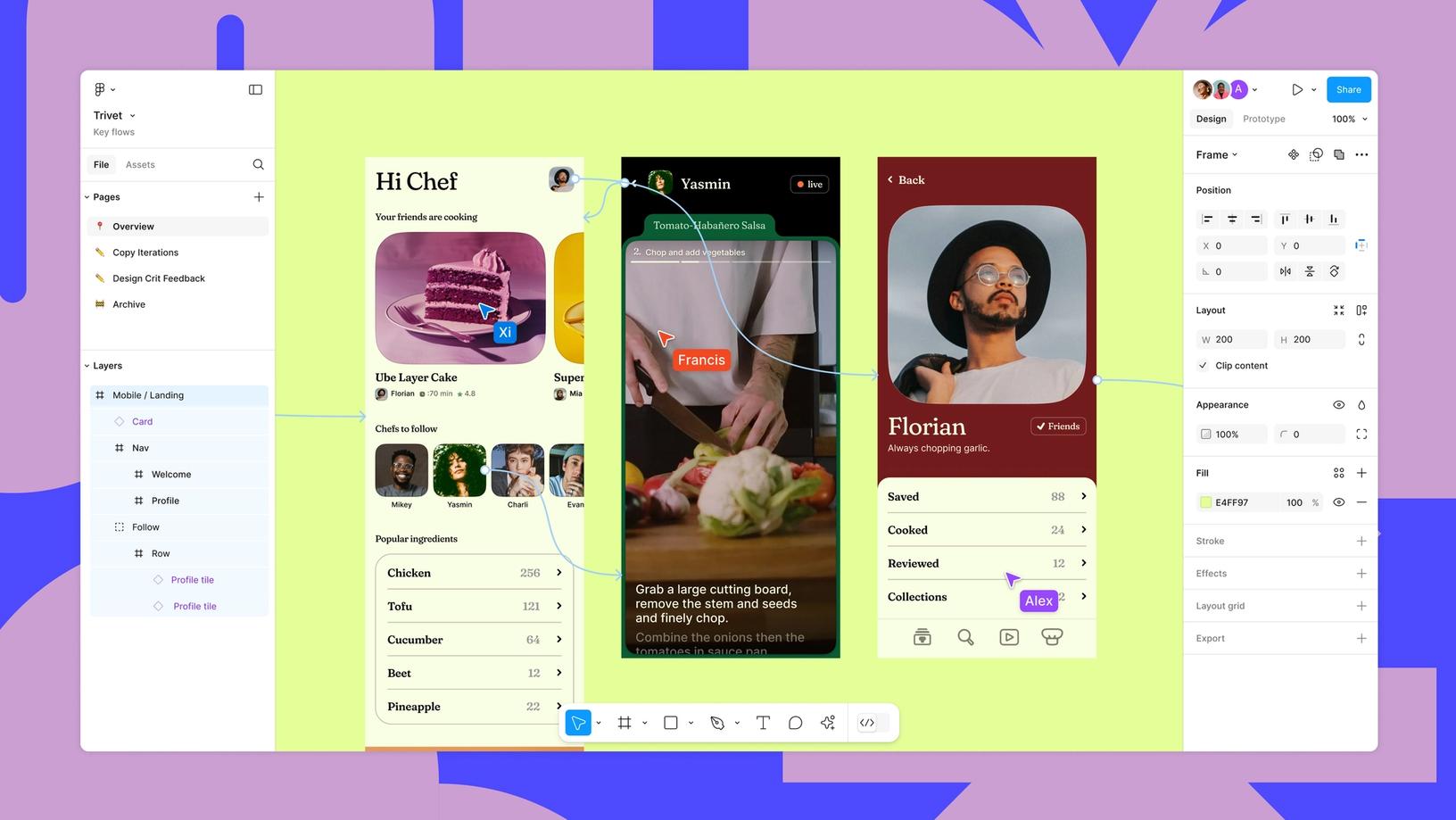
Editable Design Layers and Design-System Bindings
If Stitch offers Copy to Figma for your screen, try it on the invite form first. Inspect the pasted frame at mobile width. Check whether the field and button use your library components, whether error text wraps, and whether spacing and colors use the right variables. Reconnect or replace elements as needed before adding the frame to the team’s design file.
In Figma Make, show the state you want to keep, such as the invalid-email message, then open Edit in the preview’s Browser tab. Choose Copy designs, select Whole page, and paste the result into Figma Design. This creates an editable snapshot. Figma can bind matching variables, and subsequent layer edits stay in the Design file. If reviewers need to type an address and trigger the error on the Design canvas, create a separate code layer. That open-beta feature runs an interactive, code-backed preview in the file.
Prototype Behavior and Production Code
A Claude Design handoff gives Claude Code a prototype to work from in the repository. Stitch can export frontend code or send screens to Google Antigravity for further development. Dev Mode gives engineers a way to inspect the approved Figma specs. If you’re choosing an implementation tool, the Claude Code vs Cursor comparison covers how each works in a codebase.
In a staging build, submit an invalid address using only the keyboard. Check where focus lands and whether the message fits on a narrow screen. Then submit a valid test address and simulate an invitation service error. Include the expected behavior beside the prototype link so engineering and QA can test the same criteria.
Track Design Handoff in Slack With MyClaw
An approved prototype can still leave questions open. For the invite flow, someone needs to decide what to show when the address already belongs to a workspace member. MyClaw provides managed hosting for a private, always-on OpenClaw agent that can keep track of those decisions and who owns them.
- Give the agent the handoff brief. Set up the agent with managed OpenClaw hosting. Give it the approved prototype, the location of the design file or repo the team will maintain, and the review checklist. Ask it to record each open question with its owner and source.
- Capture decisions in the project channel. Connect MyClaw for Slack, assign the agent to the channel, and mention @MyClaw when you want a summary of the review notes. For example, ask which error messages still need approval and who will check keyboard behavior.
- Schedule a handoff digest. Use the dashboard’s Automation panel to set a recurring task, as shown in Day 6 on automation. Give the agent access to the notes it needs and ask the agent to surface decisions blocking the build and items that still need an owner.
Conclusion
A single onboarding flow can move through several tools. A Figma team might explore two layouts in Stitch, rebuild the selected form with library components in Design, and use Make to see how people recover from an error. If your team maintains its components in a repository and builds with Claude Code, you can prototype with that context in Claude Design and pass the approved version back for implementation. Test the handoff on the invite screen first. Ask the next person to update the field, reproduce the validation error, or inspect a spec before moving the rest of the flow.
Skip the Setup, Run Best-in-Class AI Agents Now
Launch a managed OpenClaw or Hermes Agent workspace in minutes, with always-on hosting, updates, and support handled by MyClaw.