Images 2.6 Review: OpenAI Flare, Sunburst, GIFs, and Editing (2026)

By Alex Morgan
MyClaw Editorial
GPT Image 2.6
Try GPT Image 2.6
Start a chat with GPT Image 2.6 and test it on a brief you already need.
Chat with GPT Image 2.6AI Takeaway
- What is Images 2.6? OpenAI's November 4, 2026 image update in ChatGPT, Codex, and the API. The API exposes two models: GPT-Image-2.6 Flare for speed and GPT-Image-2.6 Sunburst for detail and edit consistency.
- What did OpenAI claim at launch? About 50% faster generation than before, Flare returning images in as little as six seconds at low quality, and Sunburst holding detail better across edit rounds at medium or high quality.
- What is new versus prior Images releases? Animated GIF output, SVG export, markup-guided edits in the API, and a complexity setting that controls how much planning goes into a request.
- What does the API cost? At list price, Nov 2026, Flare and Sunburst share the same rates on their official model pages: text input $5 per million tokens ($1.25 cached), image input $8 ($2 cached), and image output $30.
- How can you keep image briefs moving without a server? A hosted OpenClaw or Hermes agent on MyClaw can take a brief or screenshot from your phone and return a structured critique, or send a weekly digest of open visual tasks.
Images 2.6 Specs at a Glance
| Spec | Images 2.6 |
|---|---|
| Vendor | OpenAI |
| Released | November 4, 2026 |
| Where it ships | ChatGPT, Codex, and the API |
| API model IDs | gpt-image-2.6-flare, gpt-image-2.6-sunburst |
| Input / output | Text and image in; image out |
| New outputs | Animated GIFs, SVG |
| Editing extras | Markup-guided edits in the API; complexity parameter |
| Official speed claim | About 50% faster; Flare as low as six seconds at low quality |
| ChatGPT availability | All subscription tiers, desktop, mobile, and web |
Images 2.6 is the ChatGPT product name. The API names are GPT-Image-2.6 Flare and GPT-Image-2.6 Sunburst. If you are still on the previous generation, the GPT Image 2.5 overview covers that baseline.
Flare vs Sunburst
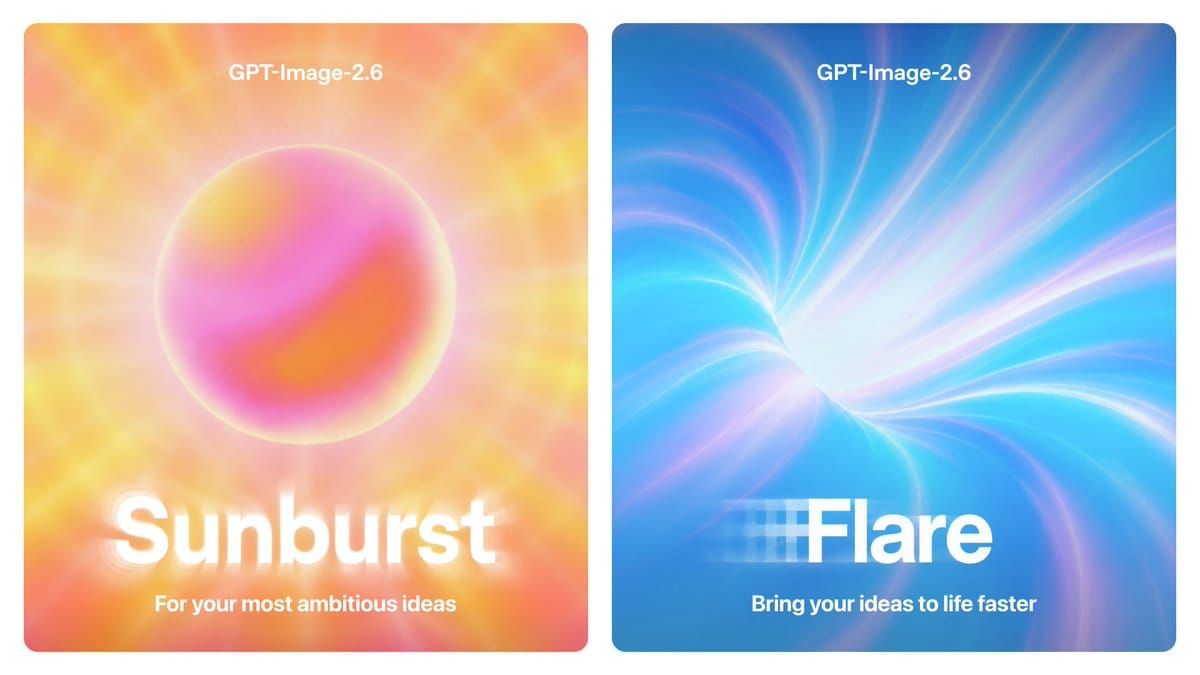
OpenAI splits Images 2.6 into two API models with different jobs.
Flare is the fast tier. OpenAI positions it for interactive generation and editing, with layout improvements for posters, product imagery, and other professional visuals. At low quality it can return an image in as little as six seconds.
Sunburst is the detail tier. OpenAI says it brings higher-quality generation and greater consistency across edits when quality is set to medium or high. Reach for it when a character, product, or brand detail has to survive several revision rounds without drifting.
Both accept text and image inputs and both write images. Quality controls visual fidelity; complexity controls how much planning the model spends on the scene. For most edits, OpenAI recommends low complexity paired with the quality level your deliverable needs. In practice, start drafts on Flare at low or medium quality, then move the keeper to Sunburst when the composition is locked. The same Flare-versus-Sunburst split existed in 2.5; GPT Image 2.5 Sunburst vs Flare maps that pattern.
New Editing Controls: Markup, Complexity, SVG
Images 2.6 pushes ChatGPT's image markup into the API so you can mark where a change should land instead of describing it in prose alone. That matters when a button, logo, or face needs a precise tweak without rewriting the whole scene.
SVG export is aimed at work that has to leave the chat: websites, apps, and print. Quality and complexity are separate dials. Quality raises or lowers visual detail; complexity raises or lowers how much the model plans before it draws. Mixing them up is a common mistake: raising quality will not fix a crowded brief that needed higher complexity, and high complexity on a one-line tweak mostly adds latency. OpenAI's guidance is clear: low complexity for ordinary edits, medium or high when a scene has many elements or hard constraints.
When you are choosing how much fidelity to buy per image, the quality dials on Nano Banana 2.1 vs Pro show a similar trade-off on another stack.
GIFs and Motion
The clearest product addition in Images 2.6 is motion. OpenAI highlights animated GIFs for brand mascots, social reactions, and animated storyboards before video work. You can start from a finished image or, in OpenAI's examples, from a simple sketch. That puts short motion inside the same prompt loop as stills, instead of exporting frames to a separate animation tool for every reaction clip.
Secondary write-ups from TechRadar and Analytics Vidhya (2026) say GIF generation works from ordinary prompts and photo uploads, and that frames still need a human pass for timing, expression, and small object detail. Those are third-party observations, not OpenAI specs.
Pricing and Availability
OpenAI says Images 2.6 is available globally in ChatGPT and Codex on every subscription tier, including Free. GPT-Image-2.6 Flare and GPT-Image-2.6 Sunburst are available in the API on the image generation and image edit endpoints.
At list price, Nov 2026, the official model pages list identical token rates for Flare and Sunburst:
| Token type | Price per 1M |
|---|---|
| Text input | $5 ($1.25 cached) |
| Image input | $8 ($2 cached) |
| Image output | $30 |
Per-image cost still depends on resolution, quality, and how many edit rounds you run. Cache rates matter when the same reference image is reused across a long edit chain. Token billing is only one shape of image pricing; the Nano Banana 2.1 overview shows another line's rates and when a lower sticker price still fails a brief.
Pros and Cons
Pros
- Official ~50% speed gain and a fast Flare path for drafts.
- Clear Flare / Sunburst split for speed versus multi-edit consistency.
- GIF, SVG, and API markup expand what you can ship from one workflow.
- Available in ChatGPT and Codex across all tiers.
Cons
- ImageBattle's GPT Image 2.6 Sunburst review (secondary) ranks it poorly on clean flat vector and logo-style graphic design.
- Secondary reviews (Analytics Vidhya, TechRadar, 2026) report missed text details and advise reviewing final frames.
- Official GPT-Image-2.6 Flare and Sunburst model pages (read Nov 2026) document quality and complexity but do not list a fixed resolution tier table.
Who Should Use Images 2.6
Choose Images 2.6 if you already work in ChatGPT or the OpenAI API and need faster iteration, markup edits, or GIF and SVG output without leaving that stack. Flare fits exploration and layout drafts. Sunburst fits finals and long edit chains on the same subject. Teams that ship many small variants of one hero asset—pack shots, character poses, campaign lockups—get the most from Sunburst's edit-consistency pitch.
Stay on an earlier GPT Image release, or evaluate Nano Banana or other lines, when your brief is dominated by flat icons, strict 4K resolution tiers, or open-weight deployment. Those jobs sit outside what OpenAI emphasizes for Images 2.6. For a stills-focused matchup against Google's stack on the prior GPT Image release, see Nano Banana 2.1 vs GPT Image 2.5. If your pipeline needs a published resolution ladder before generation starts, confirm the current Images 2.6 docs for your account rather than assuming tiers from a rival model.
Run Image Briefs on an Always-On Agent with MyClaw
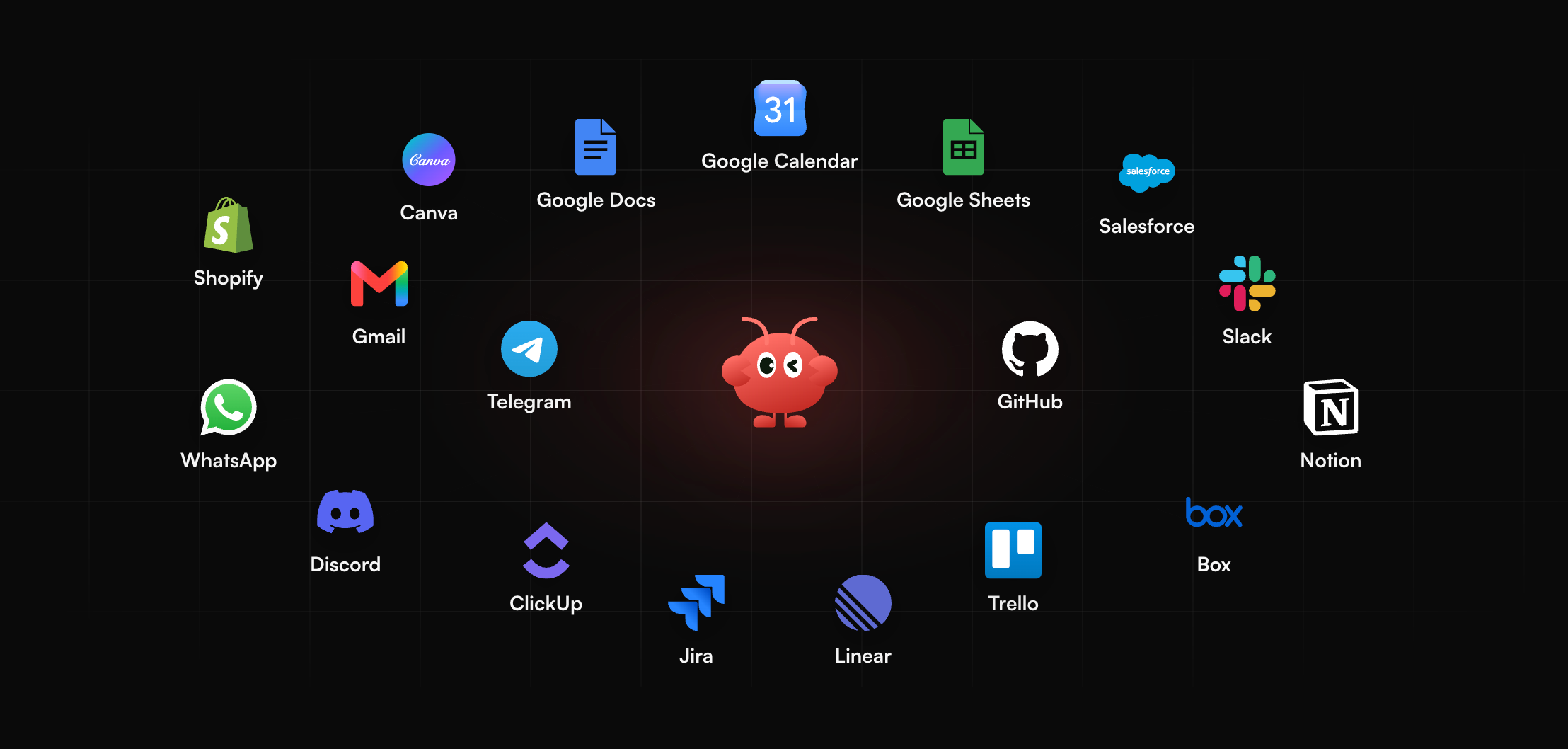
Image feedback often arrives when you are away from a design tool. MyClaw runs a hosted OpenClaw or Hermes agent that stays on around the clock and reaches you on Telegram, WhatsApp, email, or in the browser. You can send a brief or a screenshot from your phone and get a structured critique of hierarchy, spacing, and missing elements, or schedule a weekly digest of the visual tasks you asked it to track. That keeps feedback moving even when ChatGPT is not open on your laptop and you only have your phone.
- Create your agent. Sign up and choose OpenClaw or Hermes.
- Connect a channel. Link Telegram, WhatsApp, email, or use the browser.
- Send a brief or set a schedule. Paste a prompt, attach a screenshot, or set a recurring visual digest.
New to the agent layer? Start with what is OpenClaw.
Conclusion
Images 2.6 is OpenAI's speed-and-control update: Flare for fast drafts, Sunburst for keepers that must survive edits, plus GIFs, SVG, and markup for work that leaves the chat. Official pricing puts both API models on the same token rates. Use it when iteration inside OpenAI's stack matters most, and treat flat graphics and on-image text as areas that still need a careful human check before you publish or ship.
Put GPT Image 2.6 to work on a real image
Start a chat with GPT Image 2.6 and test it on a brief you already need.
Chat with GPT Image 2.6