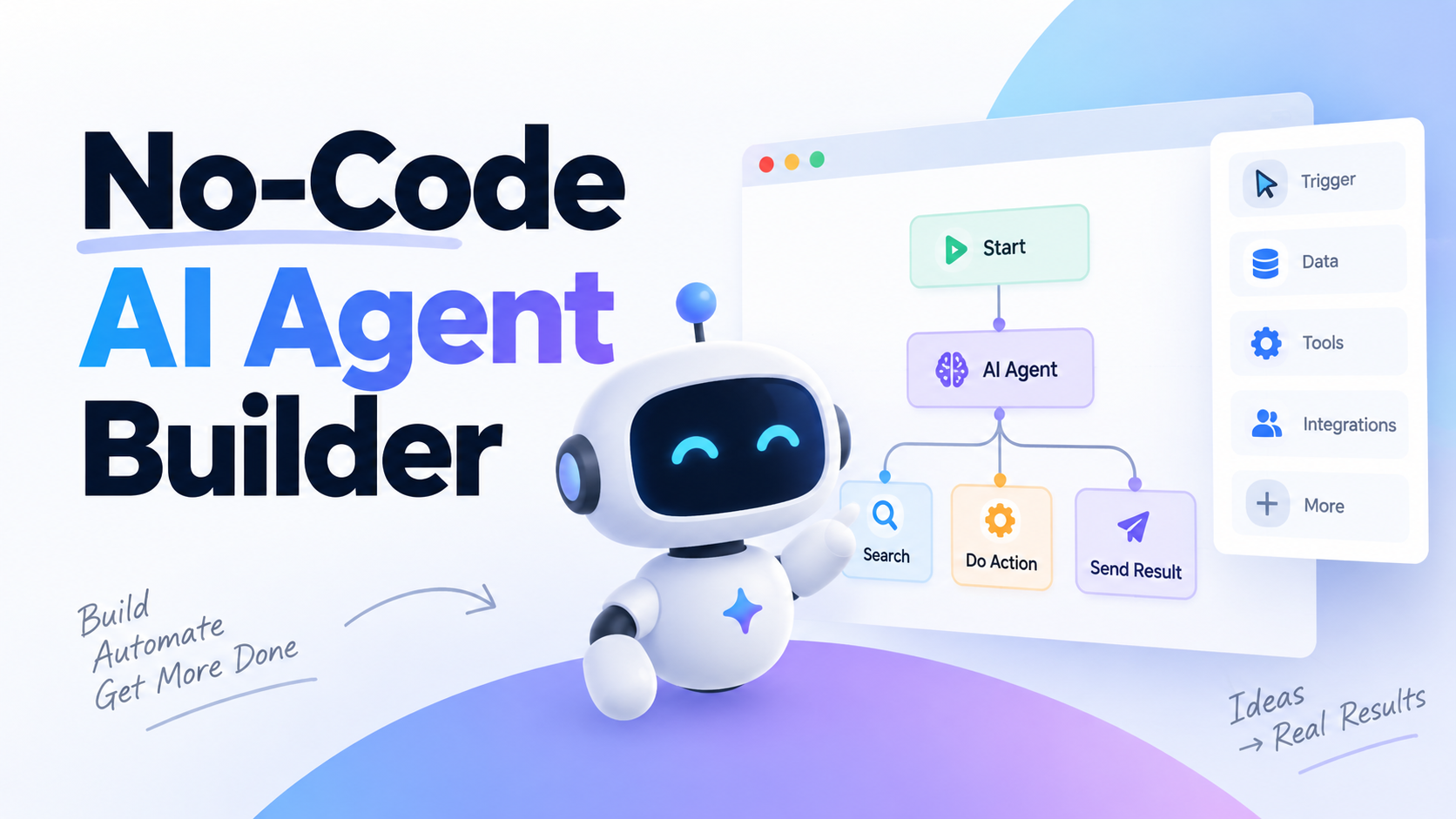
No-Code AI Agent Builder: Tools, Costs & Getting Started

By Emma Reed
MyClaw Editorial
MyClaw
Run Best-in-Class AI Agents Now
Run OpenClaw or Hermes Agent on managed MyClaw hosting, so your AI agent stays online, updated, and ready for real work.
AI Takeaway
- What is a no-code AI agent builder? A platform for configuring an agent's instructions, data, and tools through prompts or visual controls, without writing the code that coordinates its work.
- Which tool fits your task? Shortlist Zapier Agents for work across business apps, Relevance AI for specialist agents, Voiceflow for customer chat and voice, and n8n for workflows combining AI with fixed steps.
- Does no-code mean no setup or running costs? No. You still need to connect accounts, define permissions, test outputs, and account for subscriptions and usage charges.
- When does MyClaw make sense? When you want a private, always-on OpenClaw assistant without managing a server. MyClaw hosts OpenClaw; you configure its tasks, tools, and schedule.
What Does a No-Code AI Agent Builder Do?
A no-code AI agent builder brings together instructions, an AI model, connected tools, and a way to start and inspect a task. You describe the job, provide context, and decide which actions the agent can take.
A fixed automation follows steps you specify. An agent can choose its next action within those boundaries: retrieve another source, ask for missing information, or use a tool. Many useful workflows combine fixed steps with these decisions.
No-code describes how you configure the system. It still takes work to connect accounts, map data fields, and define a useful result. Custom integrations may need technical help. For a concrete example of the underlying capabilities, see how an OpenClaw assistant uses tools.

No-Code Tools for Building AI Agents: Four Options by Use Case
These no-code tools for building AI agents serve different jobs. Use the table to shortlist a platform, then test it with your own data.
| Tool | Suitable job | Setup to expect |
|---|---|---|
| Zapier Agents | Work across connected business apps | Authorize accounts and select actions |
| Relevance AI | Specialist agents and coordinated teams | Define tools, responsibilities, and handoffs |
| Voiceflow | Customer chat and voice experiences | Design conversations and connect knowledge |
| n8n | Visual workflows combining AI and fixed logic | Configure nodes, data flow, and deployment |
Zapier Agents for Work Across Business Apps
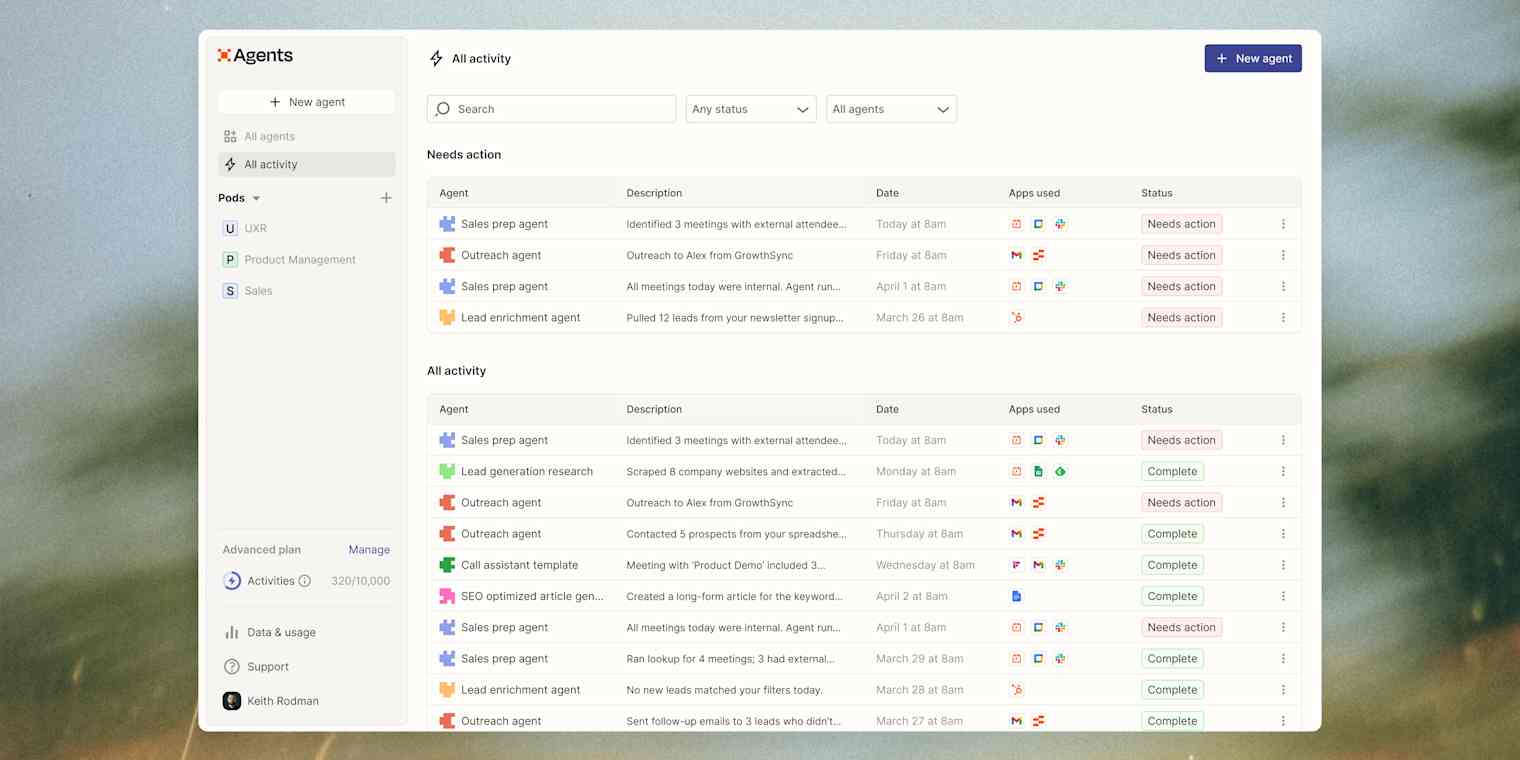
Zapier Agents connects business knowledge with actions in other apps. Consider it for a task such as researching an incoming lead, adding findings to its CRM record, and preparing a follow-up. Its appeal is connecting work across apps your team already uses.
Before committing, verify that the agent supports the specific CRM fields and updates you need, then review its activity allowance.
Relevance AI for Specialist Agents and Agent Teams

Relevance AI supports specialist agents with their own tools and context, plus coordination between them. Consider it when a process has distinct roles: one agent gathers research, another evaluates it against your criteria, and a third prepares a report.
The setup work lies in defining each responsibility and the information passed between agents. Prove that one specialist produces usable output before building the team around it.
Voiceflow for Customer Chat and Voice
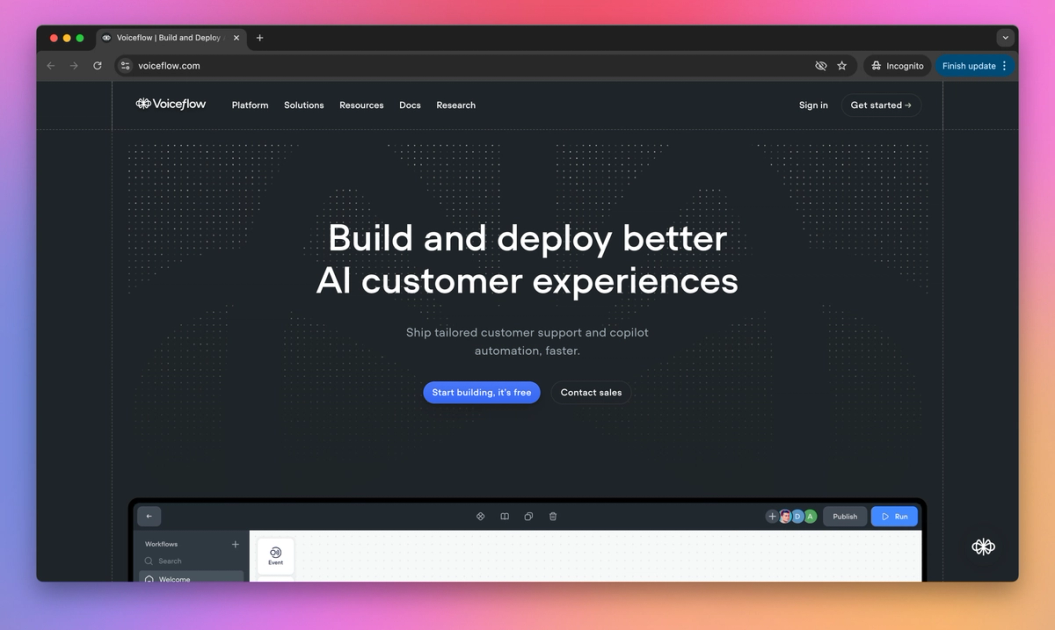
Voiceflow focuses on customer conversations across chat and voice. Consider it when your agent needs to answer questions from a knowledge base, collect details over several turns, and guide someone toward a resolution.
Evaluate how the conversation handles an unanswered question or a request for a person. Confirm your intended channel and its charges, especially for phone services.
n8n for Visual Workflows with More Control
n8n combines visual nodes, conditional logic, agent tools, and optional code. Consider it when a task needs explicit rules around an AI decision: retrieve a request, let an agent classify it, then route the result through a defined branch.
Expect to configure data flow between nodes. Cloud hosting and self-hosting are available; the latter adds server maintenance to the work of building your workflow.
How to Choose a No-Code AI Agent Builder
Run a small trial around four questions:
- Can it perform the exact action? Check required data fields, permissions, and destination. An integration listing alone does not confirm every action is supported.
- Can it stop for review? Confirm how you approve consequential actions, such as sending a customer message or changing a record.
- Can you inspect a failed run? Look for the input, tool result, and point of failure. You need enough information to correct the task.
- Can you afford repeated use? Estimate the full workflow, including retries and extra model calls.
Your total may include a subscription, billable runs or actions, model usage, external services, and hosting. Some plans bundle these costs. Check what is included, what triggers an overage, and whether a free allowance is recurring or a temporary trial.
For example, MyClaw's hosting and AI usage costs distinguish the hosting subscription from AI token usage. Advertised credits do not mean unlimited model use.
Compare the cost of a completed, acceptable result, including correction time. Ten inexpensive runs that need rewriting may be less useful than one that gets the job done.
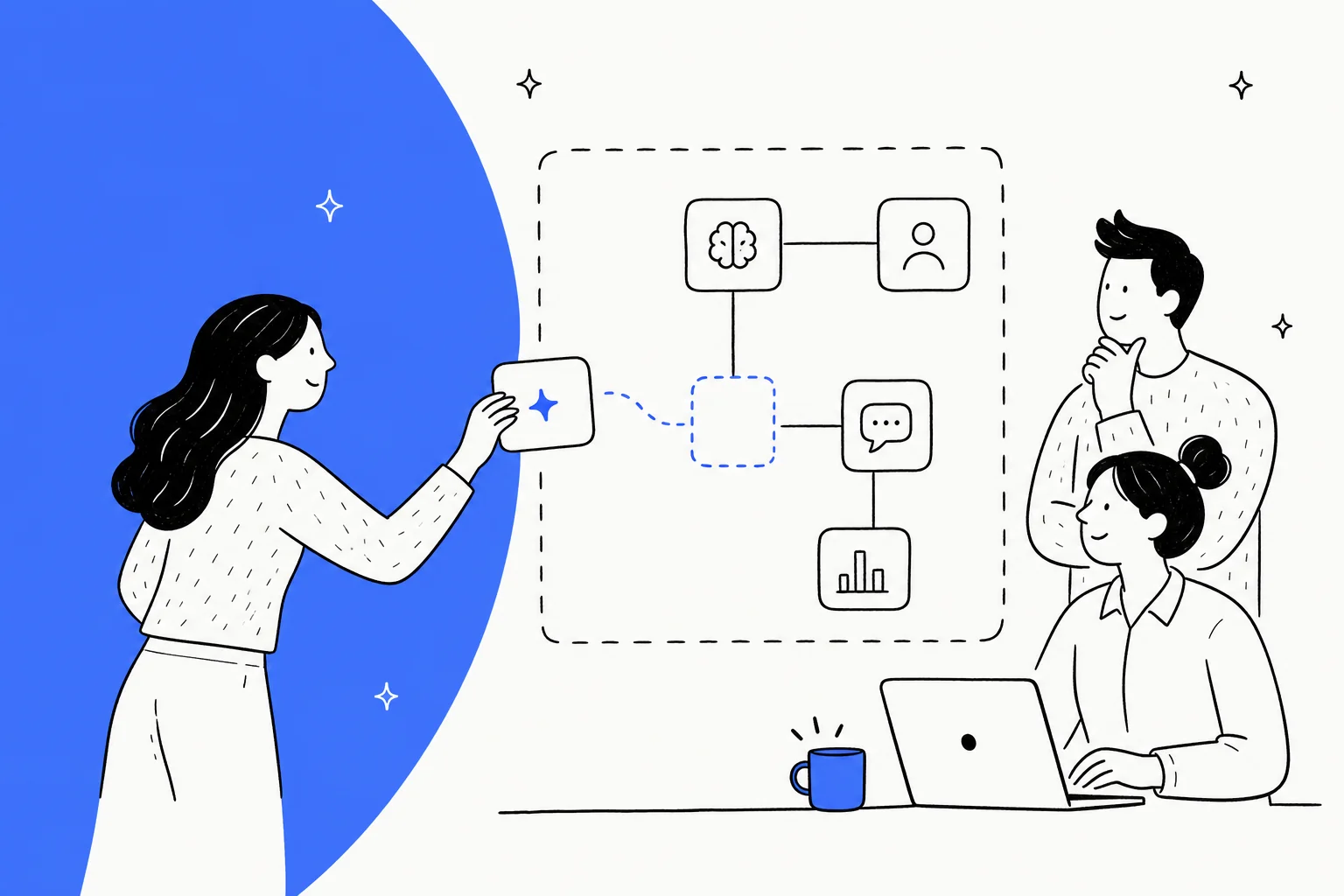
Build Your First Agent Around One Useful Task
Try a small exercise: check three public competitor pages and produce a daily change brief for internal review. The retrieval and schedule can follow fixed rules; the agent's useful job is deciding which changes matter and explaining them.
Define the Inputs, Output, and Limits
Start with a brief like this, replacing the bracketed inputs:
Check [three page URLs] for pricing or product changes. Compare each page with its last successful snapshot. Return up to five bullets with source links and a short explanation of each change. Save a baseline on the first run; retain each successful snapshot for the next comparison. Report inaccessible pages separately; never infer changes from missing data. If nothing relevant changed, say so. Save the brief to [internal destination].
Set permissions to match that scope. For OpenClaw, configure the agent's instructions to retain these preferences across tasks. Written instructions should complement the platform's access controls.
Connect the Tools the Task Needs
Connect web retrieval, storage for previous snapshots, and the output destination. Verify each separately: can the tool read the page, retrieve yesterday's snapshot, and save today's brief?
Use supported connectors or skills for each operation. The OpenClaw guide to connecting an agent to services provides an example of the setup involved; the exact controls differ between platforms.
Test Changed, Unchanged, and Inaccessible Pages
Test a changed page, an unchanged page, and an inaccessible page. The brief should identify the real change, avoid flagging the unchanged page, and mark the failed retrieval as unknown.
Check every source link and confirm that a failed retrieval leaves the last good snapshot intact. Inspect usage and repeat the test after correcting any errors. Those checks give you a concrete standard for enabling a schedule.
Run an Always-On OpenClaw Agent with MyClaw
If your goal is an ongoing research or reporting assistant, you can also configure the task directly in OpenClaw. MyClaw provides a private, isolated instance with managed hosting, so you can focus on the assistant's work without maintaining its server.
This is a separate setup path: workflows built in the platforms above run in their own supported environments. Custom OpenClaw skills or connections may still need configuration, and authorized model or tool providers may process the data you send them.
1. Launch Your OpenClaw Workspace
Choose a suitable plan through managed OpenClaw hosting and launch your instance. MyClaw handles hosting, updates, and backups. Start by confirming that you can give the agent a task and inspect its result.
2. Give Your Agent a Clear Monitoring Brief
Adapt the brief above with your three URLs and internal destination. Configure the necessary retrieval and storage, then ask the agent to make its first baseline and report any pages it could not access.
Inspect that saved result before relying on it for comparisons. Keep external communication subject to review if you add it later.
3. Review a Trial Run, Then Set a Schedule
After the trial passes your checks, schedule recurring agent tasks. Specify the time zone, delivery destination, and whether you want a daily brief or only alerts for meaningful changes.
Review the early scheduled runs and their model usage. If the agent repeatedly misses a page or flags trivial changes, adjust the task before adding more sources.
Start with One Task You Can Verify
Choose one recurring task and shortlist two tools that support its required actions. Give both the same inputs and judge the output, setup effort, and cost. For the monitoring example, success means a brief you can trust without reopening every page. Use that result to decide what to automate next.
Skip the Setup, Run Best-in-Class AI Agents Now
Launch a managed OpenClaw or Hermes Agent workspace in minutes, with always-on hosting, updates, and support handled by MyClaw.