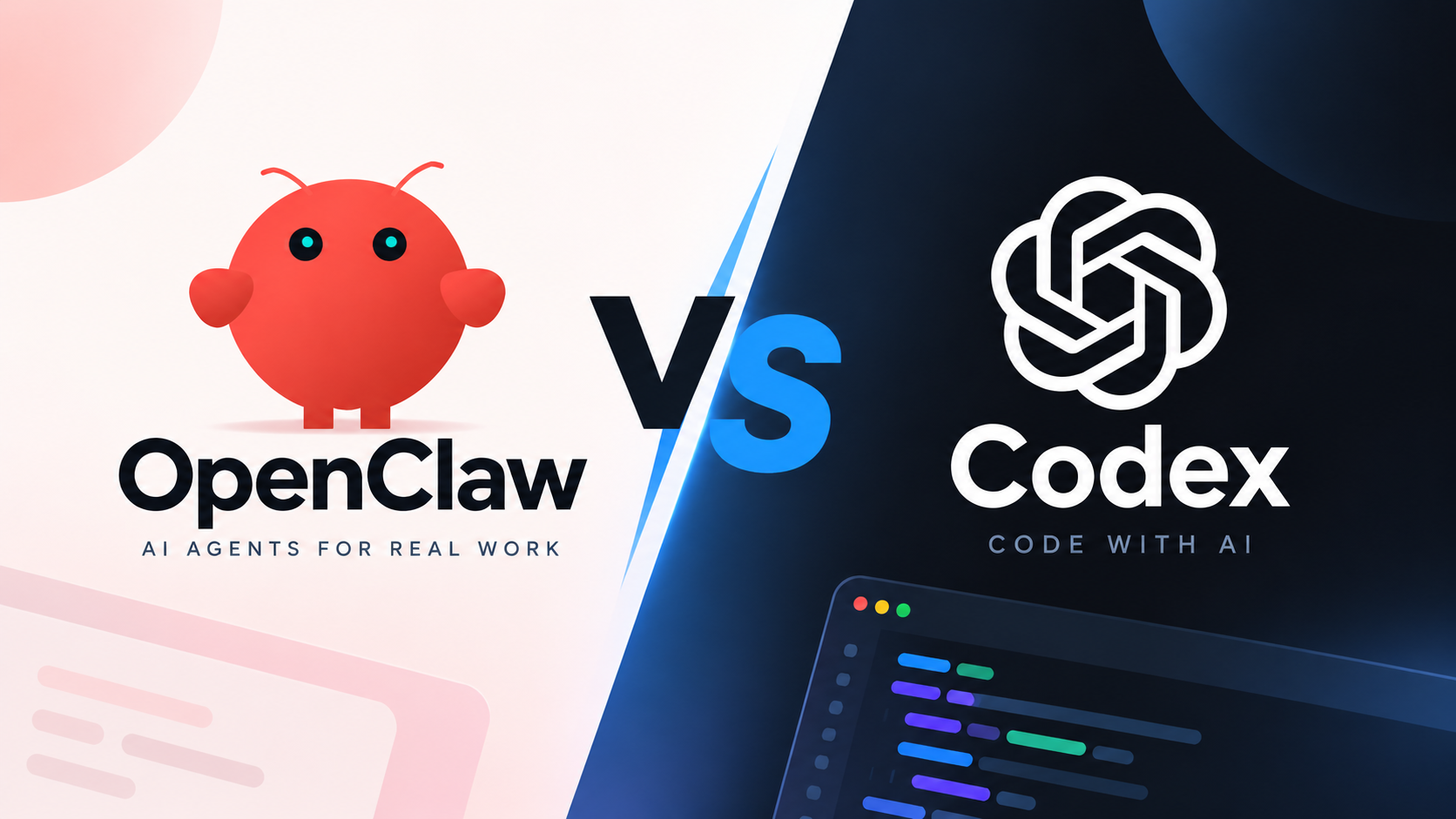
OpenClaw vs Codex: Which AI Agent Fits Your Workflow?

By Nathan Cole
MyClaw Editorial
MyClaw
Run Best-in-Class AI Agents Now
Run OpenClaw or Hermes Agent on managed MyClaw hosting, so your AI agent stays online, updated, and ready for real work.
AI Takeaway
- What is the main difference between OpenClaw and Codex CLI? OpenClaw gives you an assistant you can reach through connected messaging apps. Codex CLI lets you direct agent work from a terminal. Both can use tools and automate tasks.
- Which should you choose for coding? Codex CLI is a straightforward starting point for repository work. OpenClaw is worth considering when coding tasks belong to a larger routine involving messages, scheduled checks, and follow-ups.
- Can OpenClaw and Codex work together? Yes. OpenClaw can integrate Codex as an execution runtime or supervise supported Codex sessions. The available options depend on your version and configuration.
- When does MyClaw help? When you want a private, always-on OpenClaw instance with managed infrastructure instead of maintaining the host yourself.
OpenClaw vs Codex CLI at a Glance
OpenClaw is an open-source assistant built around a gateway: a running service that connects messaging apps, tools, and agent sessions. You operate that service on a computer or server, or use managed hosting.
Codex CLI is OpenAI's terminal interface for agent work. The broader Codex product also includes other interfaces and cloud workflows. This comparison focuses on the CLI, so you can judge the setup you would actually use.
| Decision point | OpenClaw | Codex CLI |
|---|---|---|
| Usual entry point | A connected chat channel or control dashboard | A terminal, often opened in a project directory |
| Coding work | Agent tools and configured coding runtimes | Direct repository inspection, editing, and review |
| Recurring execution | Gateway automation, schedules, and hooks | Non-interactive runs through scripts, CI, or schedulers |
| Connected tools | Configured skills, plugins, and channels | Skills, plugins, and MCP connections |
| Session continuity | Gateway-managed sessions and context | Saved sessions you can resume |
| Setup responsibility | Operate the gateway or choose managed hosting | Install and authenticate the CLI; maintain its execution environment |
Both tools can work with code and external services. The choice depends on how tasks arrive, where they run, and how you want to receive the results.
What Changes in Everyday Work?
Coding, Testing, and Reviewing Changes
Suppose a checkout test fails after a small update. You want an agent to examine the relevant files, reproduce the failure, propose a fix, and run the tests again. With Codex CLI, you can work through that sequence in the project directory and inspect the resulting changes.
OpenClaw can handle coding work through its tools and configured runtimes, too. Its added value is clearer when the bug arrives through a support channel and needs context gathered from several places. For a single local fix, setting up those connections may take more effort than the task warrants.
Coding quality also depends on the selected model, project context, and tools. Compare a reproducible task with clear acceptance criteria, then inspect the patch and tests. A confident explanation is only useful if the proposed change holds up under review.
Recurring Tasks and Chat Access
Now imagine you want an agent to check incoming issues each morning, group related reports, and send you a short briefing. OpenClaw can connect the schedule to a messaging channel, making the briefing part of your daily conversation with the assistant.
Codex CLI can run scheduled work too. You can call codex exec from a scheduler or a continuous integration (CI) pipeline, then pass its output to another tool. That gives you control over the trigger and delivery, while leaving you responsible for connecting those pieces.
Both approaches need an available execution host. Saving a conversation does not keep the agent running, and a cloud host needs its own access to the required repositories and services. Files that exist only on an offline laptop remain unavailable.
Tools, Models, and Saved Context
OpenClaw supports configurable model providers and reusable skills. For issue triage, choose OpenClaw skills for coding and research according to the information the agent must retrieve and the actions it needs to perform.

Codex CLI has skills, plugins, and Model Context Protocol (MCP) connections for external tools. It also lets you resume saved sessions. These capabilities make it useful beyond code editing, including research and file-based work when the necessary tools are available.
In either tool, preserve the instructions that matter across tasks: which project to inspect, what counts as urgent, and where results belong. Check that the next run can recover those details without depending on a reminder from you.
Setup, Permissions, and Running Costs
Who Maintains the Environment?
With Codex CLI, you maintain the machine or runner where commands execute, including the project's dependencies and credentials. Self-hosted OpenClaw adds responsibility for the gateway, channel connections, updates, and recovery. Managed hosting can take over infrastructure work, while connected-account permissions still need your attention.
For an issue-triage workflow, begin with permission to read the relevant issues and repository. Grant write access when the task requires changes, and decide which actions need review. These AI agent security practices apply whichever tool you choose.
Keep hosting privacy separate from model processing. Running either tool on your own machine does not make cloud-model requests local; the configured provider still processes the information sent to it.
What Are You Paying For?
Compare model usage, hosting, and maintenance time alongside any software or subscription fees. OpenClaw's open-source software still needs compute and model access. An existing computer may be enough for occasional use; continuous operation brings different costs.
Codex supports ChatGPT sign-in and API-key authentication. API-key usage is billed through the OpenAI Platform, separately from ChatGPT plan allowances. The authentication method and account determine available features and usage limits.
For hosted OpenClaw, check MyClaw pricing for the instance resources, included credits where offered, and usage terms. A hosting subscription should not be treated as unlimited model access. The cheaper setup depends on how often tasks run, the models they use, and the effort required to keep them working.
Can You Use OpenClaw and Codex Together?
Yes. OpenClaw supports a native Codex runtime for executing agent tasks, plus optional supervision of supported Codex sessions. Using an OpenAI model does not, by itself, establish which runtime executes the work. Check the integration you are configuring.
For example, you could configure a workflow with three stages:
- OpenClaw collects new bug reports and prepares a brief with reproduction steps.
- A Codex integration handles the coding task with access to the relevant repository.
- The workflow returns the proposed patch and test results for review.
The integration and reporting steps need to be configured for your environment.
The benefit is less manual coordination between the original request and the development task. These code automation workflows are useful when collecting context and reporting progress consume time around the actual fix.
Verify version compatibility, authentication, and repository access before relying on the handoff. A managed service may expose a different set of controls from the latest self-hosted release.
Agree on what the final report should show: completed work, tests run, and any blocked step. That makes a stopped coding session visible instead of leaving you to mistake a prepared brief for a finished fix.
If your existing CLI or CI workflow already handles the task and notifications, keep using it until you identify a specific coordination problem OpenClaw would solve.
Run an Always-On OpenClaw Workflow With MyClaw
Once you need a persistent OpenClaw workflow, decide who should operate it. MyClaw's managed OpenClaw hosting provides a private hosted instance with managed updates and backups, so the agent can remain available beyond your laptop session.
Use the issue-triage routine as a first deployment: one source of requests, one reporting channel, and a clear output.
1. Launch Your OpenClaw Instance
Choose a plan suited to the workload and launch your instance. Set a concrete goal: prepare a daily summary of new bug reports, grouped by product area, with links to the original issues. This gives you an output you can quickly check.
2. Connect One Channel and One Work Source
Configure a supported messaging channel and connect the relevant repository or issue source. Limit access to what the routine needs. If you want Codex to handle coding sessions, check which integration capabilities are available on your instance before making that handoff part of the workflow.
3. Test the Workflow Before Scheduling It
Run one triage task and inspect the output. Check that the brief identifies the right issue, includes useful context, and separates confirmed facts from assumptions. Then configure the schedule, result destination, and approval boundaries for any proposed changes.
The choice between managed and self-hosted OpenClaw comes down to operating responsibility. MyClaw handles the hosting work; you define the routine, connect the accounts, and decide what a useful result looks like.
Conclusion
To settle the OpenClaw vs Codex decision, pick one task you repeat every week. Use Codex CLI if the main need is terminal-based execution; choose OpenClaw if ongoing messaging and coordination are essential. Consider MyClaw when you want that OpenClaw workflow hosted for you. After a few runs, compare time saved, corrections needed, and total cost before expanding the setup.
Skip the Setup, Run Best-in-Class AI Agents Now
Launch a managed OpenClaw or Hermes Agent workspace in minutes, with always-on hosting, updates, and support handled by MyClaw.