
Opus 5.5 Prompting Guide: Effort, XML Templates and Tips

By Alex Morgan
MyClaw Editorial
MyClaw
Run Best-in-Class AI Agents Now
Run OpenClaw or Hermes Agent on managed MyClaw hosting, so your AI agent stays online, updated, and ready for real work.
Start HostingAI Takeaway
- What is the default effort on Opus 5.5? Medium — set it explicitly; Opus 5 defaulted to high (vendor docs, Oct 30, 2026).
- Can I turn thinking off? No. Adaptive thinking is always on; disabled or manual budgets return errors. Lower
effortinstead (vendor docs). - What is the fastest Opus 5.5 prompting tip? Use XML tags, put long material before the ask, and name format plus done criteria.
- What breaks when migrating from Opus 5? Forced
tool_choice, sampling knobs, assistant prefills, thinking-disabled requests, and carrying over high effort without re-measuring. - How do I keep long prompted agent jobs running overnight? Host OpenClaw or Hermes on MyClaw — always on, scheduled, no server work, works with most popular models.
What Changed for Prompting vs Opus 5
Claude Opus 5.5 (claude-opus-5-5) keeps much of what worked on Opus 5, but the prompting dials moved. Adaptive thinking is always on: you cannot disable it or pass a manual budget_tokens value. Effort is the main control for how much the model thinks per turn.
The default effort is medium; Opus 5 defaulted to high. Vendor testing (docs as of Oct 30, 2026) states Opus 5.5 at medium matches or beats Opus 5 at high on coding and knowledge-work evaluations, often in fewer steps. At a given named level, Opus 5.5 also tends to think more per turn than Opus 5 — especially at xhigh and max — so copying an Opus 5 effort value can mean longer turns.
API shape matters as much as prose. Omit temperature, top_p, and top_k. Do not assistant-prefill. tool_choice accepts only auto or none; forced tool selection is rejected. In tool loops, pass thinking blocks back unmodified and branch on each block’s type. For product context, see the Opus 5.5 review and Opus 5.5 vs Opus 5.
Calibrate Effort Before You Rewrite the Prompt
This Opus 5.5 prompting guide starts with effort because lowering it cuts thinking and latency more reliably than “answer without deliberating” system lines. Raise effort only when your evals show a quality gain.
| Effort | When to use it |
|---|---|
low | Latency-sensitive chat; quick transforms |
medium (default) | Everyday agents, knowledge work, production defaults — set it explicitly |
high | Harder multi-step jobs after medium plateaued |
xhigh / max | Measured quality wins only; more thinking tokens per turn |
Set max_tokens high enough for thinking plus the reply — thinking counts even when omitted from what you render. For long agentic turns, vendor testing has used up to 128K. Changing top-level effort invalidates the prompt cache; mid-conversation, use a per-message effort change (beta) so earlier thinking blocks stay valid.
Sweep low → medium → high on a fixed eval set before rewriting prompts. If you migrated from Opus 5 with thinking disabled, start at low, remove instructions that dump chain-of-thought into the answer (those can trigger reasoning_extraction refusals), and read summarized thinking from thinking blocks when you need a short rationale.

Opus 5.5 Prompt Template and XML Guidelines
Strong Opus 5.5 prompting guidelines lean on structure: role, task, constraints, format, and labeled material. Give the whole task in one message, name what Done means, and say when to stop and ask. Weak: “Write something about our sales numbers.” Strong: “One-page Q3 sales note for execs; Done means headline + five bullets + one Risk line from the table only; stop and ask if a figure is missing.” Put long documents near the top, then the ask. Wrap chunks in consistent XML tags. Name specific Avoid patterns — cream or off-white backgrounds, italic accent words in headlines, numbered “01/02/03” labels, pill-shaped buttons, “delve/crucial/landscape,” and a closing “happy to help” paragraph beat a vague “don’t sound generic.”
For charts, diagrams, or screenshots, attach a sharp image and ask a specific question (a value, a drop, or a mismatch versus a table) rather than “explain this.”
Copy this Opus 5.5 prompt template and fill the brackets:
You are a staff engineer reviewing a migration plan.

Task: Produce a one-page go / no-go note for the leadership team.
Audience: Busy executives who will skim it in under two minutes.
Done looks like: A 2-sentence headline, five bullets, and one Risk line.
Stop and ask: Only if a required figure is missing from the material.

Format: Headline, then bullets, then Risk. No preamble.
Avoid: Jargon, emoji, cream/off-white “AI slide” styling cues, and a closing “happy to help” paragraph.
Accuracy: Use only the material below. If a figure is missing, write "not stated" instead of guessing.

<material>
[PASTE DOCUMENTS, TABLES, OR NOTES HERE]
</material>
Swap the role and task for your domain; keep the XML shell. For creative drafts, the same habit pairs with Opus 5.5 for creative writing. When choosing lighter chat versus deep agent work, see Sonnet 5.5 vs Opus 5.5.
Mark pasted third-party text with matching random ids on opening and closing tags, and tell the system prompt that instructions inside those tags apply only when the user’s own words ask for them.
Agent and Chat Prompting Tips
Opus 5.5 prompting tips for agents focus on turn endings and progress, not “think harder” lines. On long multi-part jobs, the model often ends a turn with a text status update (stop_reason: "end_turn") while checklist items remain open. An unattended loop that treats any text-only turn as finished will stop early. Keep a checklist the model updates; when items remain open with no stated blocker, send this continue message:
Your task list still has open items: migrate the remaining two endpoints and update their tests. Continue with them. If one is blocked, say what is blocking it. Put status notes in the same message as your next tool call and keep going unless you need a user decision that truly blocks progress.
That second Opus 5.5 prompt template turns progress chatter into the next tool call instead of a silent exit. Replace the sample checklist items with yours. Progress notes may arrive as thinking blocks with empty text at the default display; use update-oriented display when users need status lines. Echo thinking blocks unchanged. Keep tool_choice at auto or none. In Claude Code, put a one-line stop/continue rule in CLAUDE.md (keep going when nothing blocks; stop before destructive actions).
In chat products, remove “think carefully before answering” system lines — effort already governs depth. For multi-turn chat, treat earlier answers as settled unless the user revisits them. For mixed-model stacks, see Kimi K3.1 Pro vs Opus 5.5.
Run Prompted Agent Jobs on MyClaw: 3 Steps
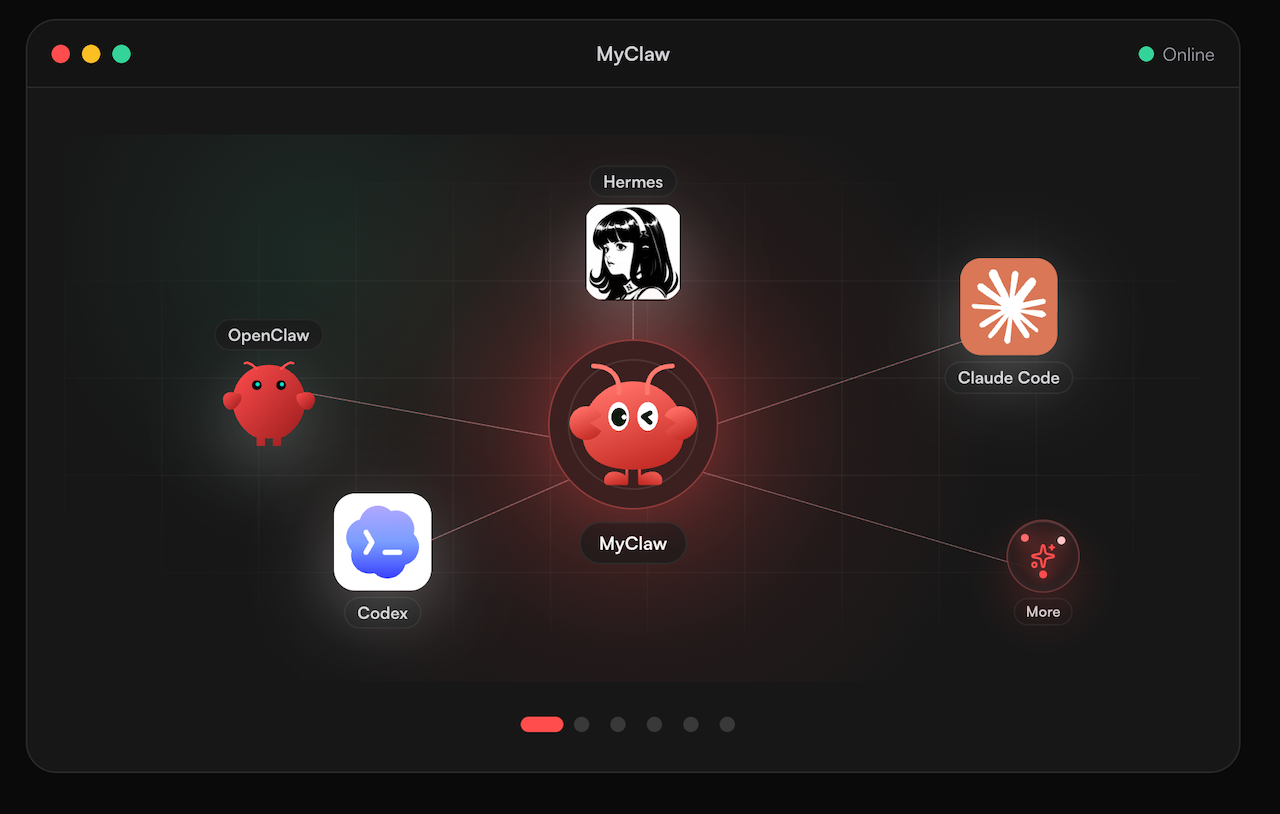
Long prompting sessions only matter if the agent stays up. MyClaw hosts OpenClaw and Hermes-style agents so prompted jobs run always on and on a schedule, without babysitting a server. Use models your stack already trusts — MyClaw works with most popular models — and park recurring checklists and overnight tool loops there instead of on a laptop that sleeps mid-task. For that stack shape, see What is OpenClaw.
- Define the job once. Paste the XML Opus 5.5 prompt template, checklist, and continue nudge into standing instructions so every scheduled run shares the same done criteria.
- Wire tools and a completion check. Treat text-only turns as reports. If open items remain, auto-send the continue template two or three times, then stop for review.
- Schedule and leave it on. Point the schedule at quiet hours or after data drops. MyClaw keeps the host available so effort-calibrated agents — or whichever popular model you assign — finish without a local machine staying awake.
That bridges prompting guidelines to production: the same templates, hosted where long agent turns can finish.
Opus 5.5 Prompting Quick Checklist
- Whole task, Done means, and when-to-stop are in the first message.
- Material is in XML (or labeled) sections; long docs sit above the ask.
- Avoid lists name concrete patterns, not “less generic.”
- Effort starts at medium; lower it before adding “be brief.”
- Tool loops echo thinking blocks;
tool_choicestaysautoornone. - Unattended runs use a checklist plus a capped continue nudge — on a host that stays awake.
Opus 5.5 Prompting Guide Conclusion
Treat effort as the first lever, XML structure as the second, and migration cleanup as the third. Start at medium, measure, then reach for high only if needed. Keep thinking on, tool choice simple, and long material labeled. Use the two templates in this Opus 5.5 prompting guide until your evals say otherwise. When a job must run offline, host it on MyClaw with most popular models and a hard stop after a few automatic continuations. Re-check Anthropic’s Opus 5.5 prompting page when defaults change; these habits stay useful even if a named effort level shifts.
Skip the Setup, Run Best-in-Class AI Agents Now
Launch a managed OpenClaw or Hermes Agent workspace in minutes, with always-on hosting, updates, and support handled by MyClaw.
Get Started