
Pika H3 Flex Review: Speed, Audio Stems, Pricing and Limits

By Olivia Hart
MyClaw Editorial
MyClaw
Run Best-in-Class AI Agents Now
Run OpenClaw or Hermes Agent on managed MyClaw hosting, so your AI agent stays online, updated, and ready for real work.
AI Takeaway
- What is Pika H3 Flex? Pika’s post-trained MiniMax H3 video-and-audio model for fast short-clip iteration, up to 12 references, optional five audio stems, and hosted finish up to 4K (vendor, Oct 29, 2026).
- Is the “7 seconds” claim end-to-end speed? No — it is transformer compute for a 15-second 768p clip in a controlled benchmark, not full API latency (vendor footnote).
- What can you run locally vs on Pika’s API? Open weights: native 480p/768p with mixed stereo. Hosted: 1080p–4K upsampler, stem export, prompt rewriter, and the accelerated stack (vendor).
- What does API pricing look like at launch? About $0.01 per output second for text/image at 480p launch and $0.03 per second for reference at 480p launch, rising with resolution; stems about $0.001 per second (product page, Oct 30, 2026 — re-check live).
- How do I keep video-agent or batch jobs running overnight? Host OpenClaw or Hermes on MyClaw — always on, scheduled, no server work, works with most popular models.
What Pika H3 Flex Is (And Is Not)
Pika H3 Flex is a post-trained MiniMax H3 model built for professional iteration: short clips with synchronized stereo audio, multimodal references, and a draft-then-finish path. Pika announced it on October 29, 2026, with open generator adapters and API access at launch, and the Pika creation product scheduled for November 2, 2026 (vendor).
Two adapters cover the modes: FL2VA for text and first/last-frame conditioning, and Ref2VA for multimodal references. You get text-to-video, endpoint-frame image-to-video, multimodal reference-to-video, and prompt-plus-reference editing. Pika cut sampling to six steps, then refined that faster path for quality and control (vendor).

It is not a full substitute for every H3 stack. Open weights omit hosted finishing. For the base family, see MiniMax H3 free online; for another short-form peer, see the Kling 4.0 review.
Speed, Specs and Hard Limits
A careful Pika H3 Flex review separates marketing speed from wall-clock delivery. The headline — a 15-second, 768p clip in as little as seven seconds — is transformer (DiT) computation in a controlled benchmark, not end-to-end API latency. References, decoding, upscaling, stem separation, hardware, and service overhead still add time (vendor footnote). Vendor research cites roughly 1.8× average speed versus fal H3 Max at 768p. Locally, expect hardware dependence: third-party notes put short ComfyUI 768p jobs in a minute-class range, and long 15-second 768p runs on one H100-class card may need CPU offload (non-vendor).
| Limit | What to expect |
|---|---|
| Duration | 5–15 seconds (integer requests; length follows the frame grid) |
| Frame rate / audio | 24 fps; native stereo at 32 kHz |
| Native resolution | 480p or 768p locally; hosted finish to 1080p, 2K, or 4K via upsampler |
| References | 12 total — up to 9 images, 3 videos, 3 audio; at least one image or video in ref mode |
| Ref clip length | Each video/audio 2–15s; combined video ≤15s and combined standalone audio ≤15s |
| Prompt | Up to 8,000 characters; seed supported; MP4 (H.264 + AAC) |
Eleven aspect ratios run from ultrawide to vertical (21:9 through 9:21). Hosted 2K/4K jobs typically generate near 768p and upscale in the same request so the take stays consistent (product page, Oct 30, 2026). If you are shopping outside this H3 fine-tune, compare Vidu S2.
Pricing, Draft-to-Finish and Open Weights
Billing is per output-video second, with separate ladders for text/image/keyframe work and reference-to-video. On the product page dated for this piece (Oct 30, 2026), launch text/image rates start near $0.01/s at 480p and step through 768p, 1080p, 2K, to $0.08/s at 4K, against higher regular list rates (for example $0.02/s at 480p and $0.16/s at 4K). Reference-to-video launch rates start near $0.03/s at 480p and reach about $0.10/s at 4K; video references also bill input-video seconds, while image and audio references do not. Audio stems list near $0.001/s. The prompt rewriter lists about $0.02 per request and is included on Pika-hosted Flex.

Work draft-low, finish-once: explore at 480p or 768p, then pay mainly the resolution difference when you keep a take. Press materials described a short launch window with daily free generations and a 50% launch discount for members or subscribers — confirm end dates live; do not treat them as evergreen.
Open weights (Hugging Face + GitHub) cover text-to-video, endpoint-frame modes, and multimodal reference-to-video at native 480p/768p with mixed stereo. The 1080p–4K upsampler, five stem export, optional prompt enhancement, and accelerated serving stack stay Pika-hosted (vendor). Stems — Dialogue, Score, SFX, Foley, Ambience as WAV — come from separating a synchronized mix, which still helps in an editor even though they are not five independent masters from the first pass.
Pros and Cons
Pros: Six-step sampling for faster short-clip iteration; up to 12 multimodal references; synchronized stereo plus optional five editable API stems; open FL2VA/Ref2VA adapters; clear draft-at-768p → finish-to-4K path.
Cons: Hard 15-second ceiling; stems and high-res finishing are hosted-only; seven seconds is compute, not door-to-door latency; quality tables and DesignArena ranks are vendor-timed snapshots; vendor human studies still prefer other systems for physics, multi-scene narrative, lighting/materials, and some action-heavy work; comfortable local runs need serious GPU (sometimes with offload).
When to Choose Flex vs MiniMax H3, Seedance or Kling
Choose Pika H3 Flex for rapid 5–15 second drafts, reference-guided shots, and a post path that can isolate dialogue from score. Stay on base MiniMax H3 when you need the foundation model outside Pika’s finishing stack — the H3 overview linked above is the right entry. Reach for Seedance 2.5 when the brief needs longer sequences or a larger multimodal reference budget than Flex’s short-clip envelope. Compare Wan 2.7 when you want another peer short-form system instead of locking into one H3 fine-tune.
Score tools on cost per usable clip — retries, reference billing, and finishing — not on the compute headline alone. Keep a short A/B log of the same prompt across Flex and one peer so preference is evidence, not vibe. If physics-heavy action or multi-scene continuity keeps failing, switch peers before you raise resolution. That decision frame is the useful half of any Pika H3 Flex review once the launch numbers are dated.
Run Video Agent Jobs on MyClaw: 3 Steps
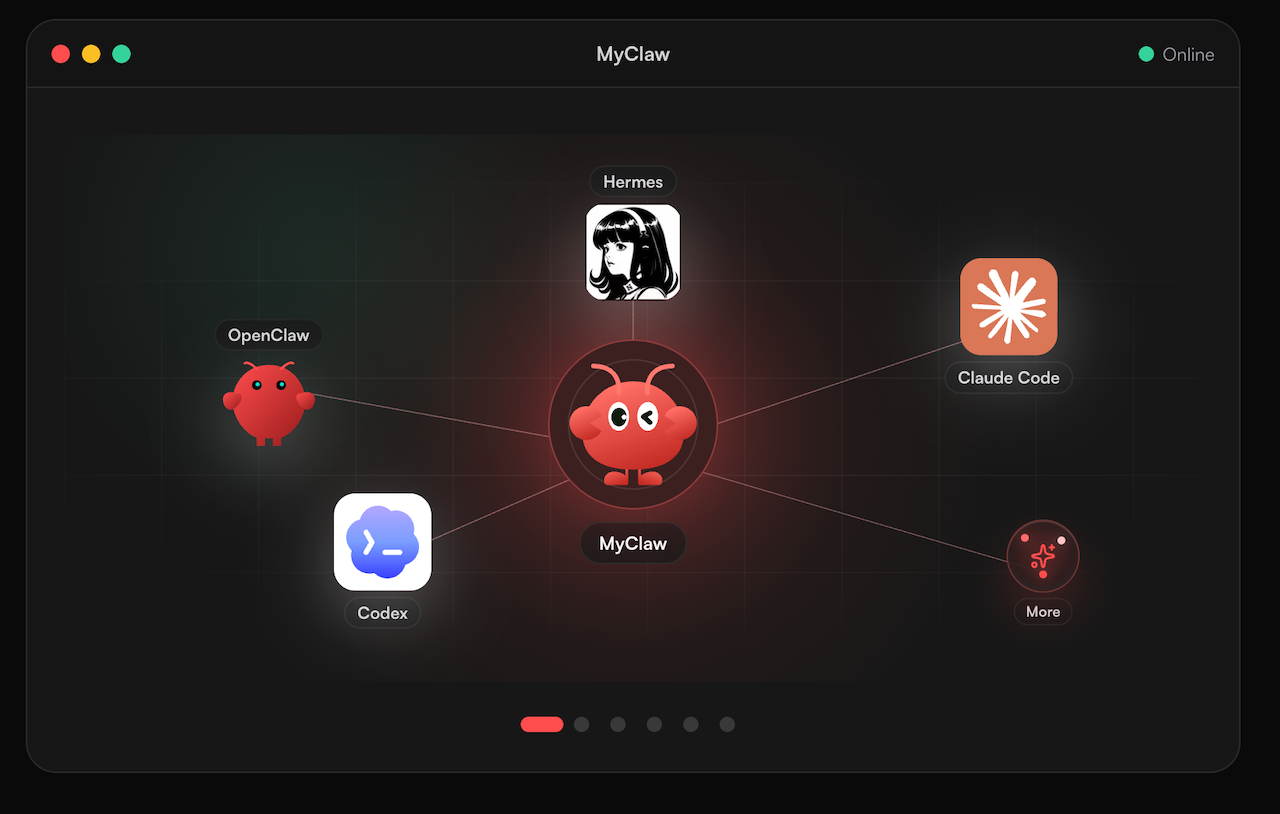
Long generation queues only help if the worker stays awake. MyClaw hosts OpenClaw and Hermes-style agents so prompted video pipelines, review loops, and overnight batch jobs can run always on and on a schedule, without babysitting a server. Use models your stack already trusts — MyClaw works with most popular models — and park recurring jobs there instead of on a laptop that sleeps mid-render. For that stack shape, see What is OpenClaw.
- Define the job once. Put duration, aspect ratio, reference rules, and done criteria into standing instructions so every scheduled run starts the same way.
- Wire tools and a completion check. Treat failed or partial renders as open checklist items; cap automatic retries so a stuck job stops for human review.
- Schedule and leave it on. Point quiet-hour schedules at draft batches, then finish only signed-off takes at higher resolution.
That keeps iteration moving overnight — without pinning the host to any single vendor model.
Pika H3 Flex Review Conclusion
Treat Pika H3 Flex as a fast short-clip iteration layer on MiniMax H3: six-step drafts, multimodal references, optional stems, and a hosted path to 4K. Read the seven-second claim as transformer compute only, keep local 480p/768p weights distinct from hosted finishing, and re-check live per-second prices before you budget a campaign. For stories beyond fifteen seconds or heavier continuity, look to Seedance-class tools rather than forcing Flex past its envelope. For batch jobs that must finish while you are offline, park an agent on MyClaw with most popular models and a hard stop after a few retries.
Skip the Setup, Run Best-in-Class AI Agents Now
Launch a managed OpenClaw or Hermes Agent workspace in minutes, with always-on hosting, updates, and support handled by MyClaw.