Sierra AI Review: Features, Pricing, Pros and Cons (2026)

By Olivia Hart
MyClaw Editorial
MyClaw
Run Best-in-Class AI Agents Now
Run OpenClaw or Hermes Agent on managed MyClaw hosting, so your AI agent stays online, updated, and ready for real work.
AI Takeaway
- Is Sierra AI worth evaluating? Yes, if your support operation needs agents that act on connected systems across voice, messaging, and email, and can support a structured pilot.
- How much does Sierra AI cost? The official pages reviewed publish no standard rate card. Sierra uses agreed outcomes and, in some cases, blended pricing; you need a written quote.
- What are its strongest features? Connected actions, Agent Studio's workflow and testing tools, and customer context across interactions.
- What are the main drawbacks? Limited cost visibility before a quote, plus the integration and operating work needed to establish value for your specific workflows.
- When should you consider MyClaw? When the job is internal inbox triage and reply preparation using a private, always-on OpenClaw agent, with configured human review.
What Is Sierra AI, and Who Is It For?
Sierra is a platform for building customer-facing AI agents. Its agents combine company knowledge, customer context, and connected tools to work through service requests, including actions that require access to business systems.
Take an order-change request: a useful AI customer service agent needs to find the order, check the policy, make a permitted change, and explain what happened. Sierra's appeal is bringing that work into the customer conversation.
Its strongest fit is a support operation with repeatable requests that cross several systems or channels. A team mainly clearing a shared inbox should establish how much automation it needs beyond drafting and routing.
This Sierra AI review assesses official product information checked on November 4, 2026. It is based on documentation rather than hands-on production testing.
Sierra AI Features That Matter in a Support Workflow
Agent Studio, Integrations, and Testing
Agent Studio brings workflow instructions, company knowledge, connected tools, and testing into one environment. Sierra lists more than 40 pre-built integrations, alongside custom integration support. Agent Traces expose decisions and tool calls, while simulations and regression testing help teams evaluate changes.
The practical strength is having tools to inspect and improve an agent after launch. Customer editing is documented, so the useful question is which changes your team can own. Have a support operator update a policy and test a journey during the demo.
Check connector depth too: reading an order and changing it require different permissions. Verify the exact action your workflow needs.
Voice, Messaging, Email, and Human Handoff
Sierra documents voice, website and mobile messaging, SMS, WhatsApp, and email. Its Live Assist offering also supports care representatives with suggested responses and actions.
That breadth makes Sierra relevant when customers contact you through several entry points. Examine what happens when automation reaches its limit: the receiving teammate should get the issue, relevant account details, attempted actions, and a clear reason for escalation.
For voice, test interruptions, background noise, and the terminology customers use. Judge whether the request gets completed and the handoff works, alongside how natural the agent sounds.
Customer Context and Operational Controls
Context Engine is designed to maintain customer context across interactions and draw on connected records. Horizon extends Sierra into proactive customer journeys that can run over longer periods.
Sierra also describes supervisory models, controlled system access, and privacy protections. For support teams, the important question is how those controls apply to an actual case: which records the agent can access, what it may change, and what a reviewer can inspect afterward. Confirm retention and compliance requirements for your deployment.
Sierra AI Pricing: How Much Does It Cost?
Sierra's reviewed official pages do not publish a standard price per outcome or a public subscription table. A useful budget comparison therefore starts with a scoped quote.
What Counts as a Billable Outcome?
Sierra's outcome-based model ties charges to agreed results, such as resolved conversations or retained subscriptions. Its pricing explanation says unresolved conversations and escalations are uncharged in most cases. It also allows blended arrangements, including conversation-based pricing for routing-style interactions.
Agree on what completes the outcome. If a customer returns about the same unresolved issue, does that change the original charge? For a retained subscription, how is retention measured? The answers determine what the quoted unit price buys.
What Is the Total Cost of Running It?
Treat online contract estimates as unverified until Sierra confirms the terms for your proposal. Request written answers covering:
- Outcome definitions, repeat contacts, and reopened cases.
- Any minimum commitment, channel-specific rates, and volume terms.
- Implementation scope, integration work, and ongoing changes.
- Access to the records needed to reconcile billing and results.
Ask which items are included and which, if any, are billed separately.
Compare total pilot cost ÷ verified completed cases with your current support baseline. Include internal setup and review effort. Use the same observation window and treatment of repeat contacts for both, so a low reported resolution cost does not conceal extra work for your team.
Sierra AI Pros and Cons
Sierra brings connected actions, multiple channels, and agent editing into one platform. The buying tradeoffs center on pricing visibility and the effort required to turn those capabilities into a reliable support operation.
| Strength | Limitation or buying tradeoff |
|---|---|
| Connected tools can move a request toward completion. | Your specific actions, permissions, and exception paths still need validation. |
| Voice, messaging, and email cover several service environments. | Each channel adds scenarios to test and operational decisions to own. |
| Agent Studio provides editing and evaluation tools. | Confirm who can change what, and which changes require additional support or commercial agreement. |
| Outcome-based pricing can tie spending to agreed results. | No standard public rate card means early budget comparisons require a sales quote. |
Sierra is most compelling when resolving the issue requires several connected actions. For routine reply drafting, weigh how much of the platform you would use. The potential reduction in manual work needs to justify integration, testing, and ongoing ownership.
When comparing AI customer support agents for SaaS, give weight to your existing helpdesk and required actions. Channel breadth matters most when you will use it.
How to Test Sierra Before Committing
Choose one workflow with a visible completion condition, such as an allowed order change. Use representative historical cases with routine requests, missing information, policy exceptions, and escalation scenarios.
Assess four things: policy adherence, successful system actions, useful handoff context, and repeat contacts. Check the underlying record alongside the conversation; a confident confirmation is not evidence that an update succeeded.
Include a failed system action. Does the agent recognize the failure, avoid claiming success, and give the customer an accurate next step? This reveals more than another straightforward policy question.
Then have your team change a policy, test it, and release the update through the agreed process. Assign an owner for reviewing failures and maintaining source material after launch.
Set acceptance criteria against your current support baseline before reviewing results. This exercise may also reveal that the immediate bottleneck is internal email triage and reply drafts. In that case, pilot the narrower workflow first.
Use MyClaw for Internal Support Triage and Reply Drafts
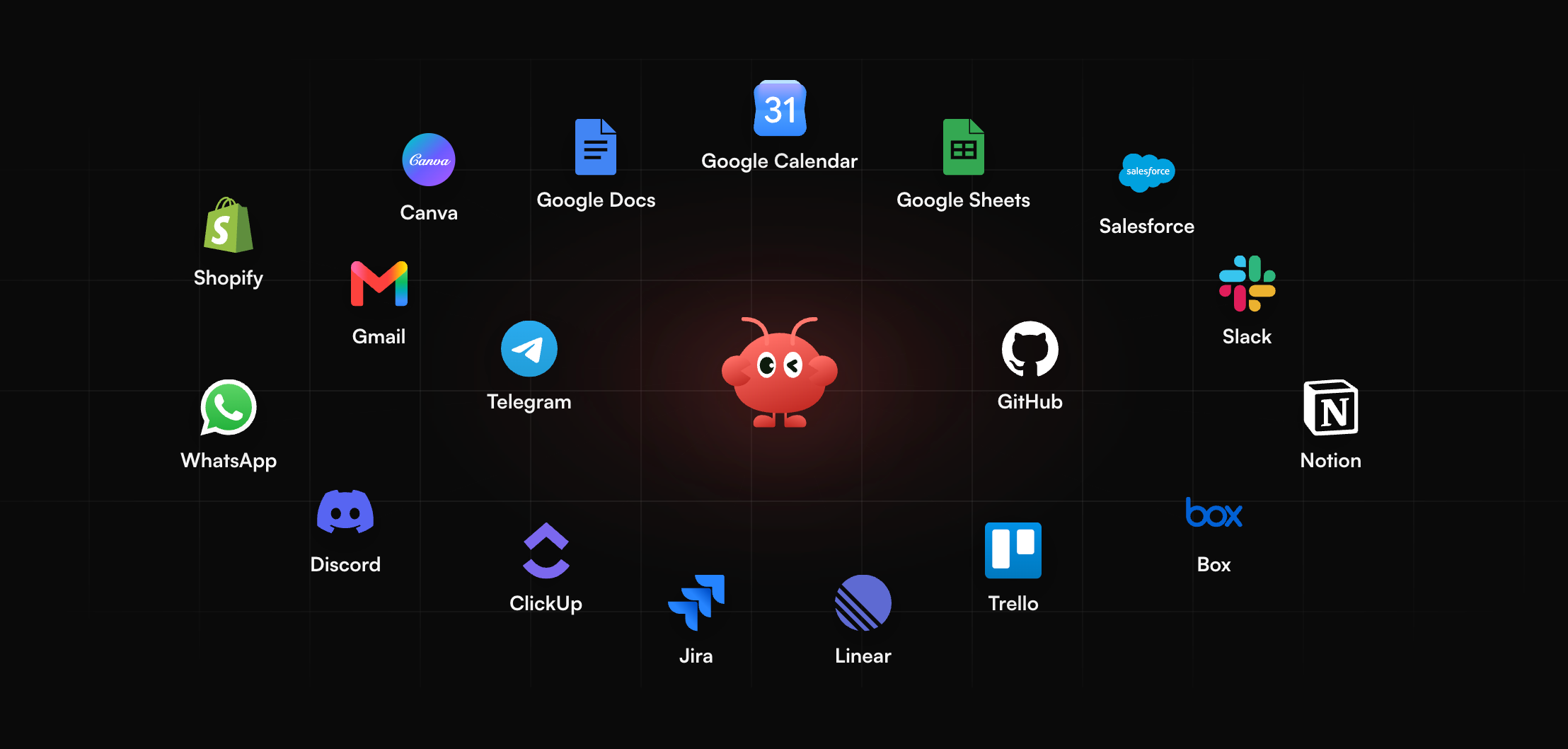
When support staff spend too much time sorting messages and assembling context, MyClaw offers a way to automate that preparation. It provides managed OpenClaw hosting for a private, always-on agent, including maintenance and backups. Your team configures the tools, knowledge access, and review rules.
The customer support triage workflow combines request classification, drafts based on approved knowledge, and context for human handoff. A morning support queue is a useful first task because a teammate can inspect every result.
To set it up:
- Launch the workspace. Choose a suitable MyClaw plan and deploy an OpenClaw agent for one queue or recurring support task.
- Connect the knowledge and inbox. Authorize the required tools, provide current policies, and define routing rules. Require approval for sensitive replies and account decisions.
- Review the first queue. Check classifications, source references, and drafts against real cases. Refine the instructions before scheduling recurring runs or expanding permissions.
A useful first deliverable is a queue summary with urgency, relevant policy, a proposed reply, and an escalation reason where needed. Keep a teammate responsible for approval while measuring how much preparation time it saves.
Your team still owns the support process. Hosting alone does not provide a complete ticketing operation or establish equivalence with Sierra's contact-center capabilities.
Is Sierra AI Worth It?
Sierra is worth shortlisting when your support operation needs connected actions across customer-facing channels and can own the testing and maintenance. Request a quote tied to one measurable workflow. For internal assistance, assess MyClaw hosting plans plus separate AI token costs against the preparation work you want to remove.
Skip the Setup, Run Best-in-Class AI Agents Now
Launch a managed OpenClaw or Hermes Agent workspace in minutes, with always-on hosting, updates, and support handled by MyClaw.