Vidu S2 Review (2026): Real-Time Avatar, Editing & Pricing

By Emma Reed
MyClaw Editorial
MyClaw
Run Best-in-Class AI Agents Now
Run OpenClaw or Hermes Agent on managed MyClaw hosting, so your AI agent stays online, updated, and ready for real work.
AI Takeaway
- What is Vidu S2? Vidu S2 is Shengshu Technology’s (Vidu AI) real-time video system: S2-Avatar for interactive digital characters and S2-Editing for live stream edits, with a public demo on Vidu Stream.
- How is this different from a normal AI video generator? It targets continuous interactive sessions and on-the-fly stream edits, not one-shot clips from Kling, Runway, Luma, MiniMax H3, or Gemini Omni.
- What quality does Vidu claim? Official materials claim 720p+ avatar output at 25–42 FPS, stronger instruction following than S1 (including dance), and vendor benchmark wins; independent long-session reviews were still thin as of mid-September 2026.
- How much does Vidu S2 cost? Official API docs list 1.5 credits/sec for Avatar Real-Time and 1 credit/sec for Component, Offline, and Editing, at $0.005 per credit. Consumer plans and trials change — verify on Vidu’s pricing page; treat new-user credits as promotional, not forever-free.
- Does MyClaw run Vidu S2? No. MyClaw hosts always-on OpenClaw agents and Chat image tools; it does not expose Vidu S2 in Chat. Use it for briefs, reference stills, optional user-configured API orchestration, and file follow-through.
What Vidu S2 Actually Is
Vidu S2 is Shengshu’s streaming model family for live digital humans and live video edits — not another Vidu Q3 or Q2 clip route. The paper Vidu S2: Real-Time Interactive, Editable, and Spatial Video Generation (arXiv 2609.11638) and mid-September 2026 launch coverage frame it as an interactive session, not a render-and-download short.
S2-Avatar lets you talk to and direct a character in real time, with voice-driven motion. S2-Editing applies style, outfit, character, or background changes to a live camera, video, or image stream while it moves. An optional spatial path aims at stereo headset output. Offline avatar covers the non-live case: one character image plus audio or text yields a talking video.
The public demo lives on Vidu Stream; the API covers Avatar Real-Time, Avatar Component, Avatar Offline, and Editing. Clip generators such as Gemini Omni 1.1 Flash produce short files for ads and social cuts; Vidu S2 is a live session you stay inside. Prefer current S2 720p language over leftover S1 540p copy on older pages.
Vidu S2 vs Vidu S1
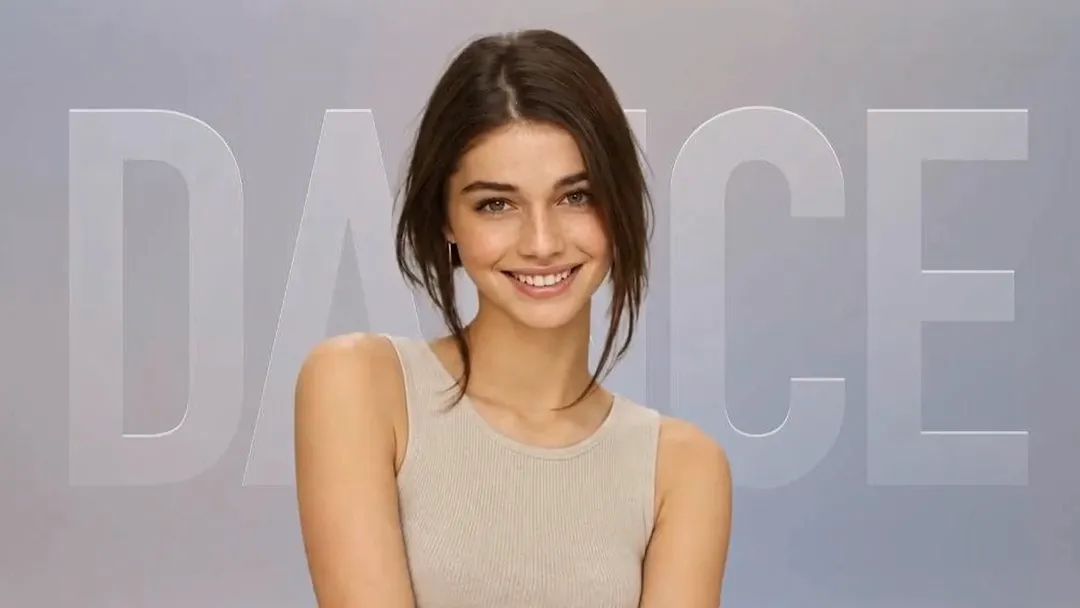
S1 shipped real-time avatars at 540p, about 25 FPS with peaks cited up to 42. S2-Avatar claims 720p+, adds dynamic references mid-stream, and markets stronger full-body and dance instruction following, plus real-time Editing and an exploratory spatial path. Attribute claims to official materials; do not invent latency milliseconds.
Vidu S2-Avatar vs Vidu S2-Editing
| Job | Model | Input | Output |
|---|---|---|---|
| Talk or direct a character live | S2-Avatar | Voice, character image, optional refs | Interactive session or offline file |
| Edit a moving camera or clip live | S2-Editing | Camera/video/image + style or outfit refs | Edited live stream |
| Batch lip-sync explainers | Avatar Offline | Image + audio or text | Downloadable talking video |
| Bring your own ASR / LLM / TTS | Avatar Component | Your stack + avatar session | Real-time avatar without bundled speech |
When to Use S2-Avatar
Use Avatar when the character is the product: voice conversation, interruption, two-way perception, and voice-controlled motion including dance. Livestream demos that pick up an item, wear an outfit, or switch a background from refs fit here. Characters can be PGC presets or user-created; choose offline when you need a file, not a call.
When to Use S2-Editing
Use Editing when motion and timing come from a real source stream (P-video) while style, clothing, identity, or background come from reference images. Tasks: style transfer, virtual try-on, character replacement, and background replacement — with mid-stream reference switches. Sibling clip models such as MiniMax H3 still win when you only need a fixed 4–15 second export.
Features That Matter in Practice
Dynamic References During a Live Session
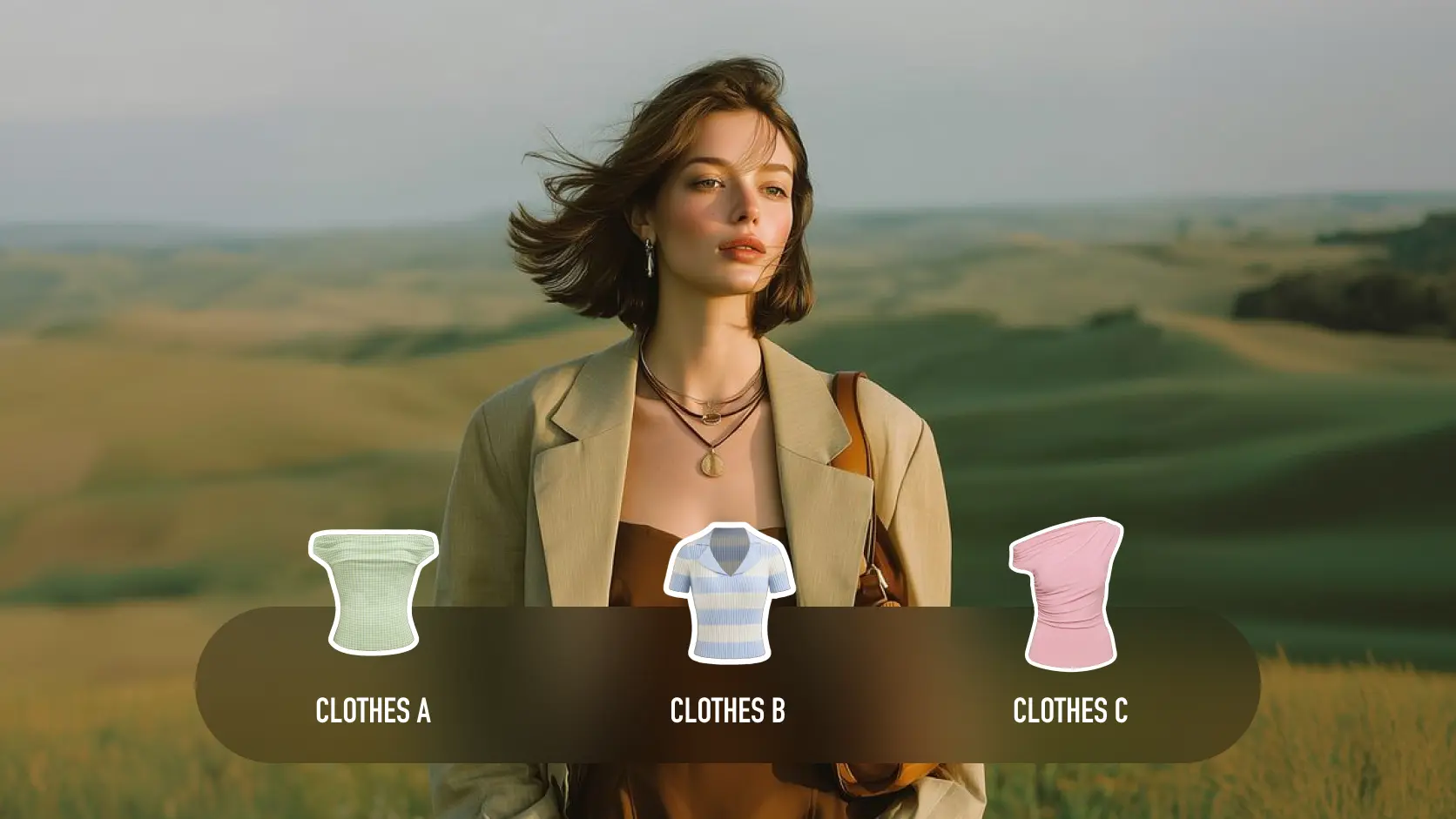
Object, outfit, and background references can be added on Avatar while the session runs; Editing can swap them mid-stream. Test one mid-session outfit or product swap under your lighting before promising a shoppable livestream.
Offline Avatar Videos
Image plus audio or text yields a lip-synced file through Avatar Offline — better for batch explainers than a live call, still billed per second.
Spatial Video for Headsets
Paper and launch notes describe stereo left/right views from an avatar or edited mono stream. Shengshu still treats the headset path as exploratory. Soften VR claims until you see it on your target headset.
Pros:
- Real-time talk-and-direct avatars at claimed 720p and 25–42 FPS
- Live style, try-on, character, and background edits on a moving stream
- Mid-session reference updates instead of restarting a clip
- API split across full pipeline, Component, and offline file
Cons:
- Independent long-session reviews are still scarce
- Official 720p and SOTA claims need your own camera and lighting test
- Live sessions burn credits per second; extra concurrency is expensive on the API
- Spatial and VR path is exploratory, not a shipping guarantee
- Some Vidu marketing pages still mix S1 540p copy with S2
Pricing, Credits, and Free Access
Keep app credits on Vidu’s consumer site separate from API credits on the developer platform — do not paste Q3 clip prices as S2 rates.
Official S2 API rates (verified mid-September 2026): $0.005 per credit. Avatar Real-Time uses 1.5 credits/sec (~$0.0075/sec). Avatar Component, Offline, and Editing each use 1 credit/sec (~$0.005/sec). Voice cloning: first 10 free, then 899 credits (~USD 4.50) each. Concurrency: 5 sessions free; each extra costs 416,000 credits/month (~USD 2,080/month). A 60-second Real-Time Avatar test is about 90 credits (~$0.45) before clone fees or extra concurrency.
Consumer pages are heavily client-rendered. Official FAQ: subscription credits last 30 days; purchased and bonus credits last longer; sign-up trial, daily login, and events are how free access appears — not forever-free unlimited S2. Platform docs have also advertised a limited new-user S2 credit promo with a redemption cap. Named Standard / Premium / Ultimate dollar figures circulating online were not reliable enough to publish — check Vidu’s consumer pricing page before you budget.
MyClaw hosting and Chat billing are separate — do not mix Vidu credits with MyClaw plan dollars. See MyClaw pricing only when sizing an always-on agent workspace; token usage is not included in hosting.
Who Vidu S2 Is for and Who Should Skip
Good fit: live digital-human demos, e-commerce guides, education NPCs, real-time try-on or background swaps on camera, and teams with a Vidu API key.
Weaker fit: cinematic 1080p/2K short ads (use a clip model), fully local offline generation, guaranteed VR production, or anyone who needs a free always-on avatar.
MyClaw Chat is the wrong place to “open Vidu.” It is the right place to draft scripts and build reference stills for outfits, products, and backgrounds. Guests get one shared AI request without a card — a trial, not forever-free video.
Run the Work around Vidu S2 on MyClaw
 MyClaw does not replace Vidu and does not run S2 inside Chat. It hosts a private always-on OpenClaw agent for the work around a live session: briefs, asset packs, optional user-configured API calls, credit logs, and delivery.
Step 1: Lock the Session Brief
Write audience, Avatar versus Editing, character still, voice (preset versus clone), reference set (object, outfit, background), success checks (identity, lip-sync, motion, lighting), and a hard credit cap before start.
Step 2: Stage Assets and Connect Only What You Need
Generate or clean reference stills in MyClaw AI Chat and the Image Generator. If you need automation, add your Vidu API key as an explicit tool — do not assume a native Vidu skill. Test one 15–30 second session before you loop.
Step 3: Review, Log, and Deliver
Keep the agent online to store takes, prompts, credit burn, and keeper filenames while a person approves likeness, brand safety, and publish. Hosting and Vidu credits remain separate invoices. Soft path: start from Chat for briefs and stills, or managed hosting when the loop should run overnight — beside Vidu, not a substitute.
Should You Try Vidu S2 Now?
Yes if you need a live character or a live edit, not another ten-second clip. Try the official Vidu Stream demo first and treat vendor benchmarks as a starting claim. Pay for API seconds and concurrency only after a timed test on your camera and product. Keep MyClaw for briefs, stills, and an agent versus LLM execution loop — with no fake model switch inside Chat.
Skip the Setup, Run Best-in-Class AI Agents Now
Launch a managed OpenClaw or Hermes Agent workspace in minutes, with always-on hosting, updates, and support handled by MyClaw.